EasyManua.ls Logo

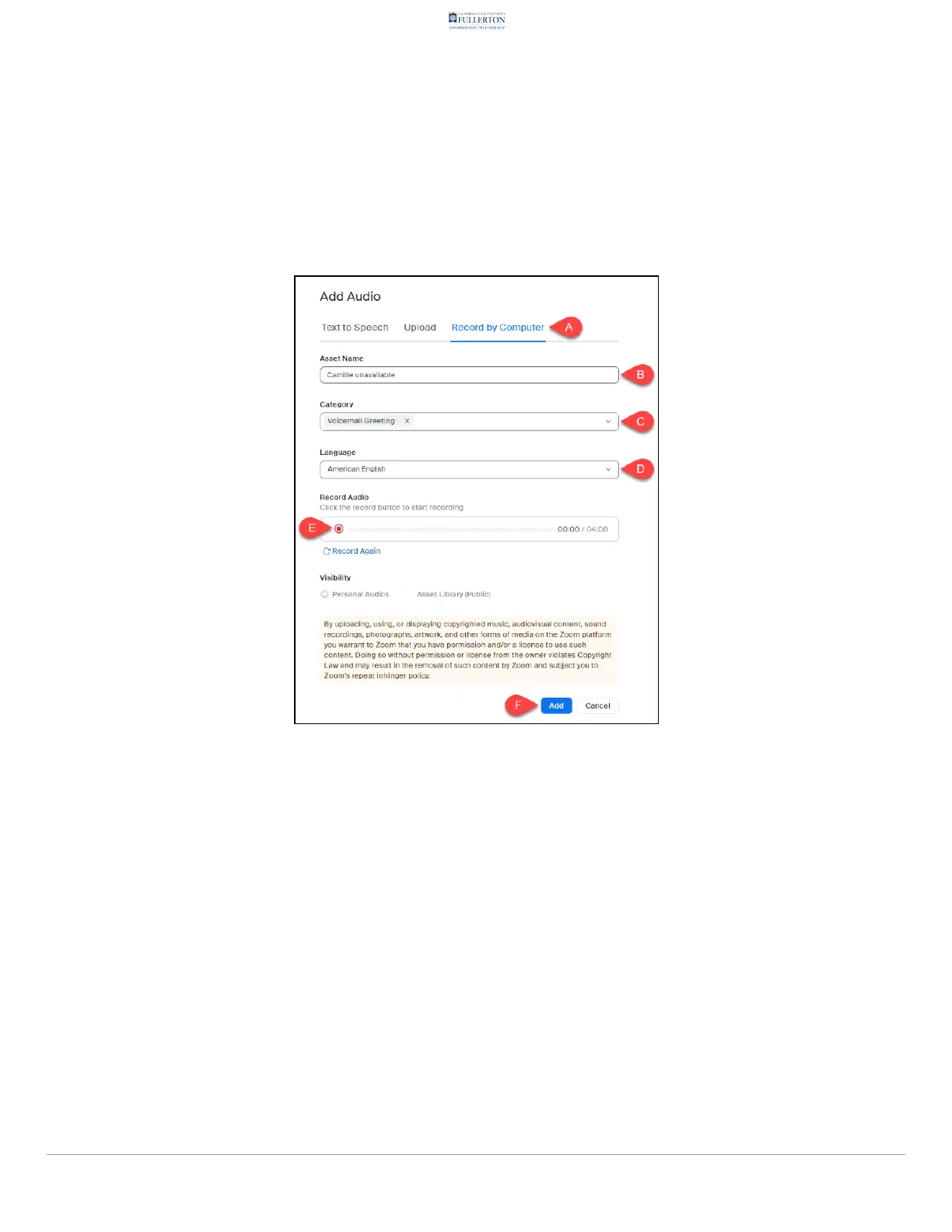
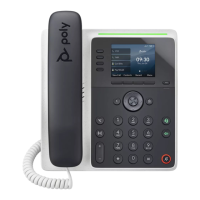
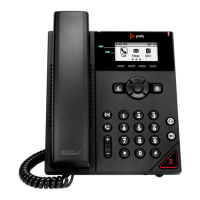
Poly Edge E100 - 3.2. To record a new voicemail greeting, click Record by Computer. Then, type in the Asset Name. Select Voicemail Greeting from the Category menu. Select a language from the Language menu. Then, click the Record button to begin recording your message. When youre finished, click Add.

Poly Edge E100
32 pages
Print Icon
To Next Page IconTo Next Page
To Previous Page IconTo Previous Page
Loading...
$79.,79-*6.>=72,.5*2409..;260,42,3".,79-+@758<;.9
$1.6;@8.26;1.::.;*5.#.4.,;&72,.5*249..;260/975;1.
*;.079@5.6<#.4.,;*4*60<*0./975;1.*60<*0.5.6<$1.6,42,3
;1.".,79-+<;;76;7+.0269.,79-260@7<95.::*0.'1.6@7<9.
A62:1.-,42,3--
 =;5<%847*-
 ?E7C3E;E=7;?E:7::.;*5.
 +7=75E.@;57>3;=!C77E;?98C@>E:7*;.079@6C@A6@H?>7?F
 +7=75E3=3?9F3978C@>E:7*60<*0.6C@A6@H?>7?F
 =;5<E:7".,79-4FEE@?E@C75@C6J@FC>7DD397
 =;5<--E@366E:7C75@C6;?9E@J@FCDD7E%;4C3CJ3?6D7E;E3DJ@FCG@;57>3;=
9C77E;?9
!*0.2@@>):@?7.@;57>3;=@H?=@3676;D5=3;>7C,:;D6@5F>7?E;D@?=JG3=;63D@8E:7
63JE;>7H:7?;E;D6@H?=@3676)=73D7G;7HE:7@C;9;?3=H746@5F>7?E8@CE:75FCC7?EG7CD;@?

Table of Contents

Other manuals for Poly Edge E100

Related product manuals