EasyManua.ls Logo

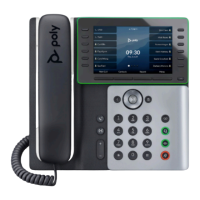
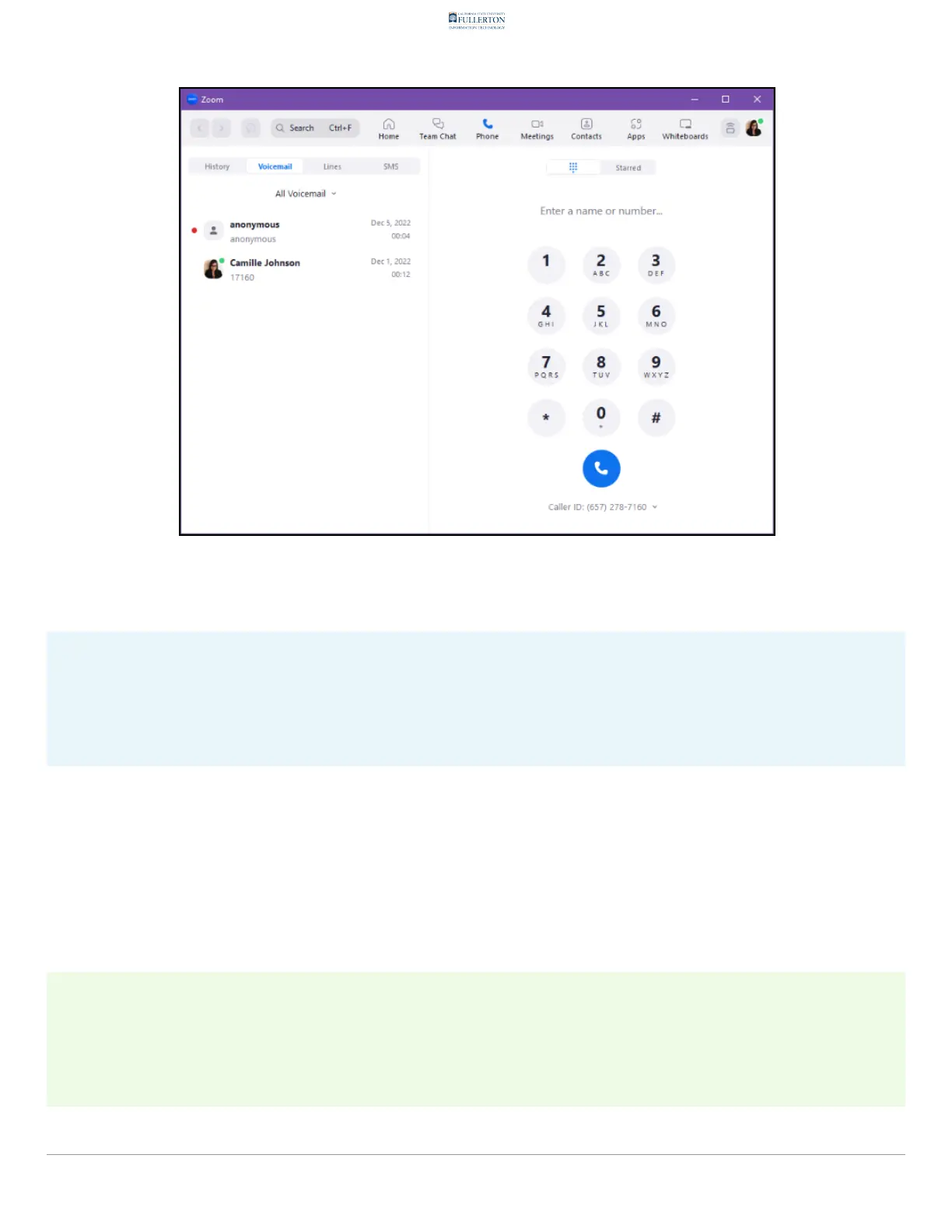
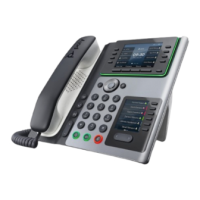
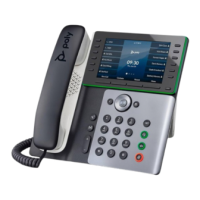
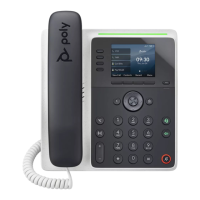
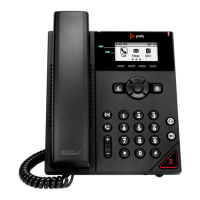
Poly Edge E100 - 1. Open your Phone in the Zoom desktop client. Then, click on the Voicemail on the left side of the screen. Use the drop-down menu to select if you want to view All, only Unread, or marked to Follow Up voicemails. You can also select which Line you want to check the voicemail for if you have multiple phone lines.

Poly Edge E100
32 pages
Print Icon
To Next Page IconTo Next Page
To Previous Page IconTo Previous Page
Loading...
557DD3?6=;DE7?E@G@;57>3;=D
1@FH;==3=D@C757;G73?7>3;=5@?E3;?;?9E:73F6;@N=73?6EC3?D5C;AE;@?@8
J@FCG@;57>3;=
 8.6@7<9!176.26;1.)775-.:3;78,42.6;$1.6,42,376;1.
&72,.5*2476;1.4./;:2-.7/;1.:,9..6%:.;1.-978-7>65.6<;7
:.4.,;2/@7<>*6;;7=2.>44764@%69.*-795*93.-;77447>%8
=72,.5*24:(7<,*6*4:7:.4.,;>12,126.@7<>*6;;7,1.,3;1.
=72,.5*24/792/@7<1*=.5<4;284.8176.426.:
#8J@FD773C766;9;E@?E:7E34;E;?6;53E7D:@H>3?JF?C736G@;57>3;=DJ@F
:3G7
!*0.2@@>):@?7.@;57>3;=@H?=@3676;D5=3;>7C,:;D6@5F>7?E;D@?=JG3=;63D@8E:7
63JE;>7H:7?;E;D6@H?=@3676)=73D7G;7HE:7@C;9;?3=H746@5F>7?E8@CE:75FCC7?EG7CD;@?

Table of Contents

Other manuals for Poly Edge E100

Related product manuals