EasyManua.ls Logo

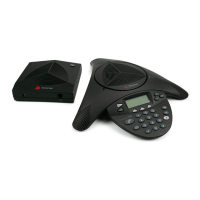
Polycom PLATON SoundStation IP6000 - User Manual

Polycom PLATON SoundStation IP6000
2 pages
Print Icon
To Next Page IconTo Next Page
Loading...
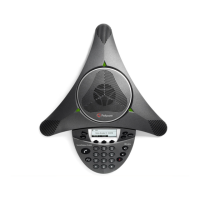
Polycom SoundStation IP6000 Conference Phone Instructions
1. Making Calls
i. Outside Calls
Press
Press and Desired Phone Number Or Talk
Press Dial
ii. Calling Other Extension
Press
Dial Extension Number Or Talk
Press Dial
iii. Redial
Press will dial the previous dialed number
2. Answering Calls
Press Talk
3. Address Book
Press Press Use the Navigation Key to select
Dir
Dial
Question and Answer IconNeed help?

Do you have a question about the Polycom PLATON SoundStation IP6000 and is the answer not in the manual?


Polycom PLATON SoundStation IP6000 Specifications

General IconGeneral
BrandPolycom
ModelPLATON SoundStation IP6000
CategoryConference Phone
LanguageEnglish

Related product manuals