• On a Windows computer, navigate to My Computer
and click the People+Content IP folder.
• On a Mac computer, navigate to Finder then search for and run the People+Content IP
application.
3. Open the content you want to show, and click .
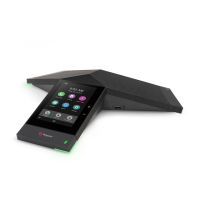
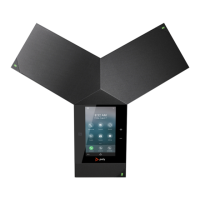
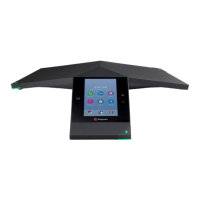
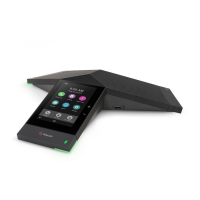
Sharing Content on Polycom Trio
Smart Choice Communications | (800) 217-3096 | www.smartchoiceus.com | techsupport@smartchoiceus.com
© 2019 Smart Choice Communications, LLC





 To Next Page