EasyManua.ls Logo

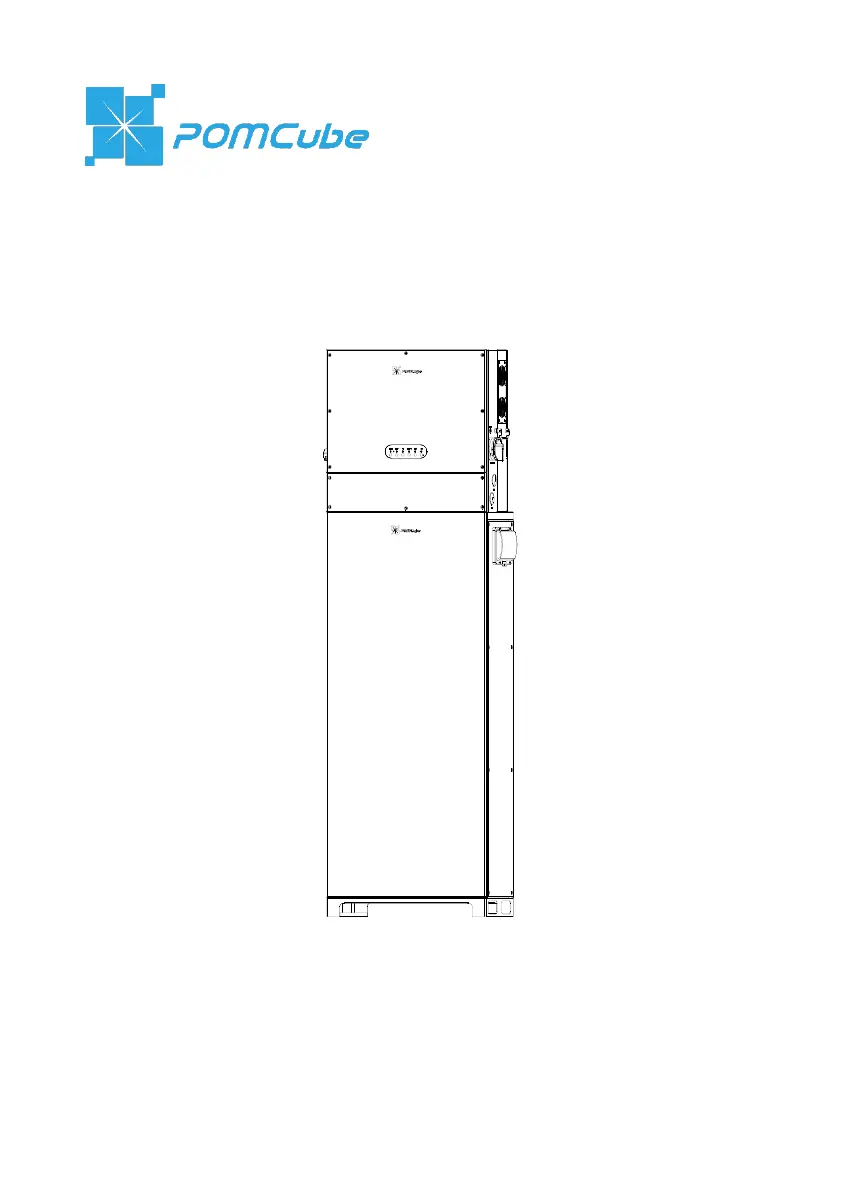
POMCube iCAN NetZero Plus Series - User Manual

Default Icon
63 pages
Print Icon
To Next Page IconTo Next Page
Loading...
iCAN
®
NetZero Plus
User Manual (Outdoor Version)
Published in Sep 2022

Questions and Answers

  • N
    Nathan RogersSep 4, 2025
    Why is the Network Indicator on my POMCube Battery Pack Universal PCS always blinking green?
    • T
      Tracey CurtisSep 4, 2025
      If the Network Indicator on your POMCube Universal PCS Battery Pack is always blinking green, it could be due to several reasons: * The router may not be working properly: Check the router status and reset it if needed. * Incorrect Wi-Fi password: Try re-configuring the network. * Wi-Fi unit changed: Re-configure the network. * Disconnected Ethernet cable: Double-check and reconnect the Ethernet cable. * Abnormal 4G network: Check if there are enough credits for the SIM card and that the carrier’s network is working normally. Also, verify the 4G network configuration in the app.
  • A
    Ashley CamposSep 18, 2025
    What to do if the generator fails to start remotely with my POMCube Battery Pack?
    • T
      Timothy MurphySep 18, 2025
      If the generator fails to start remotely with your POMCube Battery Pack, it could be due to the generator not working properly or a disconnected remote control cable. Check the generator and ensure the remote control cable is properly connected.
  • A
    Angela MartinezSep 16, 2025
    What does it mean if the Status Indicator on BCMS module/battery system/battery module is solid yellow while SOC is 0% on POMCube Battery Pack?
    • B
      Brittney JacksonSep 16, 2025
      If the Status Indicator on the BCMS module/battery system/battery module is solid yellow while the SOC is 0% on your POMCube Battery Pack, it indicates a low battery. Charge the battery.
  • A
    Andrew AllenSep 14, 2025
    What to do if the Network Indicator on my POMCube Battery Pack Universal PCS is always solid white?
    • A
      Austin CunninghamSep 14, 2025
      If the Network Indicator on your POMCube Universal PCS Battery Pack is always solid white, it suggests there might be an issue with the router or internet connection. Check your internet status and reset the router if necessary.
  • R
    Ryan PaulSep 13, 2025
    Why is the Status Indicator on my POMCube Battery Pack Universal PCS blinking green?
    • K
      krodriguezSep 13, 2025
      If the Status Indicator on your POMCube Universal PCS Battery Pack is blinking green, it means the system was turned off by the energy management unit, possibly due to low battery, over temperature, low temperature, or over current of the battery. Try rebooting the battery system. If the problem persists, shut down the system and contact support.
  • D
    Denise HallSep 12, 2025
    Why is the Run Indicator blinking green and the Status Indicator blinking blue on my POMCube Battery Pack Universal PCS?
    • J
      James SnowSep 12, 2025
      If the Run Indicator on your POMCube Universal PCS Battery Pack is blinking green and the Status Indicator is blinking blue, it means the inverter unit or PV charging unit is upgrading. Wait until the upgrade is finished. If the blinking blue persists, reboot the Universal PCS. If the issue continues, shut down the system and contact support.
  • J
    John JonesSep 9, 2025
    What does it mean if the Status Indicator on at least one battery module keeps blinking in blue for over 30 seconds on POMCube Battery Pack?
    • M
      Michele AliSep 9, 2025
      If the Status Indicator on at least one battery module is blinking blue for over 30 seconds on your POMCube Battery Pack, it indicates a failure in CAN communication. Reconnect the communication cable between the BCMS and the battery module, then reboot the system.
  • D
    David HullSep 7, 2025
    What to do if the Status Indicator on BCMS module/battery system keeps blinking in blue for over 60 seconds on POMCube Battery Pack?
    • M
      Michelle PerkinsSep 7, 2025
      If the Status Indicator on your POMCube BCMS module/battery system is blinking blue for over 60 seconds, it indicates that the battery system failed its self-inspection. Try rebooting the battery system.
  • B
    Brittany DavisSep 5, 2025
    Why is the Network Indicator on my POMCube Battery Pack Universal PCS always blinking red?
    • P
      Phillip WilliamsSep 6, 2025
      If the Network Indicator on your POMCube Universal PCS Battery Pack is always blinking red, it could be due to a few reasons: * The Wi-Fi is not 2.4G: Select a 2.4G Wi-Fi for connection. * Indicator not blinking red before configuration: Ensure the indicator is blinking red before configuring the network and try re-configuring. * SIM card failure: Replace with a new SIM card.
  • A
    Amber BarberAug 21, 2025
    What to do if the Run Indicator on my POMCube Battery Pack Universal PCS is solid red?
    • J
      jphamAug 21, 2025
      If the Run Indicator on your POMCube Universal PCS Battery Pack is solid red, it indicates an inverter unit fault, such as overload, short circuit, or grid over voltage. First, check if the load is abnormal. Then, reboot the Universal PCS. If the issue persists, shut it down and contact support. It can also indicate abnormal connection/voltage of batteries. Check the battery connection and voltage, then reboot the Universal PCS. If the issue persists, shut down and contact support.

Summary

Safety Instructions

Warning Label

Explanation of various warning symbols and their meanings used on the product.

About iCAN NetZero Plus

Parts and Features

Detailed descriptions and diagrams of the system's components and features.

Specifications

Technical specifications for Universal PCS and Lithium Iron Battery System.

Installation

Mounting

Step-by-step instructions for physically mounting the iCAN NetZero Plus unit.

Internal Wiring

Guidance on connecting internal components and wiring within the unit.

Battery System Installation

Instructions for installing the battery modules into the system.

External Wiring

Procedures for connecting external cables to the iCAN NetZero Plus.

Safety Check

A checklist of safety checks to perform after installation.

Basic Operations

Boot System

Step-by-step guide for powering on and initializing the iCAN NetZero Plus system.

POMCube iCAN NetZero Plus Series Specifications

General IconGeneral
BrandPOMCube
ModeliCAN NetZero Plus Series
CategoryBattery Pack
LanguageEnglish

Related product manuals