16
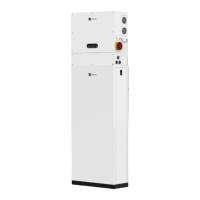
Battery System Parts and Features
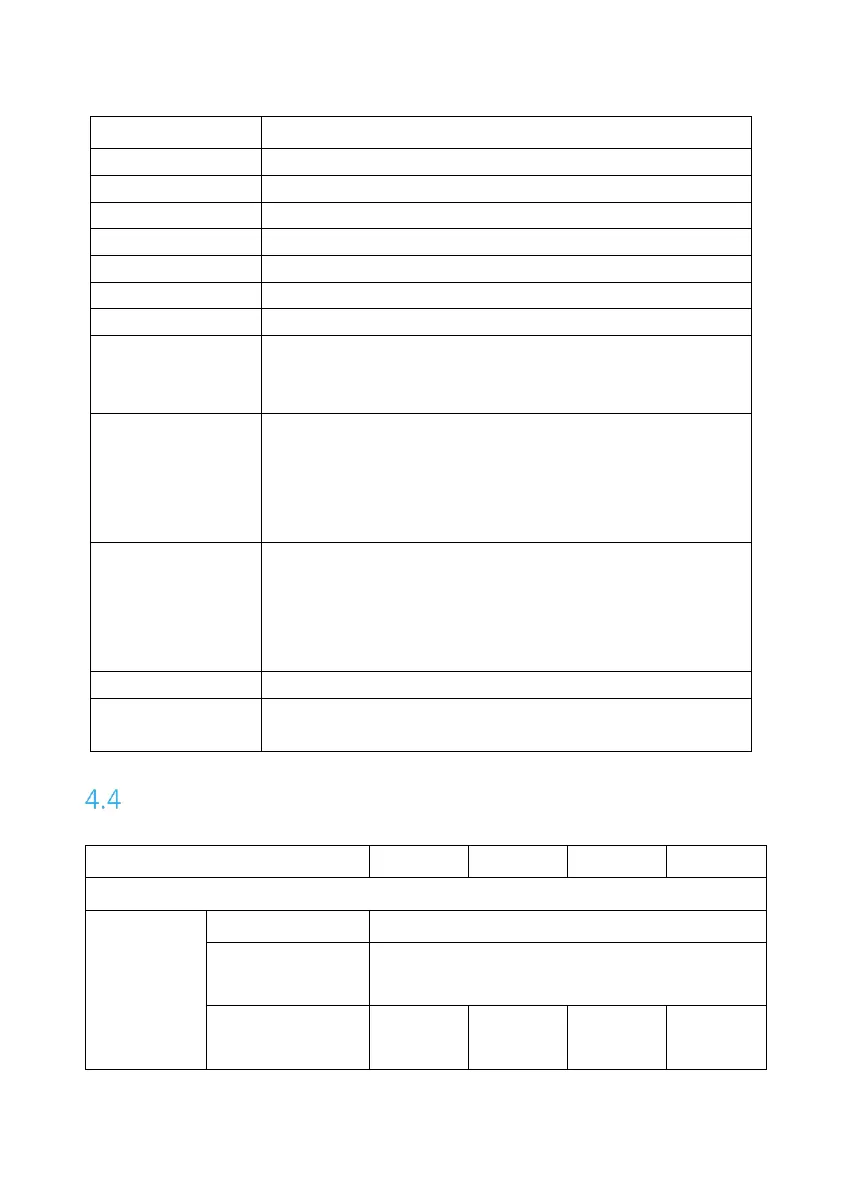
Battery management system
Open it to check battery indicator lights.
Connect/Disconnect the battery output
Manually start battery system
Indicate real time battery capacity: Each light
represents 25% capacity. The lights blink in sequence
under system charging and discharging.
Battery System
Status Indicator /
BCMS Module
Status Indicator
Blinking Yellow: Startup or upgrade in progress
Blinking Blue: Self-inspecting
Solid Green: Running normally
Solid Yellow: Alarming
Solid Red: Protection/Fault
Battery Module
Status Indicator
Blinking Yellow: Startup or upgrade in progress
Blinking Blue: Self-inspecting
Solid Green: Running normally
Solid Yellow: Alarming
Solid Red: Protection/Fault
Open to turn on/off the battery system
Reset BCMS
Specifications
Max. Discharge
Efficiency



 To Next Page