EasyManua.ls Logo

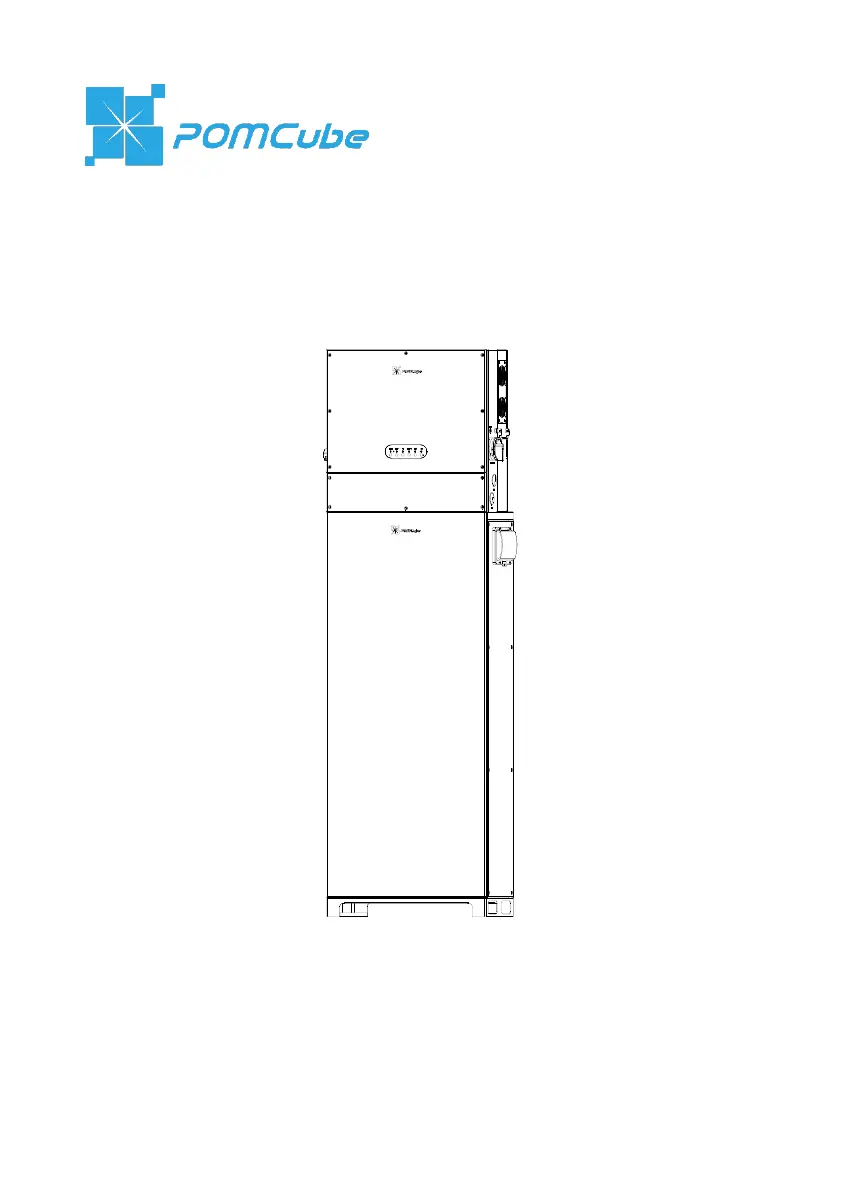
POMCube iCAN NetZero Plus Series - User Manual

Default Icon
63 pages
Print Icon
To Next Page IconTo Next Page
Loading...
iCAN
®
NetZero Plus
User Manual (Outdoor Version)
Published in Sep 2022

Questions and Answers

  • K
    Kevin PittmanSep 2, 2025
    What does it mean if the Status Indicator on my POMCube Battery Pack Universal PCS is solid red?
    • P
      Pamela GraySep 2, 2025
      If the Status Indicator on your POMCube Universal PCS Battery Pack is solid red, it indicates an internal communication fault within the energy management unit. Try rebooting the Universal PCS. If the problem continues, shut down the system and contact support.
  • B
    Brian FreemanAug 31, 2025
    What does it mean if the Status Indicator on BCMS module/battery system is solid red and the Status Indicator on at least one battery module is solid yellow or off on POMCube Battery Pack?
    • A
      Amanda MatthewsAug 31, 2025
      If the Status Indicator on your POMCube BCMS module/battery system is solid red, and at least one battery module's Status Indicator is solid yellow or off, it indicates that the battery system is in a low or high voltage protection mode. To resolve low voltage, charge the battery. For high voltage, check if the communication cable for BCMS and EMS is disconnected and leave it switched ON for 30 minutes. If it does not recover, shut it down and contact support.
  • C
    Christopher OwensAug 29, 2025
    What does it mean if the Status Indicator on BCMS module/battery system is solid red and the Status Indicator on every battery module is solid green on POMCube Battery Pack?
    • B
      Bryan DunnAug 30, 2025
      If the Status Indicator on your POMCube BCMS module/battery system is solid red while all battery module indicators are solid green, it indicates a battery system over-current or short circuit protection issue. Disconnect the output switch of the battery system and check for any external short circuits. Then, reboot the battery system. If the problem persists, shut down the system and contact support.
  • D
    Debra MillsAug 28, 2025
    What to do if the Network Indicator on my POMCube Battery Pack Universal PCS is always solid red?
    • L
      larrymooreAug 28, 2025
      If the Network Indicator on your POMCube Universal PCS Battery Pack is always solid red, it might indicate that the energy management unit has crashed or is damaged. Try rebooting the Universal PCS. If the problem persists, shut it down and contact support.
  • Z
    Zachary PorterAug 27, 2025
    What does it mean if the Run Indicator on my POMCube Battery Pack Universal PCS is solid yellow?
    • D
      Diane McneilAug 27, 2025
      If the Run Indicator on your POMCube Universal PCS Battery Pack is solid yellow, it suggests a PV charging unit fault, such as PV input over-voltage, or abnormal connection/voltage of batteries. Check the PV input voltage, battery connection, and voltage. Then, reboot the Universal PCS. If the issue continues, shut down the system and contact support.
  • E
    Elizabeth CisnerosAug 25, 2025
    What to do if the Status Indicator on my POMCube Battery Pack Universal PCS is blinking red?
    • D
      dianeboltonAug 25, 2025
      If the Status Indicator on your POMCube Universal PCS Battery Pack is blinking red, this indicates a communication fault between the energy management unit and the battery system, or between the energy management unit and the inverter/PV unit. First, try rebooting the Universal PCS, then reboot the battery system. If the issue isn't resolved, shut down the system and contact support.
  • S
    samuelpetersonAug 22, 2025
    What to do if the Status Indicator on BCMS module/battery system is solid red and the Status Indicator on at least one battery module is solid red on POMCube Battery Pack?
    • J
      Jennifer BellAug 23, 2025
      If the Status Indicator on your POMCube BCMS module/battery system is solid red, and at least one battery module's Status Indicator is also solid red, it signifies that the battery system is in a critical protection mode. To resolve this, try charging the battery or rebooting the battery system. If the problem continues, shut down the system and contact support.

Summary

Safety Instructions

Warning Label

Explanation of various warning symbols and their meanings used on the product.

About iCAN NetZero Plus

Parts and Features

Detailed descriptions and diagrams of the system's components and features.

Specifications

Technical specifications for Universal PCS and Lithium Iron Battery System.

Installation

Mounting

Step-by-step instructions for physically mounting the iCAN NetZero Plus unit.

Internal Wiring

Guidance on connecting internal components and wiring within the unit.

Battery System Installation

Instructions for installing the battery modules into the system.

External Wiring

Procedures for connecting external cables to the iCAN NetZero Plus.

Safety Check

A checklist of safety checks to perform after installation.

Basic Operations

Boot System

Step-by-step guide for powering on and initializing the iCAN NetZero Plus system.

POMCube iCAN NetZero Plus Series Specifications

General IconGeneral
BrandPOMCube
ModeliCAN NetZero Plus Series
CategoryBattery Pack
LanguageEnglish

Related product manuals