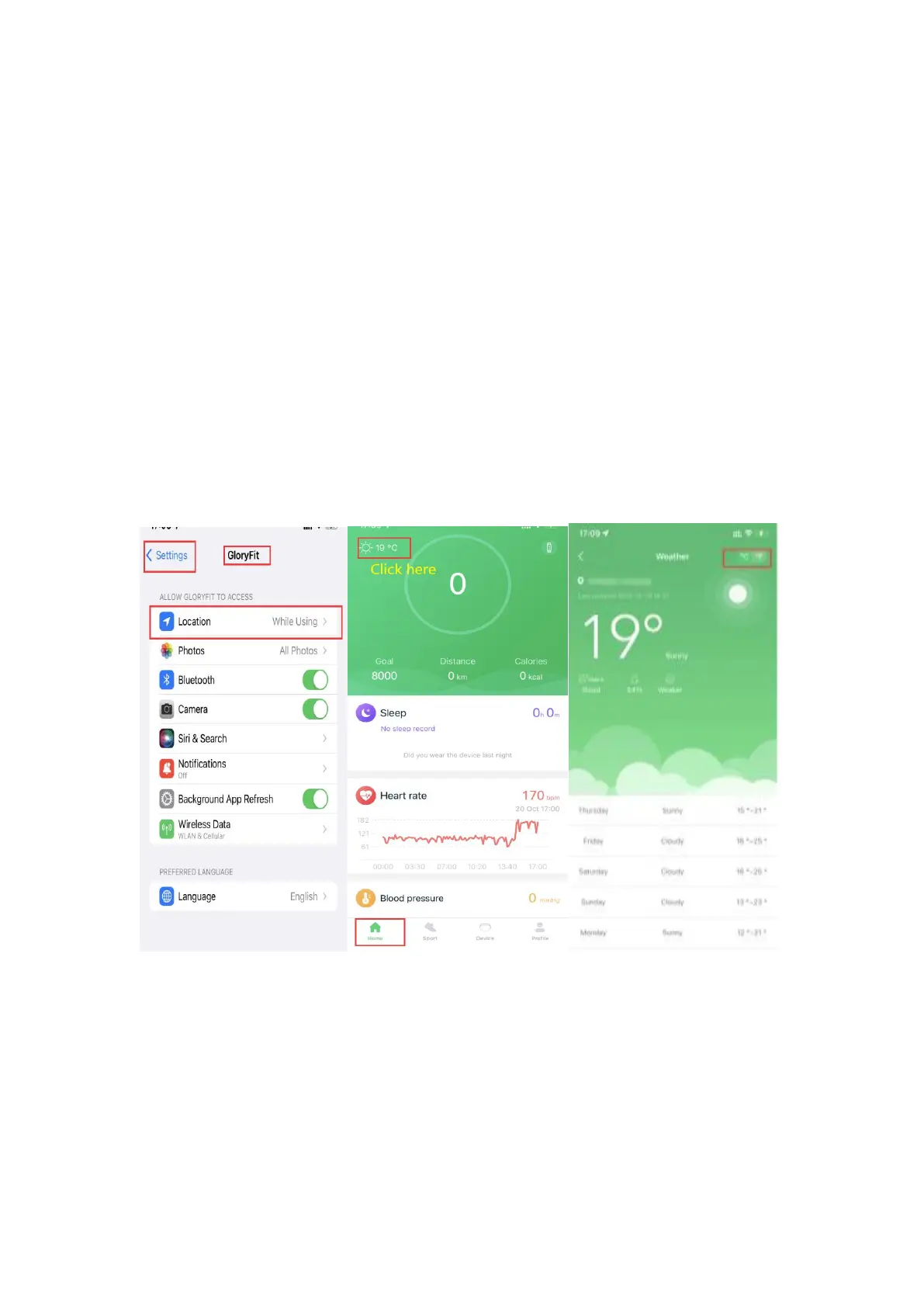
8. How to set the weather display?/How to change weather
from Celsius to Fahrenheit?
(1) Make sure the app GloryFit can access your location.
(2) Swipe right on the watch’s home screen, click Weather, you
can view the weather for the day, then swipe up and you can
view the weather for the next six days.
(3) Also you can follow the below steps to view the weather and
change weather from Celsius to Fahrenheit in the app.


 To Next Page