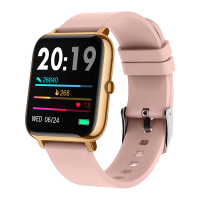
3. How to switch the watch face?
Set on the watch:
(1) Long press the watch home screen, swipe right/left to choose
the watch face you like.
(2) Swipe right on the watch’s home screen, click Setting
→
Watch face
→
you can choose the watch face you like.
Set in the app:
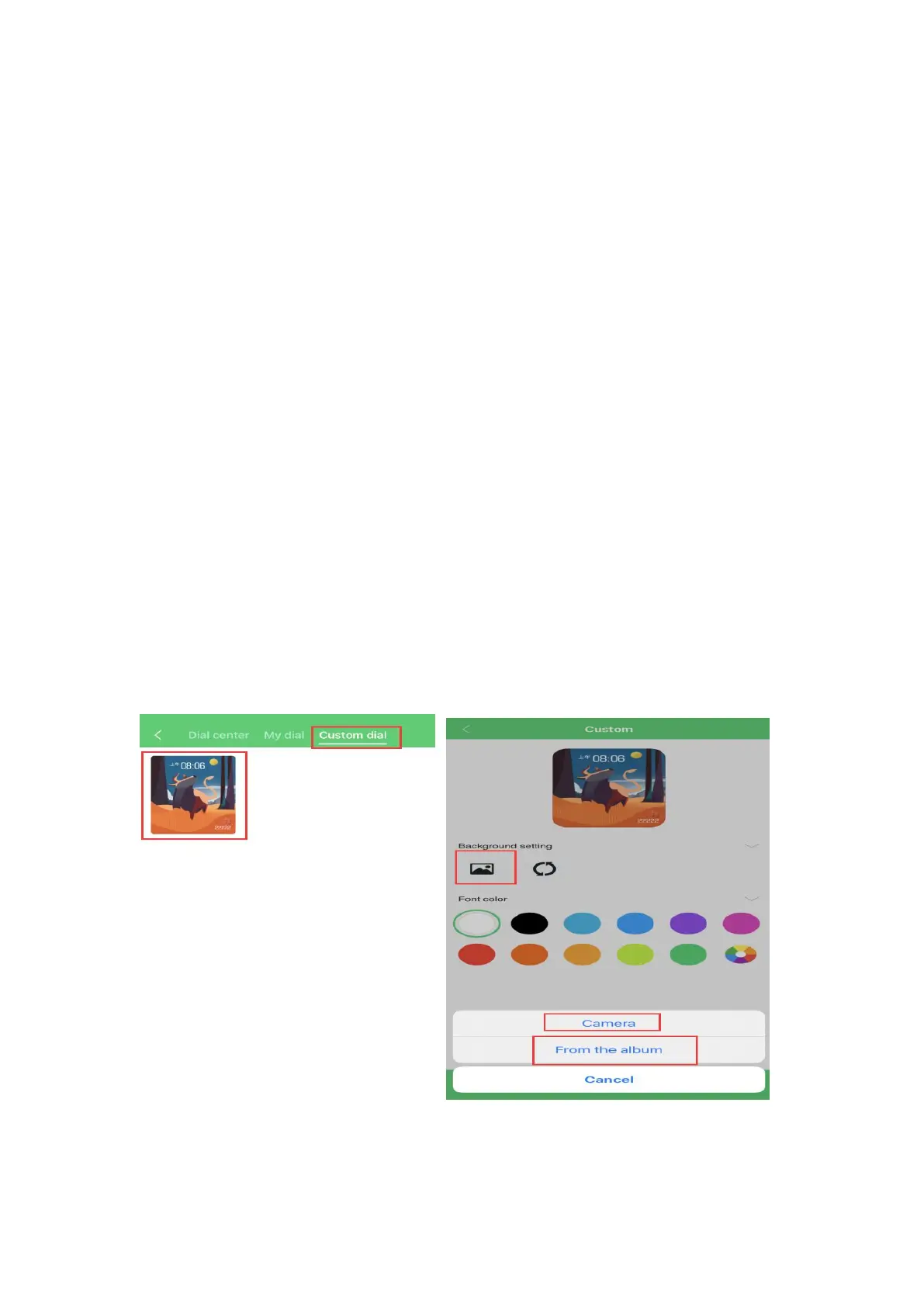
(1) Under connection, open the app GloryFit, click Device
→
Watch faces
→
you can download and set the watch faces you
like in Dial center.
(2) Also, you can click the image in Custom dial to custom
your watch face.


 To Next Page