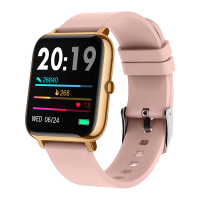
1. How to connect the watch with your phone?
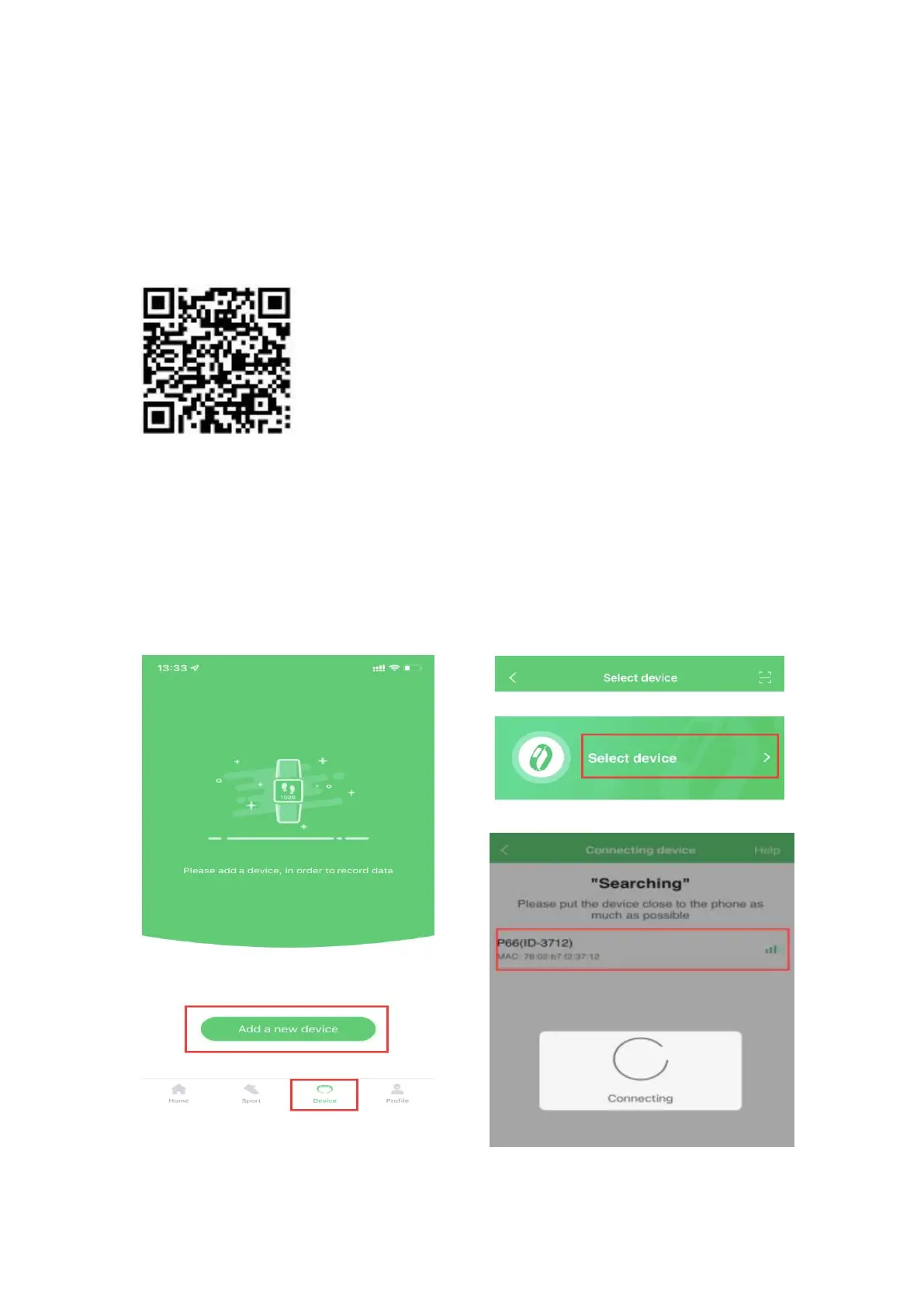
(1) Download the app GloryFit from App Store or Google Play,
or by scanning the QR code below.
(2) Keep phone Bluetooth on, open the app GloryFit
→
click
Device
→
Add a new device
→
Select device
→
P66, allow
Bluetooth Pairing Request
→
allow P66 to Receive Your
Phone Notifications.


 To Next Page