11 - ENG
TROUBLESHOOTING GUIDE
MANY COMMON PROBLEMS CAN BE SOLVED EASILY BY UTILIZING THE CHART
BELOW. FOR MORE SERIOUS OR PERSISTENT PROBLEMS, CONTACT CALL THE
PORTER-CABLE CUSTOMER CARE CENTER AT (888) 848-5175.
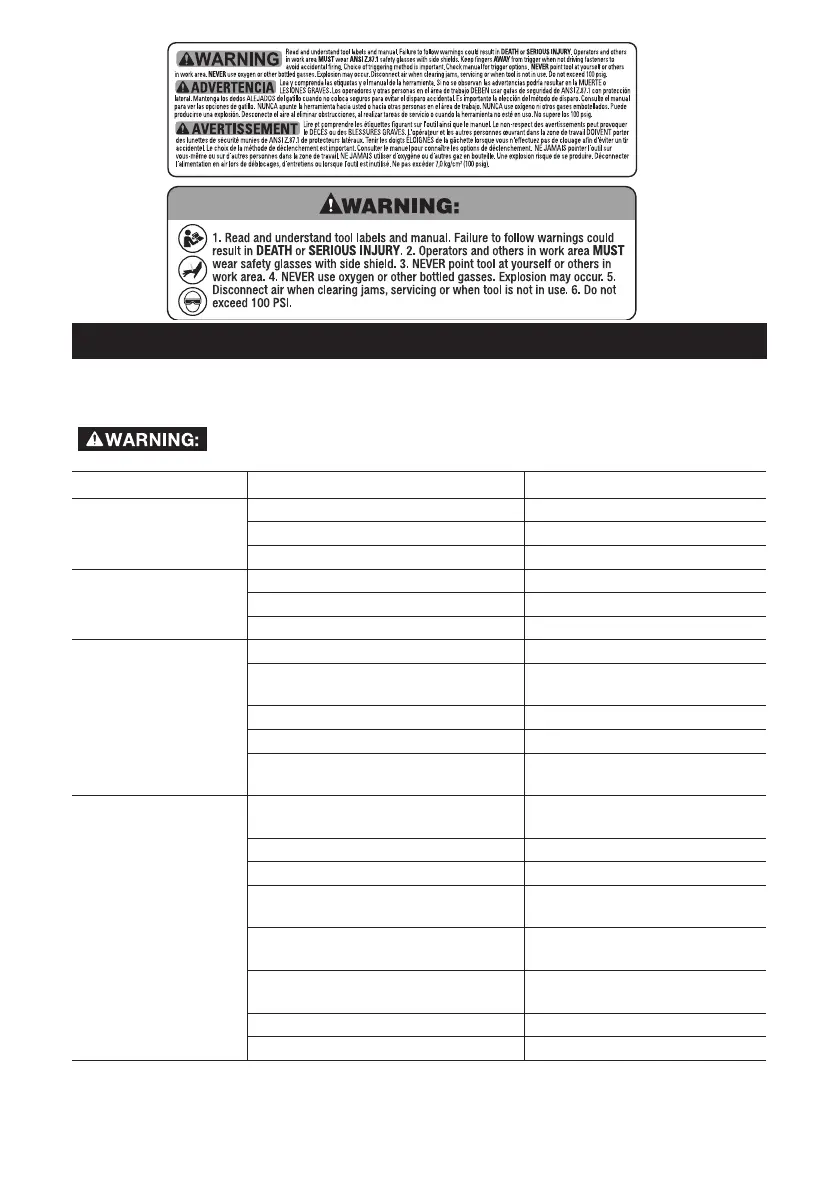
To reduce the risk of serious personal injury, remove fasteners from
magazine before making any adjustments or servicing this tool.
SYMPTOM CAUSE FIX
Frame/nose leaks air Loose nose screws Tighten and recheck
O-ring or gasket is cut or cracked Replace O-ring or gasket
Bumper cracked/worn Replace bumper
Frame/cap leaks air Damaged gasket or seal Replace gasket or seal
Cracked/worn head valve Replace head valve
Loose cap screws Tighten and recheck
Failure to cycle Air supply restriction Check air supply equipment
Tool dry, lack of lubrication Use PORTER-CABLE
pneumatic tool oil
Worn head valve Replace head valve
Broken cylinder cap spring Replace cylinder cap spring
Head valve stuck in cap Disassemble / Check
/ Lubricate
Lack of power;
slow to cycle
Tool dry, lacks lubrication Use PORTER-CABLE
pneumatic tool oil
Broken cylinder cap spring Replace cap spring
Rings/seals cut or cracked Replace rings/seals
Exhaust blocked Check bumper, head
valve spring
Dirt/tar build up on driver Disassemble nose/
driver to clean
Cylinder sleeve not seated
correctly on bottom bumper
Disassemble to correct
Head valve dry Disassemble/lubricate
Air pressure too low Check air supply equipment



 To Next Page