8
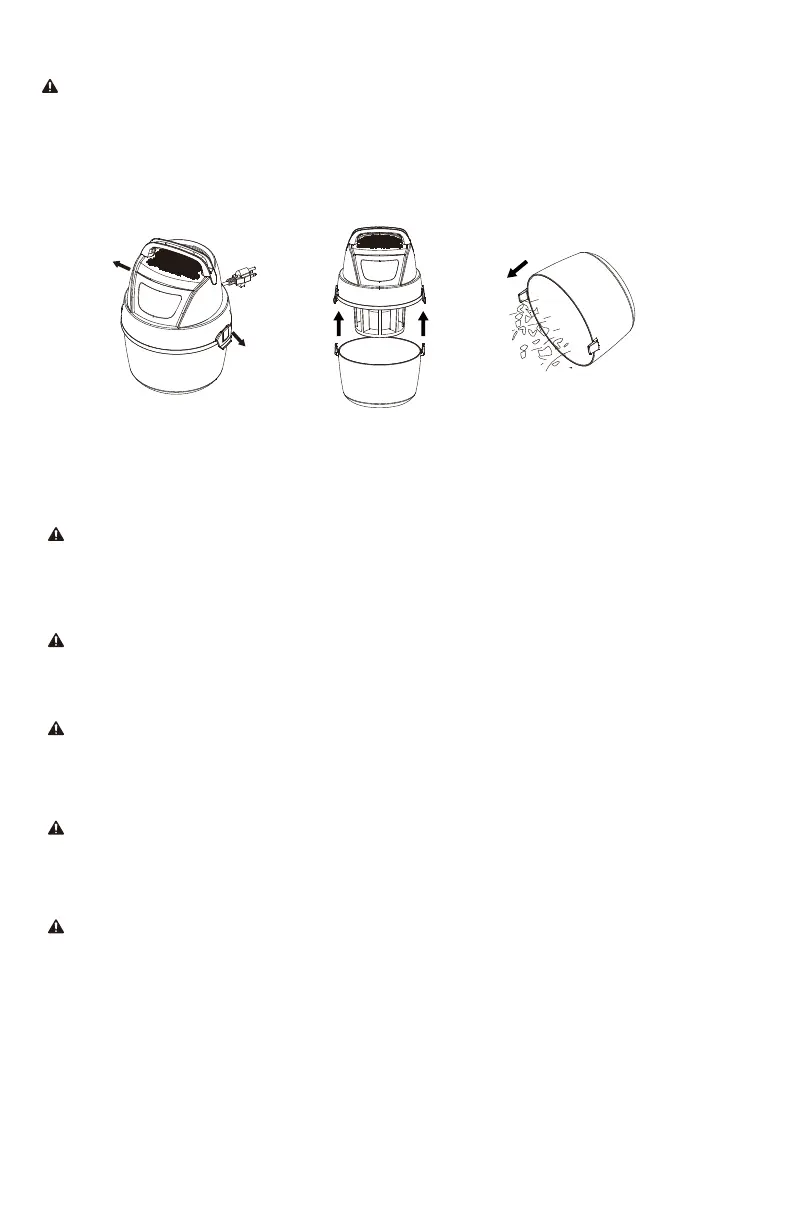
EMPTING THE TANK
WARNING!
To reduce the risk of injury from accidental starting, unplug power cord before emptying
the dust tank.
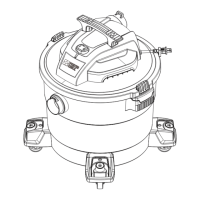
1. Remove the power head assembly of the wet/dry vacuum by pulling outward on the lid
clips located on each side of the vacuum. Lift off the power head assembly.
2. Dump the tank contents into the proper waste disposal container.
CARE AND MAINTENANCE
FILTER REPLACEMENT
WARNING!
To reduce the risk of injury from accidental starting, unplug power cord before changing
or cleaning filter.The filter should be cleaned often to maintain peak Vacuum
performance.
NOTICE
To avoid damage to the blower wheel and motor, always reinstall the reusable filter
before using the vacuum for dry pickups and always reinstall the foam filter before
using the vacuum for wet pickups.
NOTICE
After cleaning, check the filter for tears or small holes. Do not use a filter with holes or
tears in it. Even a small hole can cause dust to come out of the vacuum. Replace it
immediately.
NOTICE
Before installing the filter on the vacuum, clean the area of the lid so that the clamp ring
will seal the bag against the lid and stop small particles from bypassing the filter bag. If
the filter is clean and not damaged, replace it on the filter cage. If it cannot be reused,
place a new filter over the filter cage.
WARNING!
Do not remove filter cage and float. The float prevents water from entering the impeller
and damaging the motor. The cage prevents fingers from touching the moving impeller.


 To Next Page