Next, set the paper width by using PP-7900 Series thermal Printer
Software Switch Utility for Windows. The software switch utility can
be downloaded from the Posiflex’ global website:
http://www.posiflex.com/en-global/Download/download. To get more
detailed information on the paper width jumper setting, contact directly
the Posiflex’ technical service team.
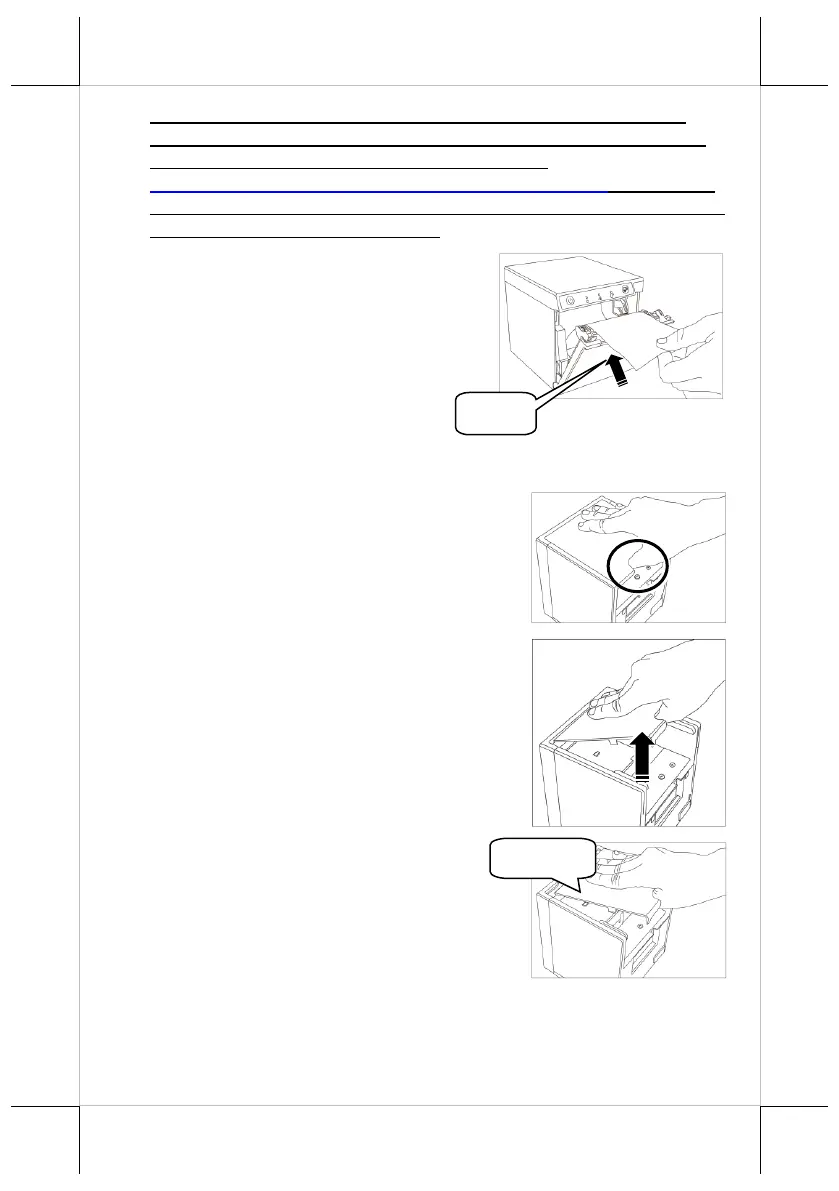
5. To avoid the paper cover not being
locked completely, push the central
portion of the paper cover to close.
Connecting Power Adapter and I/O Cables
Follow the steps listed below to open the rear cover and connect cables.
1. Hold the concave portion of the cable cover
with thumb, as shown in the circled portion
of the figure.
2. Pull the cover in the direction indicated by
the arrow in the right figure.
3. Remove the cable cover.















 To Next Page