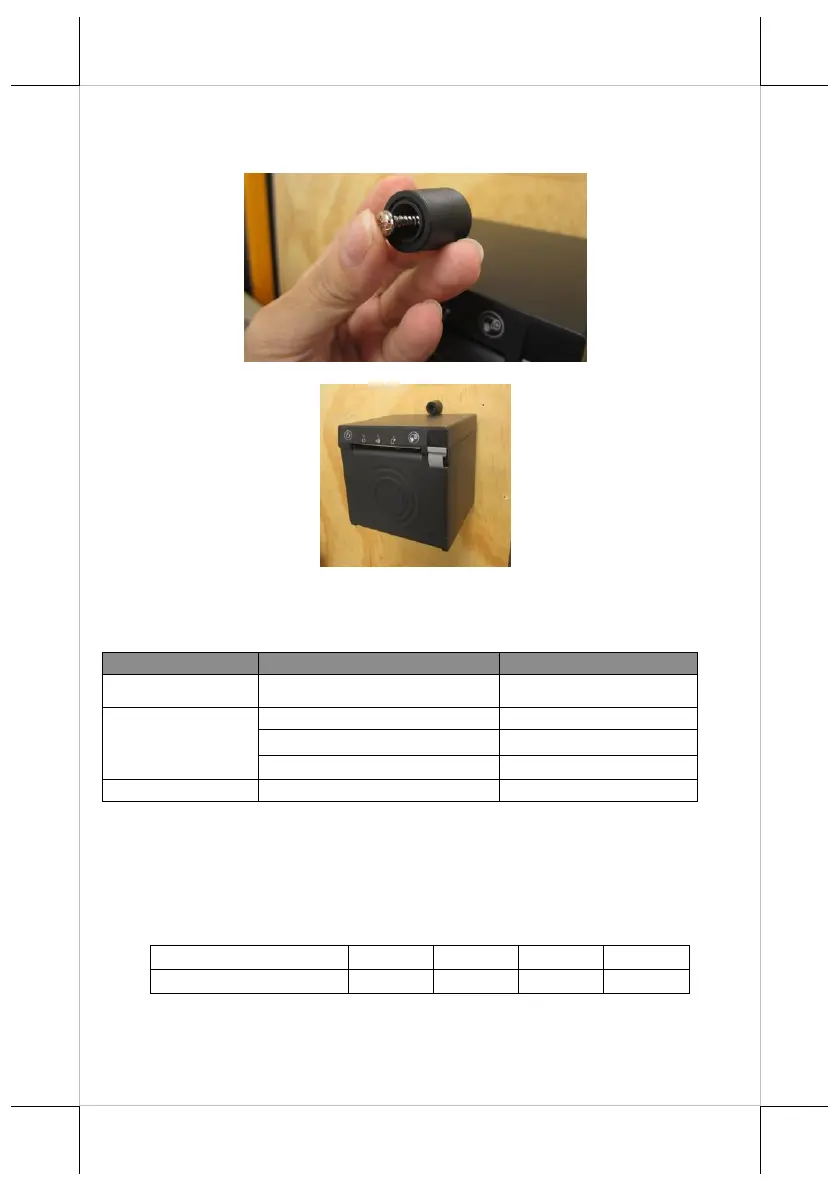
8. For cement wall, you have to drill the hole on the wall, and apply the
plastic cotter into the drilled hole first.
9. Make the self-tapping Ø3.5-25L screw pass through plastic stopper.
10. Fix the plastic stopper on top of the printer.
Status LED Indicators
After powering ON the printer, you can read the printer operation status from
the power LED indicator on the printer. The LED status is described below.
Flash red + several beeps
Solid red + continual beep
Setting up for Kiosk
If your PP-7900 is planned to be installed into the kiosk series model (ex: TK
series, HK series). Please follow the below instruction to set up the switch. It is
recommended that the installation be operated by technician. For further
technical support, please contact Posiflex’ service team.














 To Next Page