Door
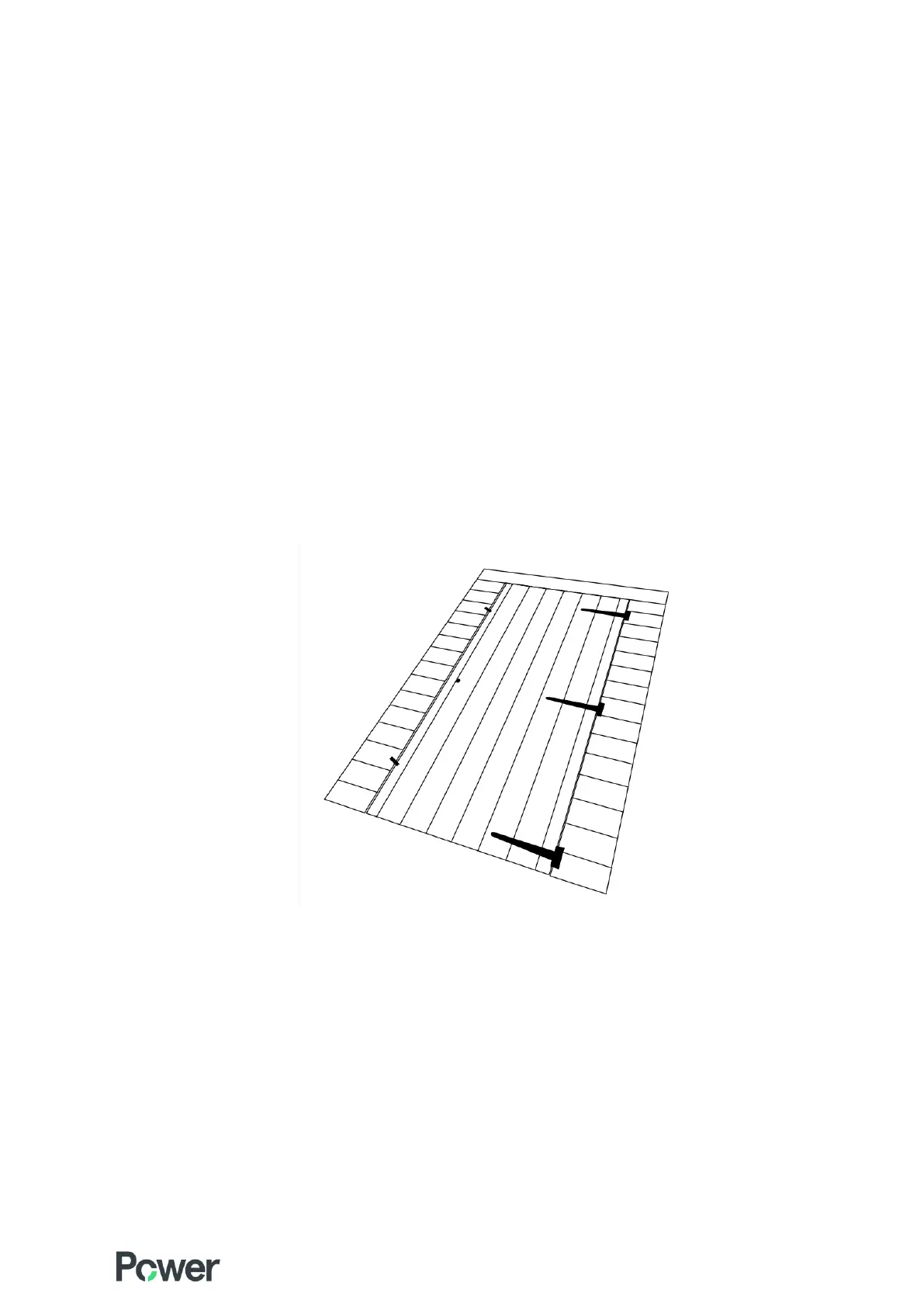
1. Your shed will either come with a single door or a double door depending on what you selected when ordering.
Double doors are already hung on the door panel. However, for a single door you will need to hang the door.
The key is screwed to the back of the door.
For a single door you can choose which way round to hang it – left hand or right hand.
Note – If you choose a left-hand hinged door then the lock must be unscrewed and positioned the correct
way round as it will be upside down. You may need to drill new holes for this to be fitted correctly.
2. For a single door, lay the door panel on the floor and. Line up the door onto the framing so that it is square.
The door should be positioned closer to the side where the hinges go.
Make sure the lock is on the inside of the shed when the door is closed. Secure the hinges in place using the
25mm screws provided.
3. Choose two places on the door to secure your two turn buttons – one towards the top, one towards the
bottom. For double doors a turn button will already be secured. Be careful not to screw this too tightly or it
will not turn.
Important!
Make sure the door is unlocked before the next stage or once you have assembled the side walls you will not be
able to get in your shed.


 To Next Page