33
Remote controller mode refers to connecting the remote controller to the device and then
connecting your mobile device to the remote controller via Wi-Fi or a USB cable.
• Remote Controller Mode
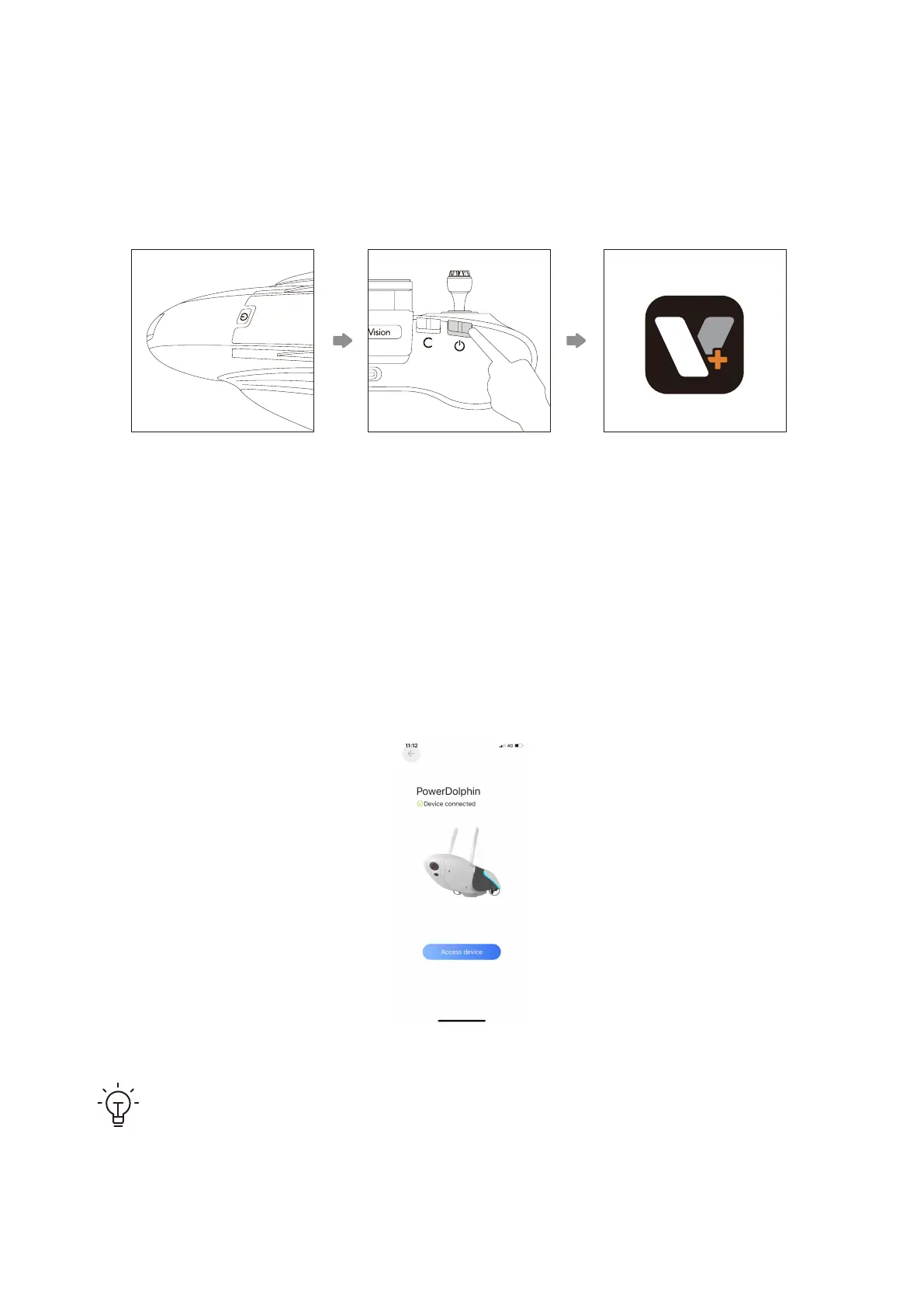
1. Press and hold the power button to power on the device.
2. Press and hold the power button to power on the remote controller, and the remote
controller will connect to the device automatically. You can then connect your phone to the
remote controller by referring to the section "Get to Know the Remote Controller".
3. Run the Vision+ 2 App, and the App will display "device connected" when the connec-
tion is established successfully.
Make sure that no other device is connected to the Wi-Fi hotspot of PowerDol-
phin when connecting the remote controller to PowerDolphin.



 To Next Page