35
You can use the Vision+ 2 App to upgrade the firmware of PowerDolphin and the remote
controller. The firmware of PowerDolphin and the remote controller needs to be upgraded
separately, and the remote controller has three firmware modules which should be
upgraded one by one.
Maintenance
Firmware Upgrade
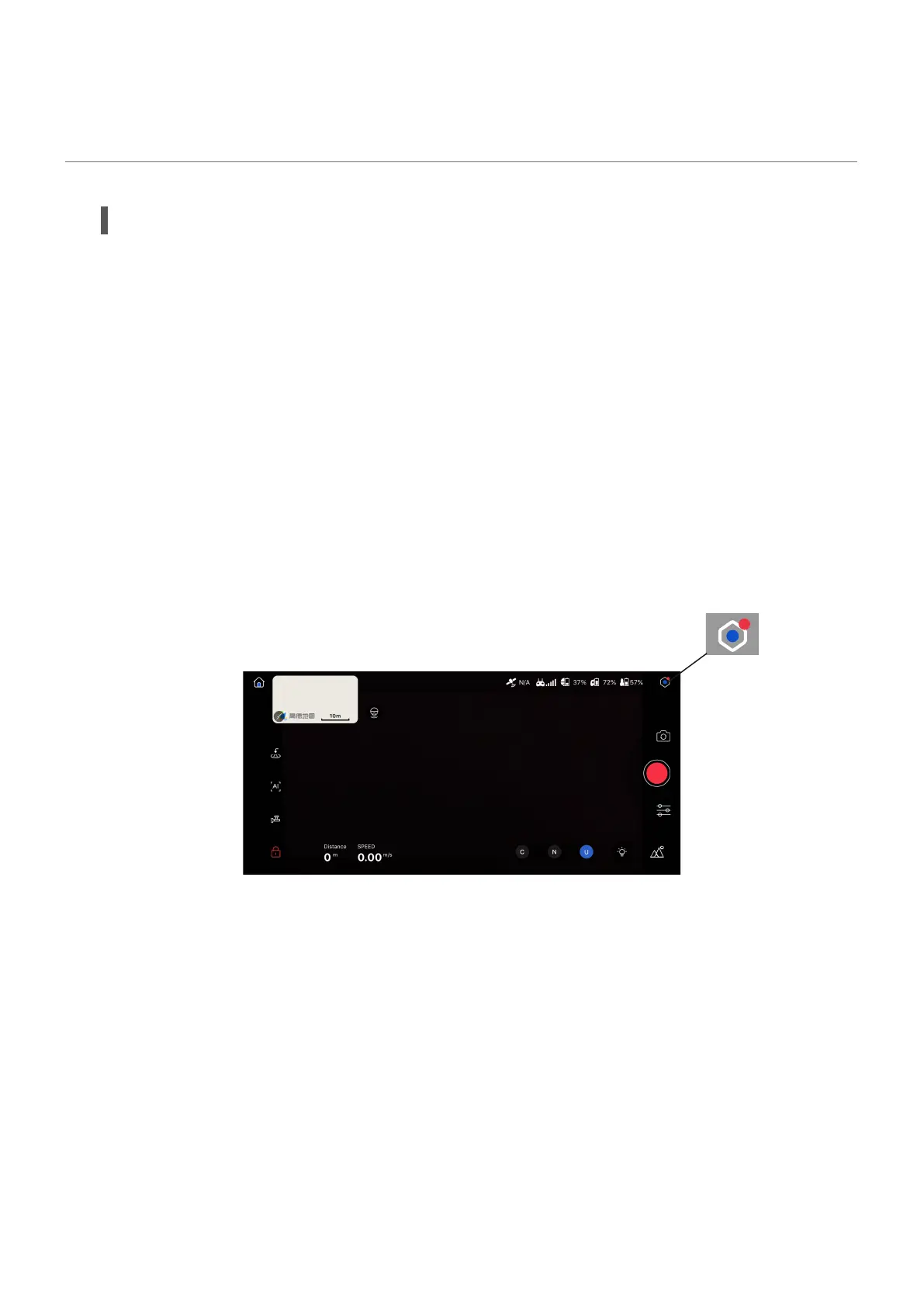
When there is a new firmware version, a small red dot will be displayed beside the settings
icon, as shown in the following figure.
• New Firmware Version Reminder
Device connected
Open the settings menu, and you can go to General settings > About to check the device
firmware version, App version, and remote controller firmware version.
When a new firmware version is detected, a download reminder will be displayed on the
right of the corresponding firmware name, as shown in the following figure. You can
download the firmware version when your mobile device is connected to the Internet.
• Firmware Download



 To Next Page