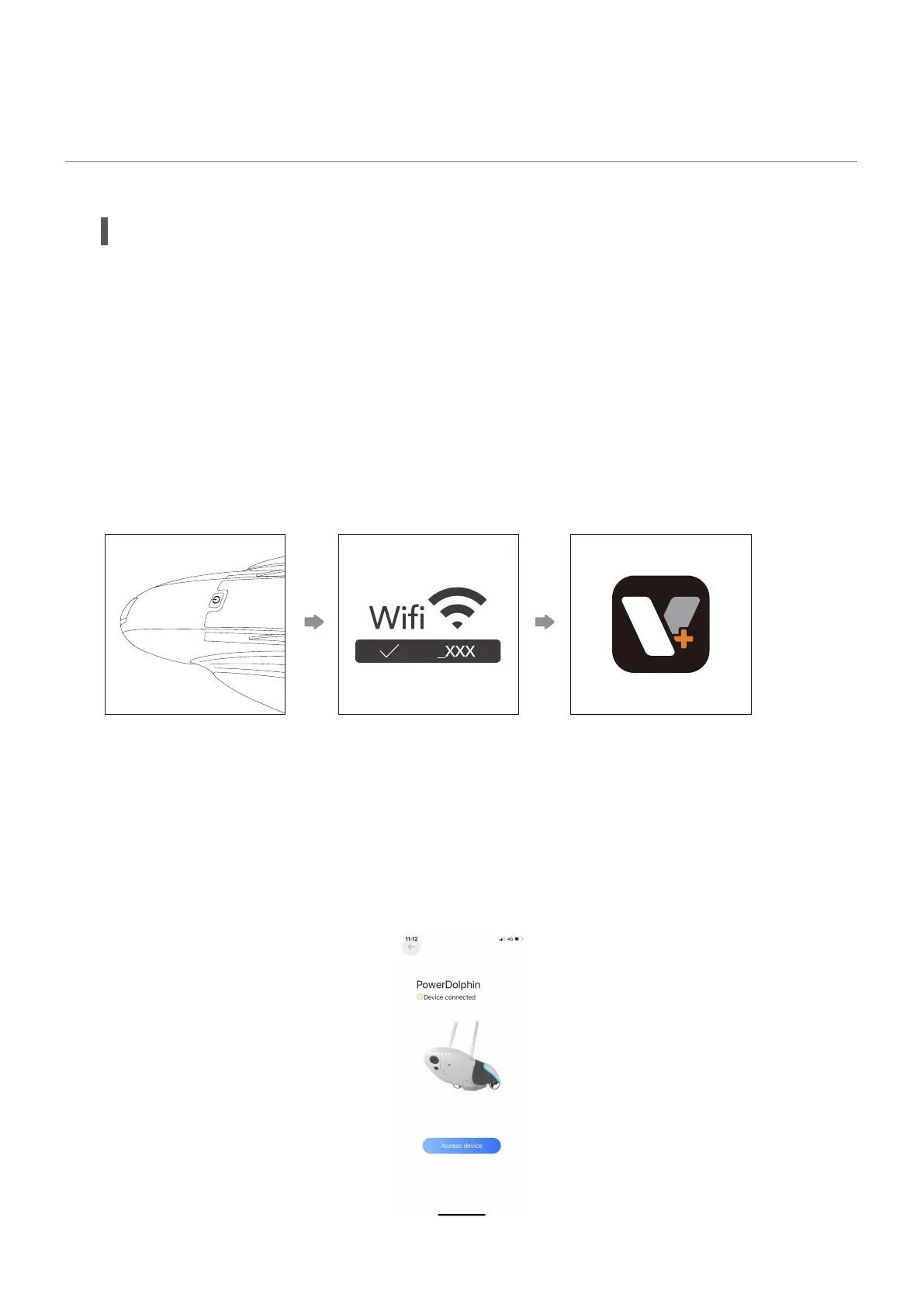
There are two modes to connect to the device based on the device version: mobile device
direct connection mode and remote controller mode.
Mobile device direct connection mode refers to connecting your mobile device to the
device directly.
1. Press and hold the power button to power on the device.
2. Connect your mobile device to the Wi-Fi hotspot of the device whose SSID is PDO_VE-
H_xxx (password: 12345678).
3. Run the Vision+ 2 App, and the App will display "device connected" when the connec-
tion is established successfully.
• Mobile device Direct Connection Mode
PDO
SSID:PDO_VEH_xxx
Password:12345678
Use
Connect the Device
32



 To Next Page