31
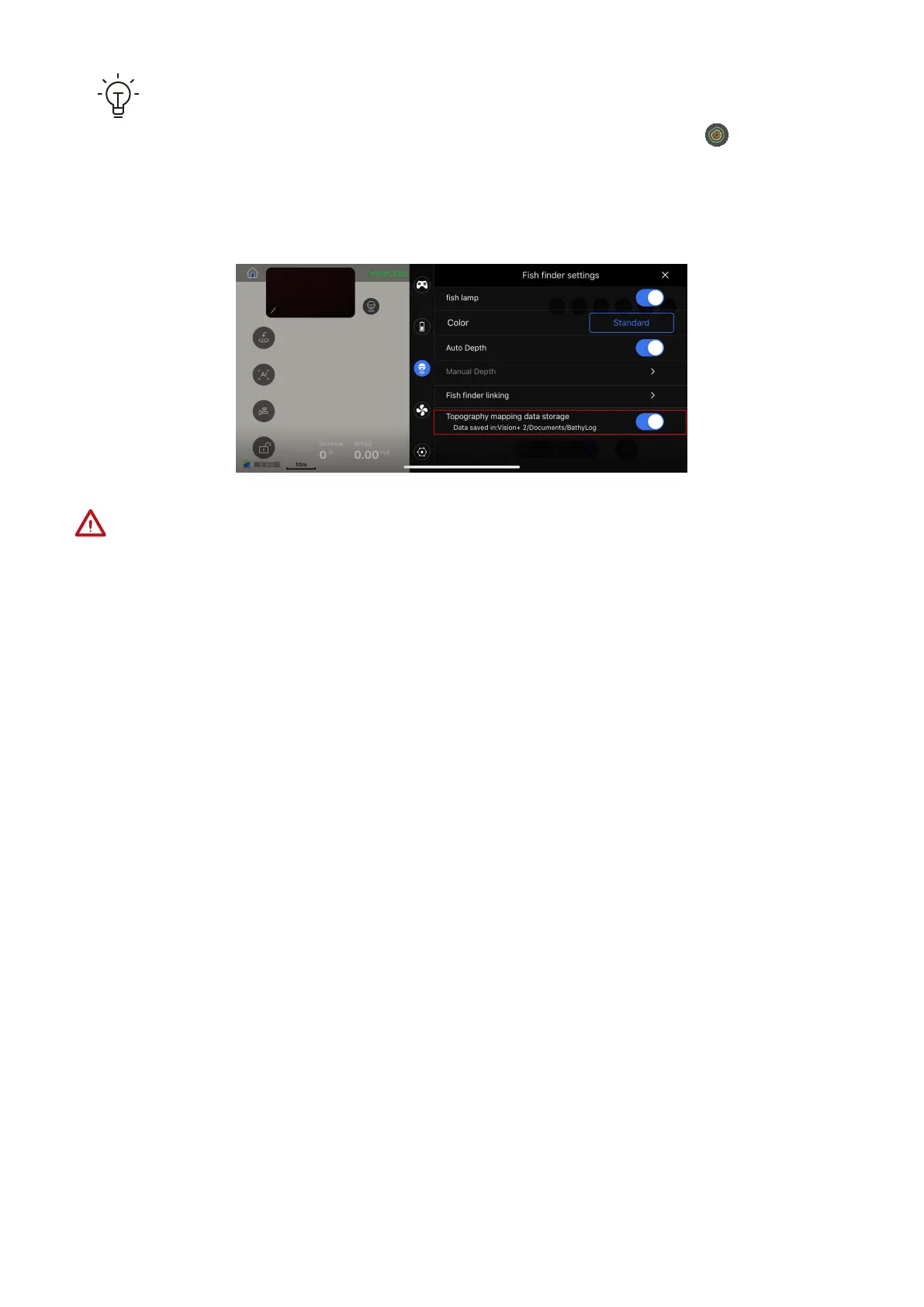
While the PowerSeeker is successfully connected and both the “topography
mapping data storage” switch and topography mapping switch are turned
on, the topographic data (longitude, latitude and depth) is automatically saved
in the .txt format on the mobile phone. User can export the data file.
Because PowerDolphin cannot avoid obstacles, you need to ensure that the enclosed
area is:
(1) in the waters; (2) far away from banks; (3) obstacle-free. This is to prevent PowerDolphin
from hitting obstacles or banks.



 To Next Page