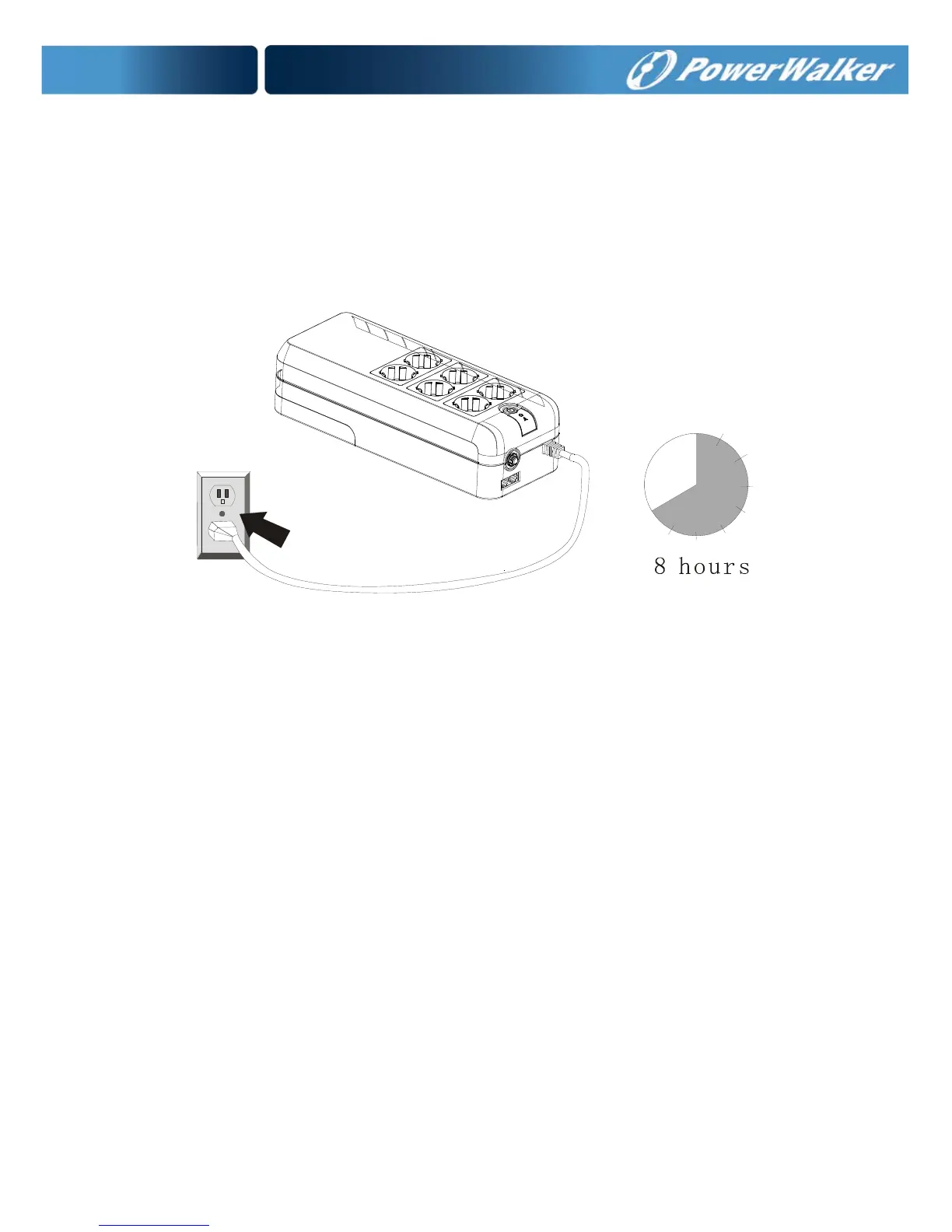
However, some energy may be lost during shipping, so the battery should
be recharged before using it. Plug the unit into an appropriate power supply,
then switch on UPS and allow the UPS to charge fully by leaving it plugged
in for at least 8-10 hours with no load (no electrical devices such as
computers, monitors, etc.) connected.
4. Computer Connection
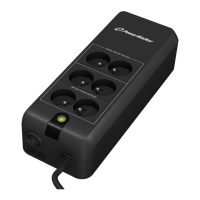
Connect one computer-related device into one of the battery supplied
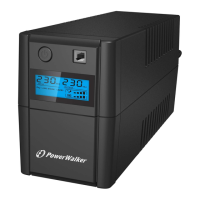
receptacles on the top of UPS. PowerWalker VFD 600/800 APFC UPS
provides six receptacles, all with surge protection, four of them including
battery backup.



 To Next Page