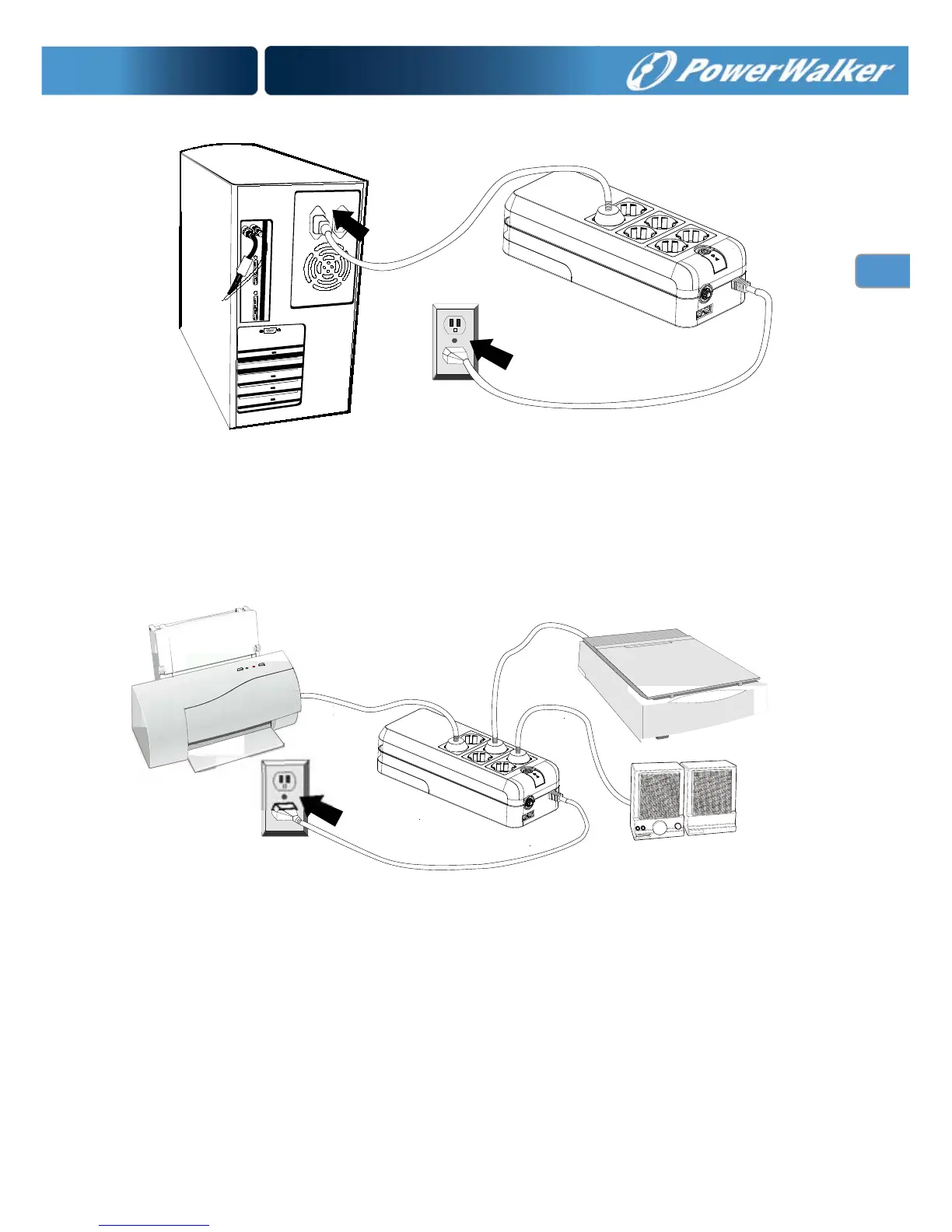
5. Peripheral Equipment Connection
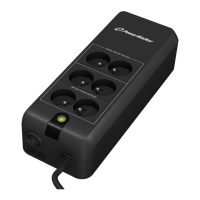
Plug your peripheral equipment (printer, scanners, speakers) into the
full-time surge protection outlets. These receptacles do not provide any
power during a power failure.
Note: DO NOT plug a laser printer, copier, space heater, vacuum or
other large electrical device into the UPS. The power demands of these
devices will overload and possibly damage the unit.
6. Modem/Phoneline Connection
Plug incoming internet line into the “In” socket at the side panel of the UPS.
Use one more internet line cable and plug one end of the internet line cable
to the “Out” socket at the side panel of the UPS. Plug the other end of the



 To Next Page