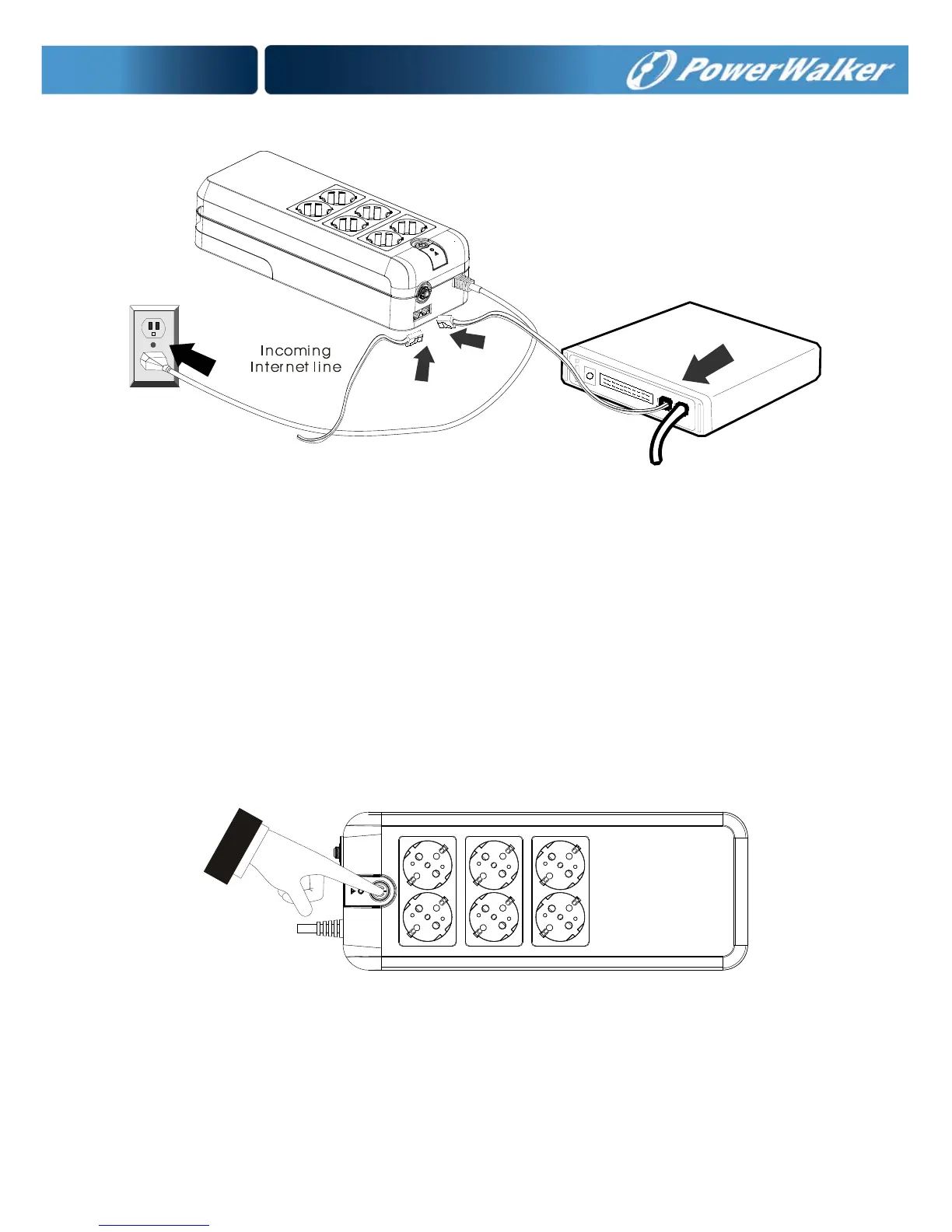
modem input socket as shown.
7. Circuit Breaker
When short circuit happens, the circuit breaker will pop-up and then the
UPS will shutdown automatically. After waiting for 2 minutes, please press
the circuit breaker button again and the mains (AC power) will comeback.
8. Turn On/Off
Press power switch 2 seconds to turn on the UPS.
Press power switch again to turn off the UPS.
9. DC Start Function
DC Start Function enables UPS to be started up when AC utility power is
not available and battery is fully charged. Just simply press the power
switch to turn on the UPS.



 To Next Page