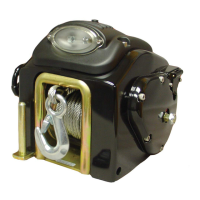
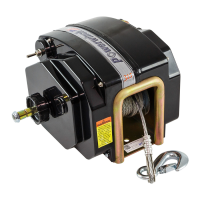
1. Align boat and trailer.
2. Loosen clutch knob, turn counterclockwise and free-wheel cable/strap to boat. Attach hook to
bow eye.
NOTE:
with clutch fully released. This should free clutch allowing hook to pull out.
3.
over tightening can cause damage to clutch.
4. Step clear of cable/strap and boat.
5. Press and hold switch. Power in cable/strap until boat touches bow stop. Release button.
Secure boat to trailer.
LOADING BOAT
5
Powerwinch
712, 712-S, & 912 Trailer Winch
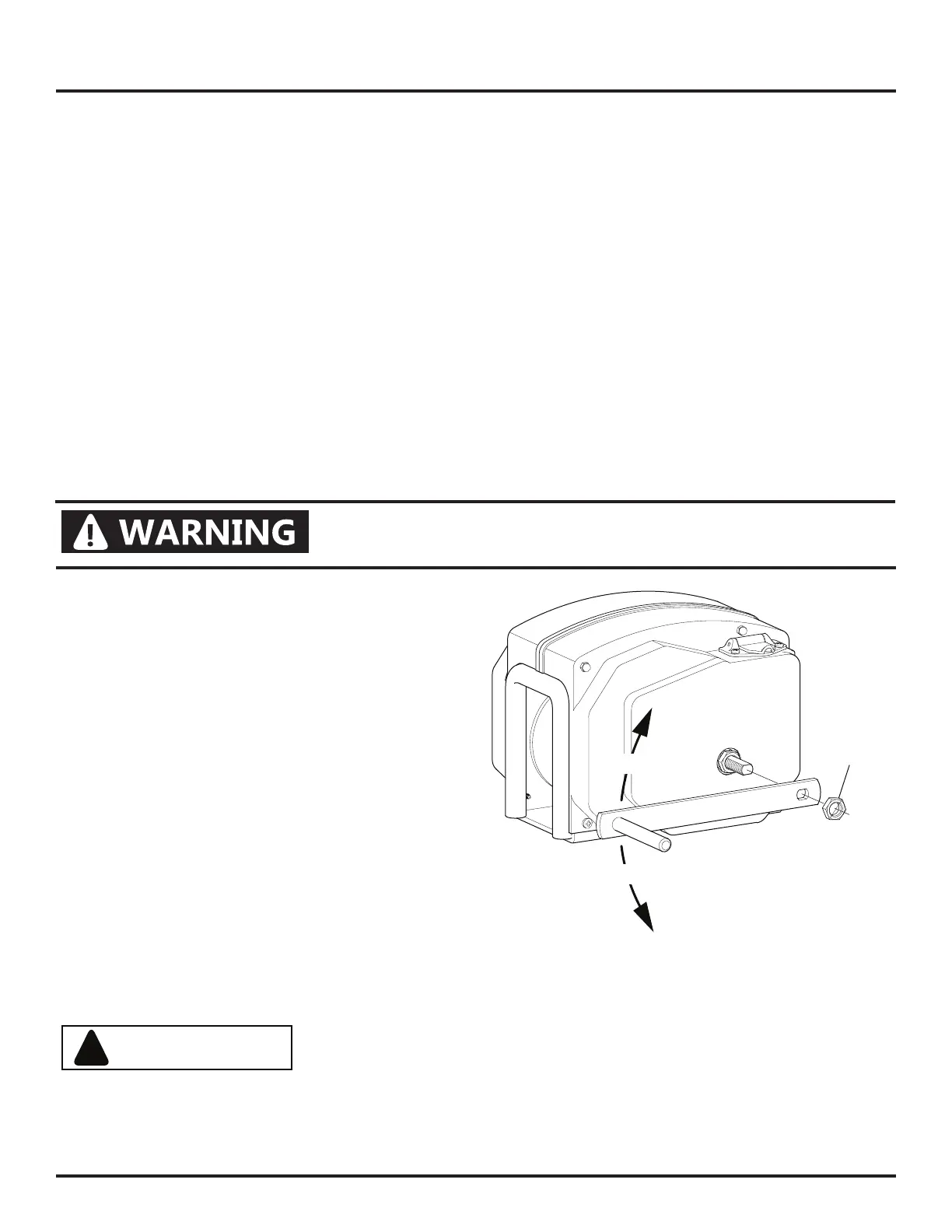
An emergency hand crank is available when there is no power (i.e. a dead battery).
1. Disconnect wire harness from winch.
2.
tight to set brake. DO NOT over tighten
damage to clutch.
3. Remove jam nut from shaft on right side of
winch.
4. Place emergency handle onto shaft and
secure to shaft with nut removed previously.
Tighten nut snugly against handle.
5. Turn crank handle to wind in cable.
Clockwise for 912, counterclockwise for 712
and 712-S.
6. After boat has been secured on trailer,
remove handle from shaft. Replace nut on
shaft.
7. Store handle.
EMERGENCY HAND CRANK
NEVER use hand crank to assist a running motor. Serious
personal injury can occur.
!
CAUTION
ALWAYS remove all tools used for manual override operation
before operating winch with electrical power.
PW912004
912
712
Jam Nut
Rotate Handle to
Retract Cable


 To Next Page