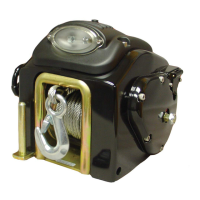
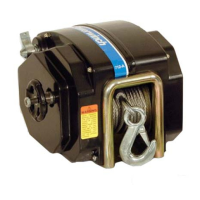
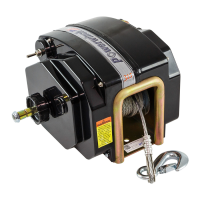
POWERWINCH MOTORIZED FOLDING CAMPER WINCH
5
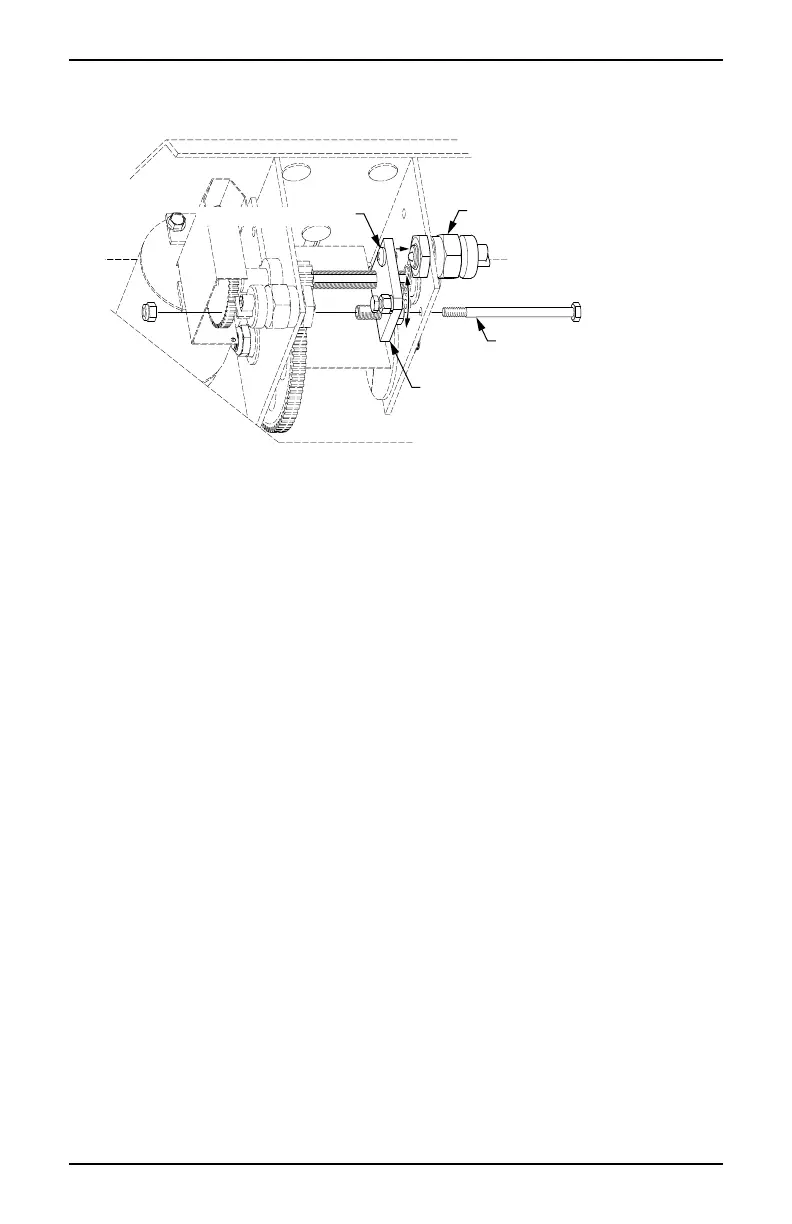
Setting the Lower Limit Switch
After attaching and winding the cable as described previously (page 4), it is
necessary to set the lower limit switch.
Lower Limit Switch
Locking Bolt
Switch Plate
Limit Switch Screw
pwFCW005
1. Remove the switch plate locking bolt and nut and set aside.
2. Spin the switch plate toward the lower limit switch until the limit switch screw
presses the switch plunger.
3. Install the locking bolt for the switch plate that was removed previously. This
bolt
MUST be installed before operating the winch.
4. Test the setting:
Make sure that the latches for the camper top are released.
Use the winch switch and raise the camper top 10"-12".
Use the winch switch to lower the camper top.
If the top does not close completely before the motor stops, the limit
switch is prematurely shutting off the motor. Repeat steps 1 through 3
to back the switch plate away from the limit switch.
If the motor continues to run after the top is down, the limit switch is not
shutting off the motor soon enough. Repeat steps 1 through 3 and
move the switch plate closer to the limit switch.



 To Next Page