24
|
12780 San Fernando Road, Sylmar, California 91342 | www.semcopackaging.com | Email: semcoinfo@PPG.com
12. Troubleshooting (cont.)
Issue: Material is not mixed properly on the dome side of cartridge.
1. Check to make sure you have the proper Semkit package configuration selected for the Semkit you are
trying to mix. Utilize the Semkit package ruler on the left-hand side of the machine by pulling the dasher
rod of the Semkit package all the way to the top of the cartridge and placing on the door ramp to identify
the proper Semkit package type. Then, turn the Semkit package configuration switch accordingly.
2. Sensor locations on the main cylinder may have moved or sensor has failed. See Calibration procedure
(Section 10).
3. If none of these actions resolve the issue, please contact your local application support center (ASC) for
technical support.
Issue: No injection of catalyst or incomplete injection of catalyst
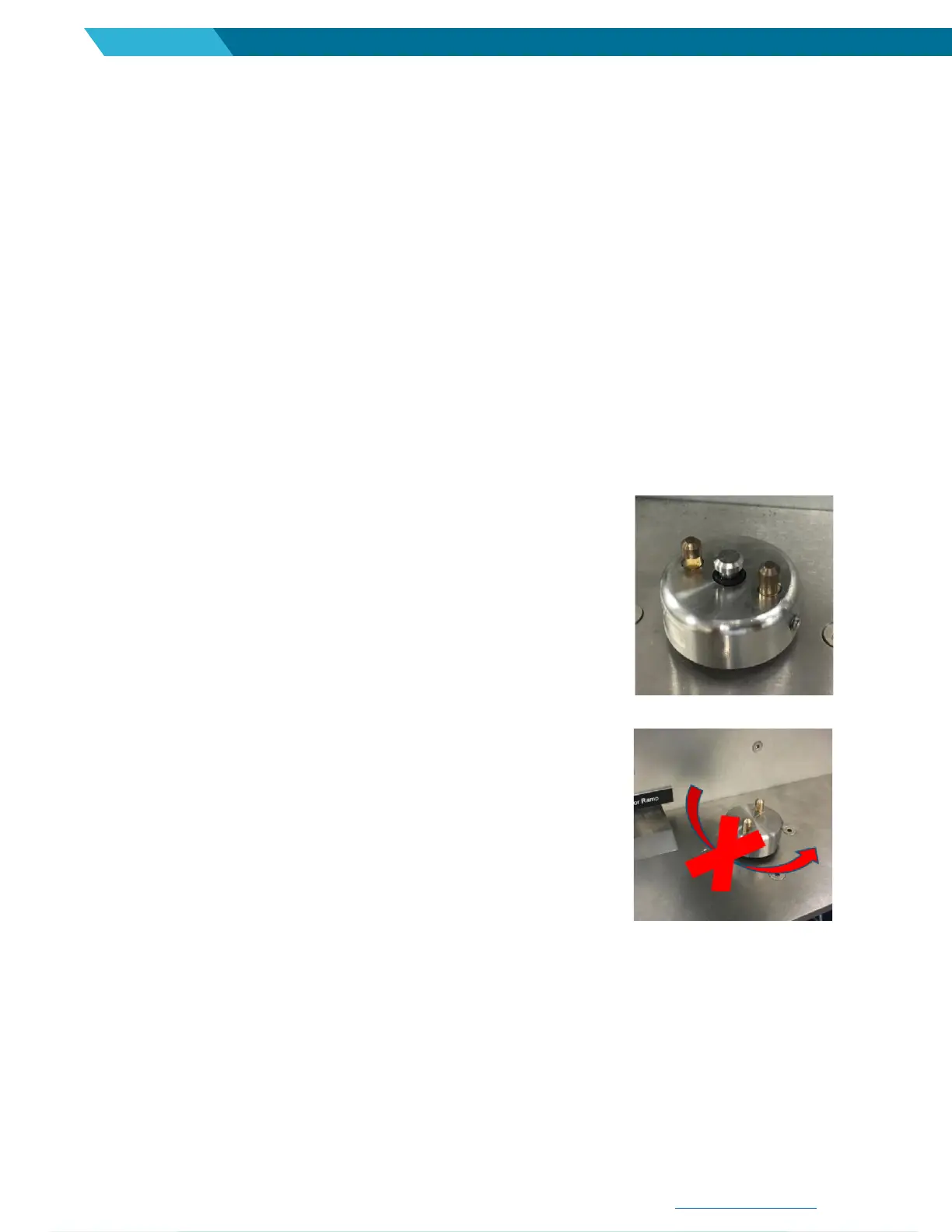
1. Check top of the spindle to make sure it is clear of debris which may be
preventing the cylinder from injecting the catalyst.
2. Manually pull injection cylinder up and wipe any excess debris that may
exist on the rod (compressed air must be disconnected). See
Preventative maintenance (Section 9).
Issue: Mixing engagement spindle does not rotate when start
button pushed or has a delayed start.
1. Verify air pressure supplied to the mixer is 85-100 psi.
2. Ensure that the safety door pin is properly engaging the safety switch
when the front door is closed.
3. Manually turn the spindle 2-3 turns counterclockwise.
4. Inspect and clean air motor muffler. See Preventative maintenance (Section 9).


 To Next Page