w ww.practixx .com
GB
|
35
9.6 App control
The PX-RRM-2000Wi robotic lawnmower can be op-
erated via app. The app is available in the respective
app stores for Android and iOS.
m ATTENTION!
The use of the app falls under the term “using”
as dened in this operating manual. Therefore,
also observe the safety regulations that apply to
this.
The robotic lawnmower has two dierent working
methods. In the original condition as delivered, the
robot works oine. The default range of robot mow-
ing functions are available.
If you wish to use additional services (mowing times,
software update, sensor settings, etc.), an additional
app is available but this is not provided by the Schep-
pach Group. You must enter your contact informa-
tion before you can connect this app to our robotic
lawnmower. An e-mail address is sucient in this in-
stance. The APP manufacturer has provided a da-
ta privacy statement and a user agreement for this,
which regulates use of the app or your personal data.
We would like to advise you that the Scheppach
Group will not save any personal data when you
use the app and will also not process any further
information. This is only done by the app manu-
facturer.
9.6.1 Registration
In order to use the app, registration via email is nec-
essary. Alternatively, you can also register and log in
via Facebook, with your Apple ID or with Google.
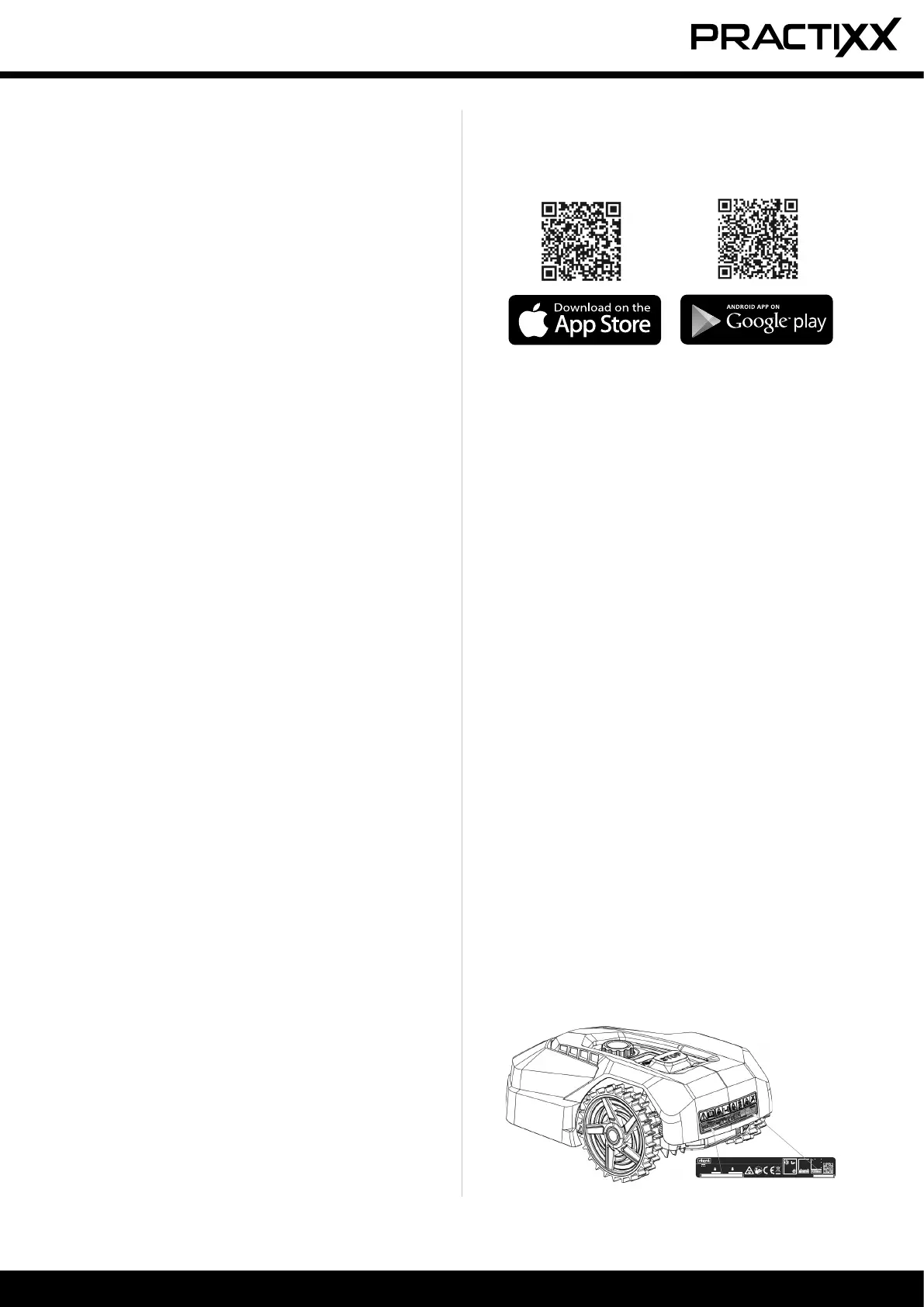
Have the serial number of your robotic lawnmower
ready for registration. You will nd this on the type
plate of the unit.
SN:2201168000XX00000001
Art-Nr.: 5913004917
Scheppach GmbH - Günzburger Straße 69 - 89335 Ichenhausen - Germany
0V
.
n
0
: 2800 min
-1
.
36 Wh
.
RMA312S20V
Ø 18 cm
.
8,0 kg
.
IPX5
manufactured:
01/2023
S.Nr.:
0169-01001
55
2
S/N:
S/N:
• Use the “START” and “HOME” buttons to select the
desired digit and conrm with the “OK” button.
• Proceed as described in paragraph 2-4 above.
• After conrming the fourth digit with the “OK” but-
ton, the new start time is stored. The word “IdLE”
appears on the display.
9.2.4 Changing the mowing time/day (Fig. 25)
The factory-set mowing time per day of 6 hours can
be changed at any time.
• Press and hold the “OK” button for at least 3 sec-
onds.
• The display shows the set mowing time, e.g. 06 H,
with the rst digit ashing.
• Use the “START” and “HOME” buttons to select the
desired digit and conrm with the “OK” button.
• After conrming the second digit with the “OK” but-
ton, the new mowing time or the new day is stored.
The word “IdLE” appears on the display.
9.3 Mowing edges
The default setting is for the robotic lawnmower (1) to
mow the edges every Tuesday and Friday.
This means that the robotic lawnmower (1) travels
once along the boundary wire (11) the rst time it
mows for the day.
m ATTENTION!
In this mode, the blade disc (6) is active.
The times for edge mowing can only be set via the
app.
9.4 Rain sensor (3a)
This product has a rain sensor (3a). If the rain sensor
(3a) is activated, the robotic lawnmower (1) returns to
the charging station (10) when it rains and is charged.
The rain delay can be determined via the app, the
time frame for how long the robotic lawnmower (1)
remains in the charging station (10) when it rains. The
rain sensor (3a) can be deactivated via the app or
manually as described in point 9.7.
9.5 Ultrasound sensor (4a)
This product is equipped with two ultrasound sen-
sors (4a) that detect medium to large obstacles on
the lawn. When the ultrasound sensor (4a) is activat-
ed, the robotic lawnmower (1) stops without touching
the obstacle and changes the direction of travel. The
ultrasound sensor (4a) can be deactivated and the
range of the ultrasound sensor can be set via the
app. Manually deactivate the ultrasound sensor as
described in point 9.7.


 To Next Page
 Loading...