EasyManua.ls Logo

PRACTIXX PX-RRM-2000WI - User Manual

PRACTIXX PX-RRM-2000WI
76 pages
Go to English
Print Icon
To Next Page IconTo Next Page
Loading...
http://www.practixx.com/de/service
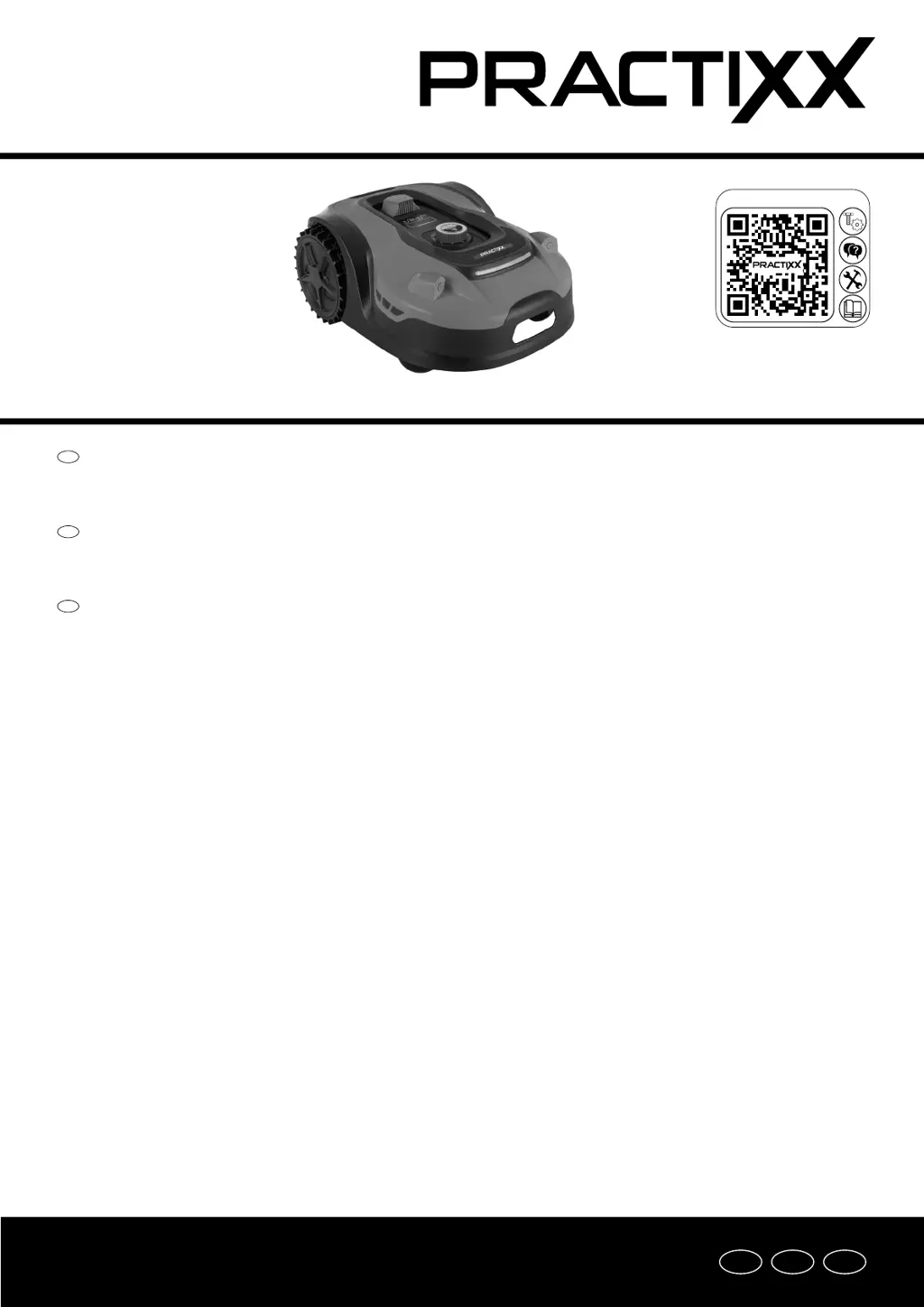
RASENMÄHROBOTER PX-RRM-2000WI
RASENMÄHROBOTER PX-RRM-2000Wi
Bedienungs- und Sicherheitshinweise
Originalbetriebsanleitung
ROBOT MOWER PX-RRM-2000Wi
Operating and Safety Instructions
Translation of the original operating instructions
ROBOT TONDEUSE PX-RRM-2000Wi
Consignes d'utilisation et de sécurité
Traduction du mode d’emploi original
DE
GB
FR
DE GB FR

Questions and Answers

  • S
    Shannon CollinsSep 4, 2025
    What does error E1 mean on PRACTIXX Lawn Mower?
    • B
      Brittany ThomasSep 4, 2025
      Error E1 on your PRACTIXX Lawn Mower indicates that the mower is outside the working area. First, check that the mower is within the designated working area. Next, ensure the charger is correctly connected to a suitable power supply. Finally, verify that the boundary wires are correctly clamped and replace them if needed.
  • N
    nvaughanSep 18, 2025
    What does error E13 mean on PRACTIXX Lawn Mower?
    • J
      James GonzalezSep 18, 2025
      Error E13 on your PRACTIXX Lawn Mower indicates that the charging current is too high or too low. Check the docking area. If the error still occurs, contact your specialist dealer.
  • S
    Samantha KempSep 16, 2025
    What does error E9 mean on PRACTIXX Lawn Mower?
    • J
      Jillian LeeSep 16, 2025
      Error E9 on your PRACTIXX Lawn Mower means that the robotic lawnmower is stuck. Place the robotic lawnmower in an area free of obstacles. If the error still occurs, contact your specialist dealer.
  • P
    pperkinsSep 14, 2025
    Why does my PRACTIXX Lawn Mower start at the wrong time?
    • T
      Tracy BrownSep 14, 2025
      If your PRACTIXX Lawn Mower starts at unusual or wrong times, the date and time may be set incorrectly. Set the correct date and time to resolve this issue.
  • L
    Lori White MDSep 12, 2025
    How to resolve error E7 on PRACTIXX Lawn Mower?
    • M
      meganwhiteSep 13, 2025
      Error E7 on your PRACTIXX Lawn Mower indicates that the inclination sensors were triggered. First, switch the mower off. Then, move it to a level area on your lawn. Switch the mower back on. Press the “START” button and then the “OK” button.
  • S
    Stephen GloverSep 12, 2025
    What does error E6 mean on PRACTIXX Lawn Mower?
    • L
      Laura PalmerSep 12, 2025
      Error E6 on your PRACTIXX Lawn Mower means the roll-over sensor was triggered. Position the mower correctly. Press the “START” button and then the “OK” button.
  • L
    Luis CollinsSep 9, 2025
    What to do if PRACTIXX Lawn Mower shows error E5?
    • M
      Michael CaldwellSep 9, 2025
      Error E5 on your PRACTIXX Lawn Mower means the mower was lifted. Turn the mower off. Move it to an area free of obstacles. Press the “START” button and then the “OK” button.
  • A
    Alyssa LewisSep 7, 2025
    What does error E14 mean on PRACTIXX Lawn Mower?
    • N
      nbruceSep 7, 2025
      Error E14 on your PRACTIXX Lawn Mower indicates that the cutting area is outside the boundary. Turn off the mower. Adjust the boundary lines or reduce the mowing area to the specified zone. Turn the mower back on and press “START” followed by “OK.”
  • A
    Andrew RhodesSep 6, 2025
    How to fix error E10 on PRACTIXX Lawn Mower?
    • M
      Mr. Michael SilvaSep 6, 2025
      Error E10 on your PRACTIXX Lawn Mower indicates a battery protection issue. If the temperature is too high, wait for it to drop. If it's too low, wait until it's above 5 degrees Celsius. If the error persists, replace the battery and restart the mower by pressing “START” and then “OK.”
  • T
    Thomas MorganAug 21, 2025
    How to fix PRACTIXX Lawn Mower that does not start?
    • V
      Veronica HouseAug 21, 2025
      If your PRACTIXX Lawn Mower isn't starting, ensure it is not connected to the mains. Connect the power supply unit to a suitable power source. If problems persist, consider calling a specialist.

Summary

Product Symbol Explanations

Introduction and Product Overview

Manufacturer and Welcome

Details about the manufacturer, customer greeting, and initial notes.

Product Description and Delivery Scope

Information on product description, scope of delivery, and intended use.

General Safety Instructions

User and Operational Safety

General user responsibilities, safety rules for operating personnel, and prohibited actions.

Operational Safety Rules

Specific safety guidelines for operating the robotic lawnmower in various conditions.

Battery and Charger Safety Instructions

Battery and Charger Safety

Critical safety information regarding the product's battery and charging system.

Technical Specifications

Lawnmower and Connectivity Specs

Technical details of the robotic lawnmower, app control, WiFi, and battery.

Power Supply and Protection Ratings

Information on the power supply, IP protection classes, and overall weight.

Unpacking and Handling Precautions

Assembly and Commissioning Steps

Charging Station Placement Guidance

Guidance on correctly positioning and securing the charging station.

Assembly and Commissioning Steps

Connecting Boundary Wire to Station

Steps for connecting the boundary wire to the charging station.

Boundary Wire Installation Methods

Instructions for laying out the boundary wire, including general notes and installation tips.

Assembly and Commissioning Steps

Boundary Wire Layout Around Obstacles

How to lay the boundary wire around obstacles like trees or flower beds.

Slope Demarcation and Station Connection

Guidelines for managing slopes and final connection of the charging station.

Charging Station Status LED Indicators

Explains the meaning of different LED status lights on the charging station.

Commissioning and Initial Operations

Pre-Commissioning Checks and Setup

Steps to perform before the initial commissioning of the lawnmower.

Starting Up and Adjustments Guide

Quick Start Procedure

Guide to initial startup, quick start procedure, cutting height adjustment, and stopping the mower.

Settings and Operations Manual

Powering On and Basic Settings

Instructions on switching the mower on and managing essential settings like PIN and time.

PIN Code and Time Configuration

Detailed steps for changing the PIN code and setting the date and time.

Settings and Operations Manual

Mowing Schedule and Sensor Settings

Adjusting mowing times, edge mowing, rain sensor, and ultrasound sensor settings.

App Control and Initial Registration

Information on operating the lawnmower via the app, including registration and initial setup.

App Control and Advanced Functions

App Communication and Features

Details on app communication, data transmission, and core app functions like mowing plans.

Manual Function Control

How to manually switch functions like rain sensor, LED, and ultrasound sensor on/off.

Resetting Settings and Cleaning Procedures

Procedures for resetting device settings to factory defaults and cleaning the lawnmower.

Transport, Storage, and Maintenance

Transport, Storage, and Battery Handling

Guidelines for transporting, storing the mower, and handling the battery.

Maintenance and Repair Procedures

Electrical Repairs and Blade Replacement

Procedures for electrical repairs, replacing blades, and battery management.

Maintenance, Disposal, and Recycling

Software Updates and Service Information

Instructions for software updates via USB and information on wear parts.

Disposal and Recycling Guidelines

Packaging and Equipment Disposal

Regulations and recommendations for disposing of packaging and electrical equipment.

Troubleshooting and Fault Resolution

Common Faults and Solutions

A table listing common faults, their possible causes, and remedies for the robotic lawnmower.

Error Code Explanations

Detailed explanations of specific error codes and troubleshooting steps for each.

PRACTIXX PX-RRM-2000WI Specifications

General IconGeneral
BrandPRACTIXX
ModelPX-RRM-2000WI
CategoryLawn Mower
LanguageEnglish

Related product manuals