4.
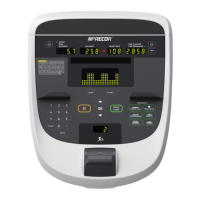
Remove the upper access panel . Use the two screw fasteners and remove the
panel.
5.
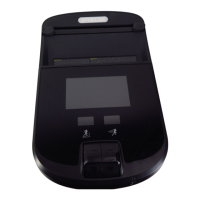
Remove the rear cover . Use a philips screwdriver to remove the six fasteners, Then
carefully unplug the HHHR board .power cable and slide the HHHR board through
the rear cover opening. Lift the rear cover off while sliding the chin through the mount
opening.
Installation Instructions
1. Install console covers in reverse order.
.
Console Cover Replacement
About
This topic provides instructions to removes and installs the console back covers.
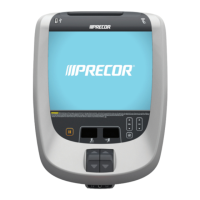
P82 Console 30
4 Replacement Procedures
Console Cover Replacement


 To Next Page