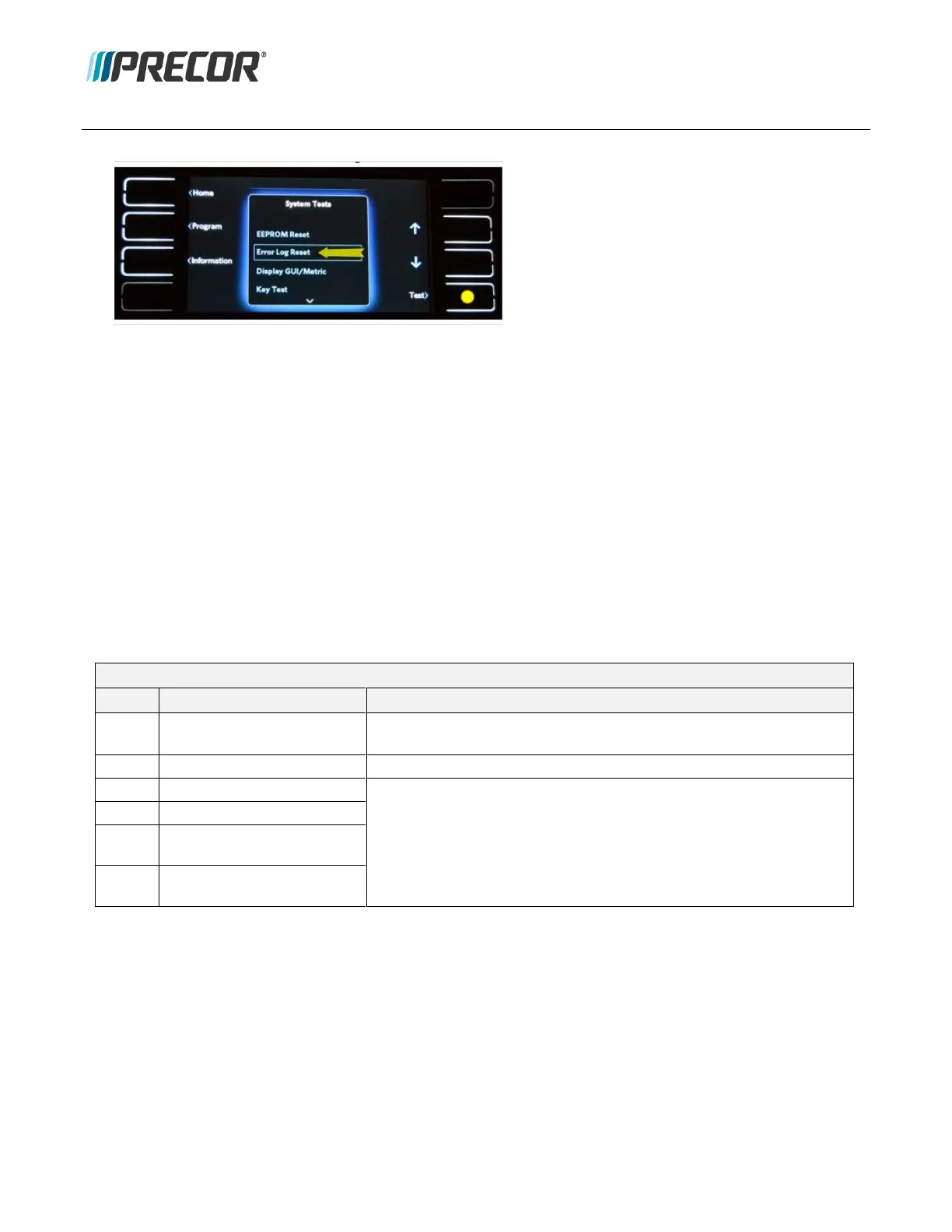
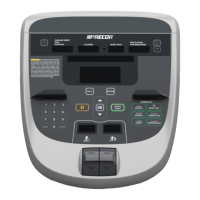
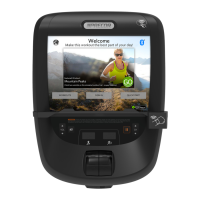
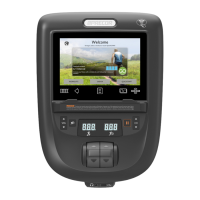
2. Use UP/Down arrow softkeys to select the Error Log Reset test.
3. Select Test
4. Select Start to reset the Error Log.
5. Cycle the input power (OFF/ON).
6. Go to the Display Error Log page and verify that all error codes have been cleared, select Settings >
Information > Error Log).
7. Select Home to exit and return to the Home page,
Error Event Codes
There are two categories of Error Codes: Fatal and Non-Fatal errors.
Fatal error code messages will continue to show until the input power is cycled (OFF/ON). The console is locked
except for access to the Display Error Log page. Error code messages will continue to return until the error issue
is resolved.
Non-Fatal Error Codes
Expected behavior following error detection
Do not allow further operation and display error until the Stuck Key
event is cleared. Does not require power cycle to clear.
Lift error: lift won’t move
For lift errors, do not interrupt operation of the treadmill and do not
stop belt. Display error code for two seconds, then log. If
incline keys are pressed, do not operate incline but display the
error code again for two seconds. Allow full operation of lift
motor again after the power is cycled.
Lift error: bad pot reading
Lift error: non commanded
lift motion
Lift error: lift going in the
wrong direction


 To Next Page