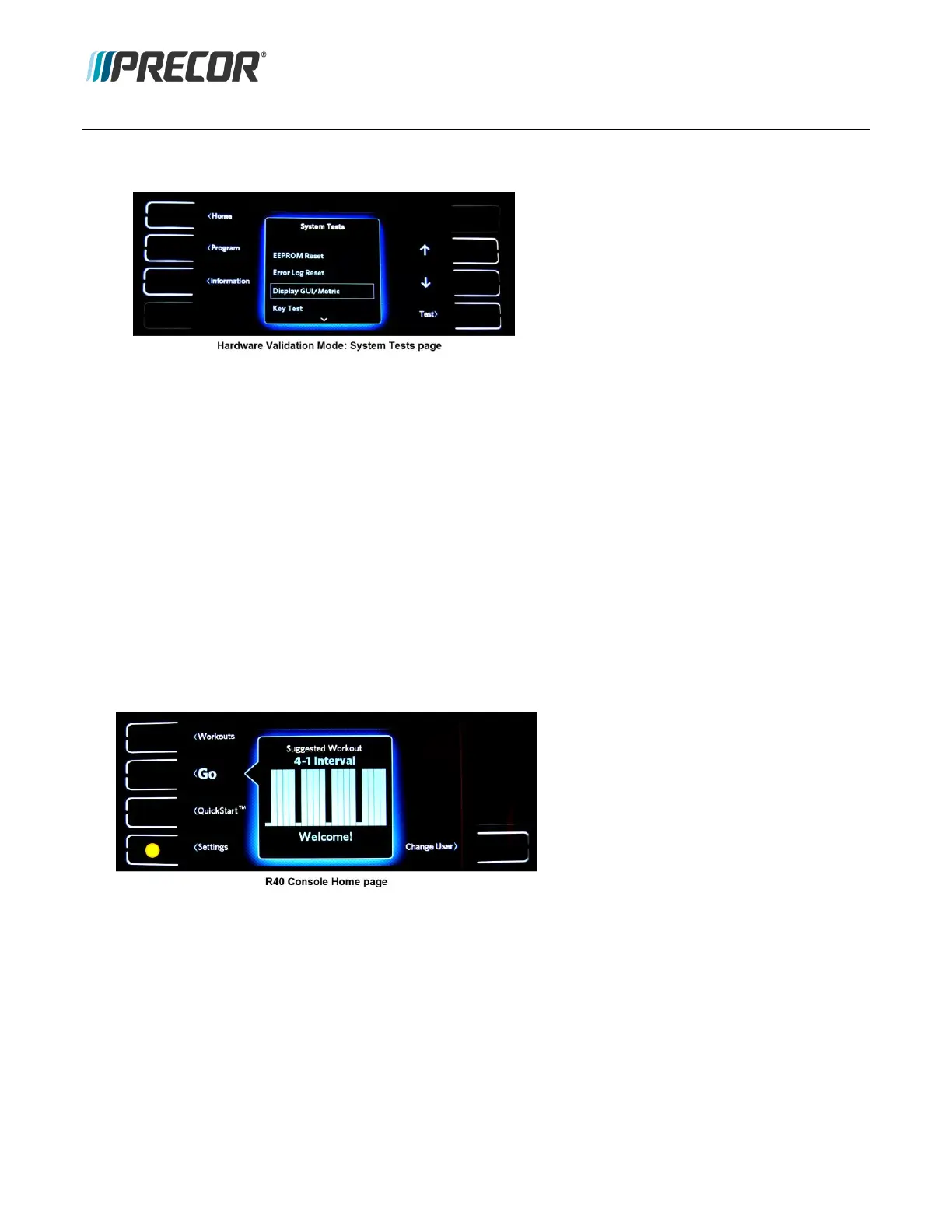
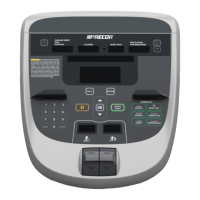
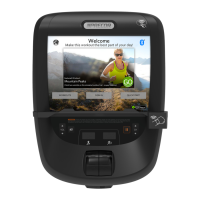
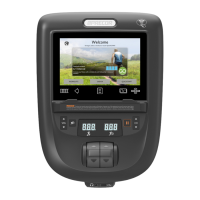
1. Go to the System Tests page, access the Hardware Validation service software (access code “51765761”), see
Accessing Service Software.
2. Use the Up/Down arrows to move between and select one of the available tests.
3. Select the Test softkey to start a test, follow user prompts to run and complete the test.
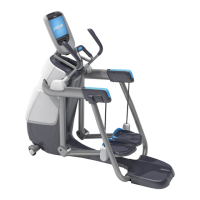
4. Select the Home softkey to exit and return to the Home page.
Information Service Software (Access Code 65)
The Information service software provides access to the equipment Information and Error Log pages:
Information page contains the system software/hardware version information and usage information.
Display Error Log page contains a record of the error event codes and related diagnostic information.
Accessing the Information and Error Log
The Information and Error Log data can be accessed by one of two methods: 1) the Information menu or 2) the
Information service software (Access Code “65”).
Information menu access:
1. From the Home page select the Settings softkey.
2. Select the Information softkey to open the Information page.


 To Next Page