Service Software and Access Codes
Standardized Service Software and Access Codes
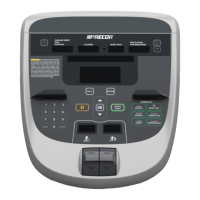
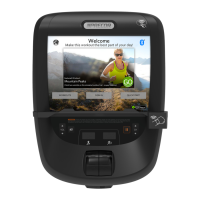
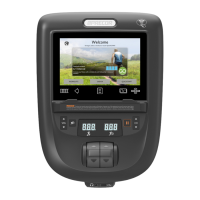
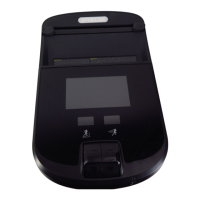
The R40 console provides the following set of standardized Precor equipment Service software and Access
Codes.
Set of system diagnostic tests that verify proper
operation of console and base functionality. Useful
for troubleshooting and resolving problems.
Provides 1) Information page; provides product
software/hardware version and equipment usage
information and 2) Display Error Log; provides
history of event error codes and diagnostics used
for maintenance and troubleshooting.
Demo mode is a program that cycles the console
through various GUI screens to demonstrate the
various available workout programs. Demo mode
locks-out the controls and cannot be used until
Demo mode is exited.
Note: Select Settings > My Settings + Edit > Access Code number > Next.
Accessing Service Software
1. Go to the console default Home page.
2. Select the Settings softkey.
3. Simultaneously select the default My Settings and Edit softkeys respectively.
The My Settings softkey can be blank and/or OFF, however it remains an
active softkey. Simultaneously select the TOP and Bottom right side softkeys
to access the System Settings page.
The menu softkey name may be different and the Top (right side) menu softkey border may not show.
However, the menu softkey is active and needs to be simultaneously pressed with the Lower menu
softkey to enter Hardware Validation mode.


 To Next Page