Operation Verification
Introduction
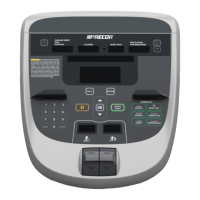
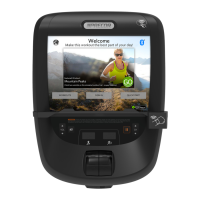
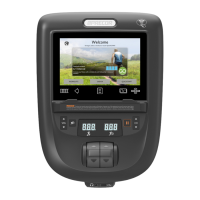
This procedure will verify proper operation of the R40 Console independent of the installed base. The R40
console must be properly installed on a supported equipment base to perform these tests. To verify the R40-base
configuration, refer to the equipment base service manual.
To learn more about how to use the R40 Console and operating parameters, refer to the R40
Console Owner’s Manual.
Procedure
1. Apply console power. The R40 console can be installed on powered and non-powered bases.
a. Powered base configurations; connect the base power cord to power and set the base power switch
to ON.
b. Self-powered base configurations (EFX, Bikes, etc.): you will need to manually exercise the base to
generate and supply input power to the console.
If the console powers up showing an error code, clear the Error Log and return
to complete this procedure, see Clearing the Error Log. If the error code cannot
be cleared, you will need to resolve the error before continuing with this
procedure.
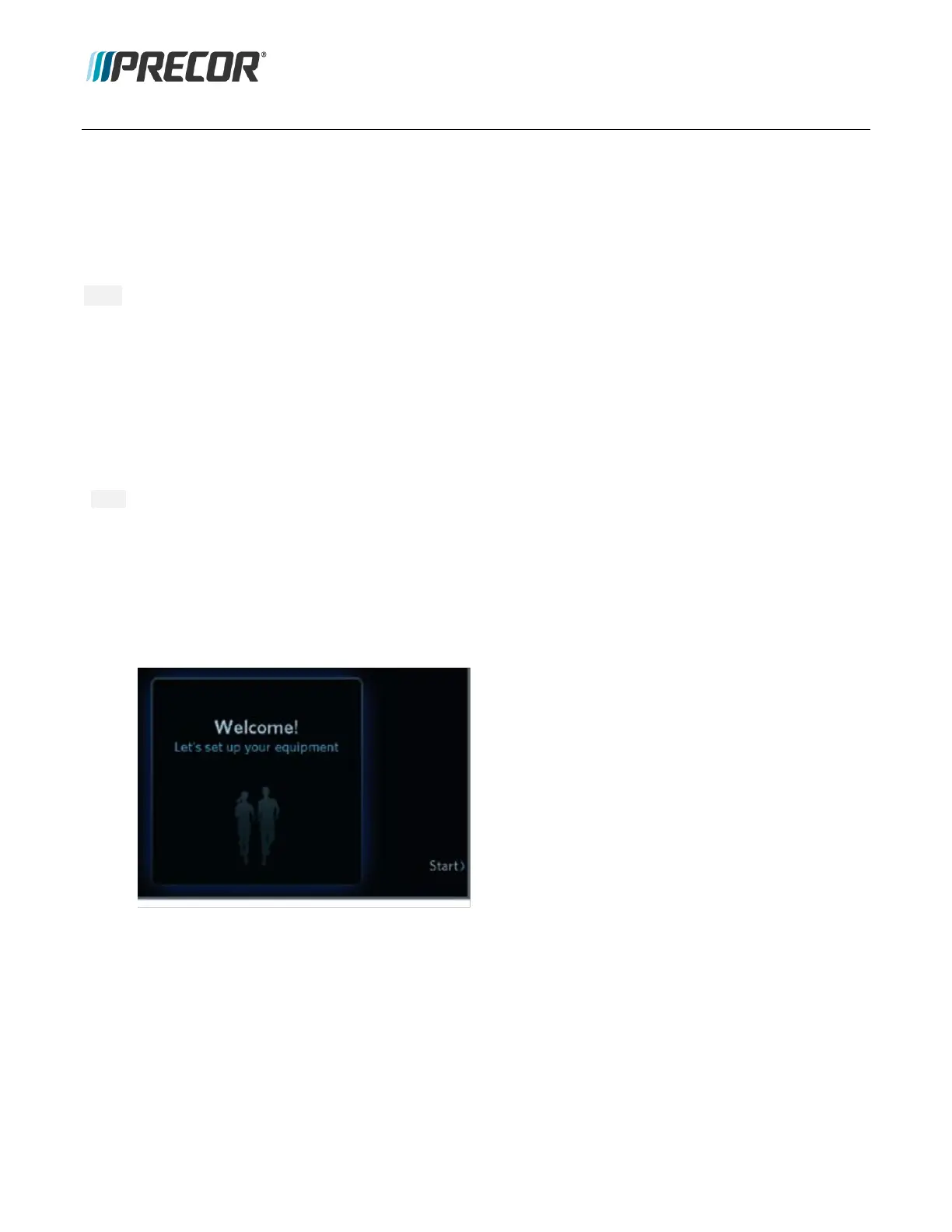
Initial Power Up “Welcome” page
2. If this is the R40 console initial power-up sequence, the R40 opens to the Welcome page and you will be
required to specify the R40-base configuration setup parameters (model, Date, Time, Distance Units, etc.).
Press Start to begin, follow prompts to complete the setup configuration process.
3. After the initial R40-base power-up, the R40 console will open to the default Home page.
Press the “QuickStart” softkey and verify that the base starts and runs the Suggested Workout program


 To Next Page