10 - 1 Upgrading your computer
Hard drives
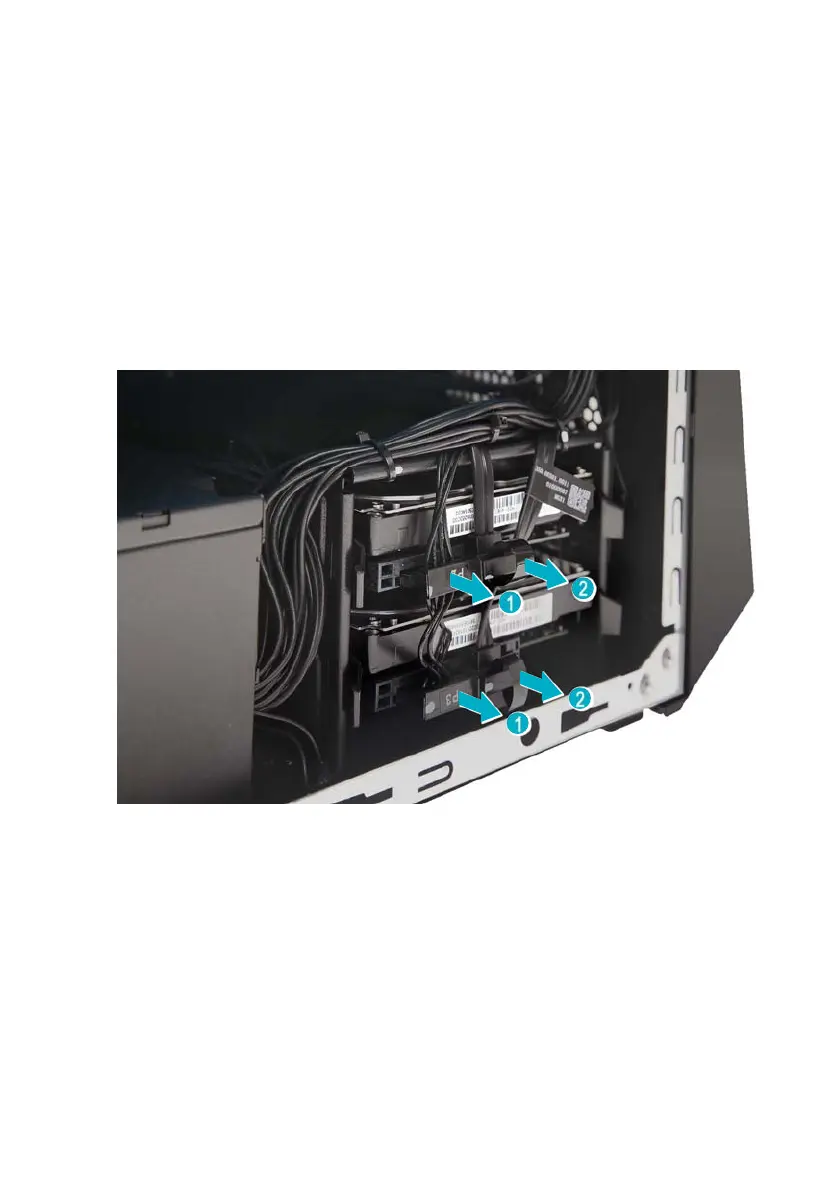
The computer supports installation of two 3.5-inch SATA
hard drives in the internal HDD cage.
Removing the 3.5-inch hard drives
1. Perform Pre-installation instructions on page 5.
2. Disconnect the power and data cables from the hard
drives.



 To Next Page