12 - 1 Upgrading your computer
Installing the 3.5-inch hard drives
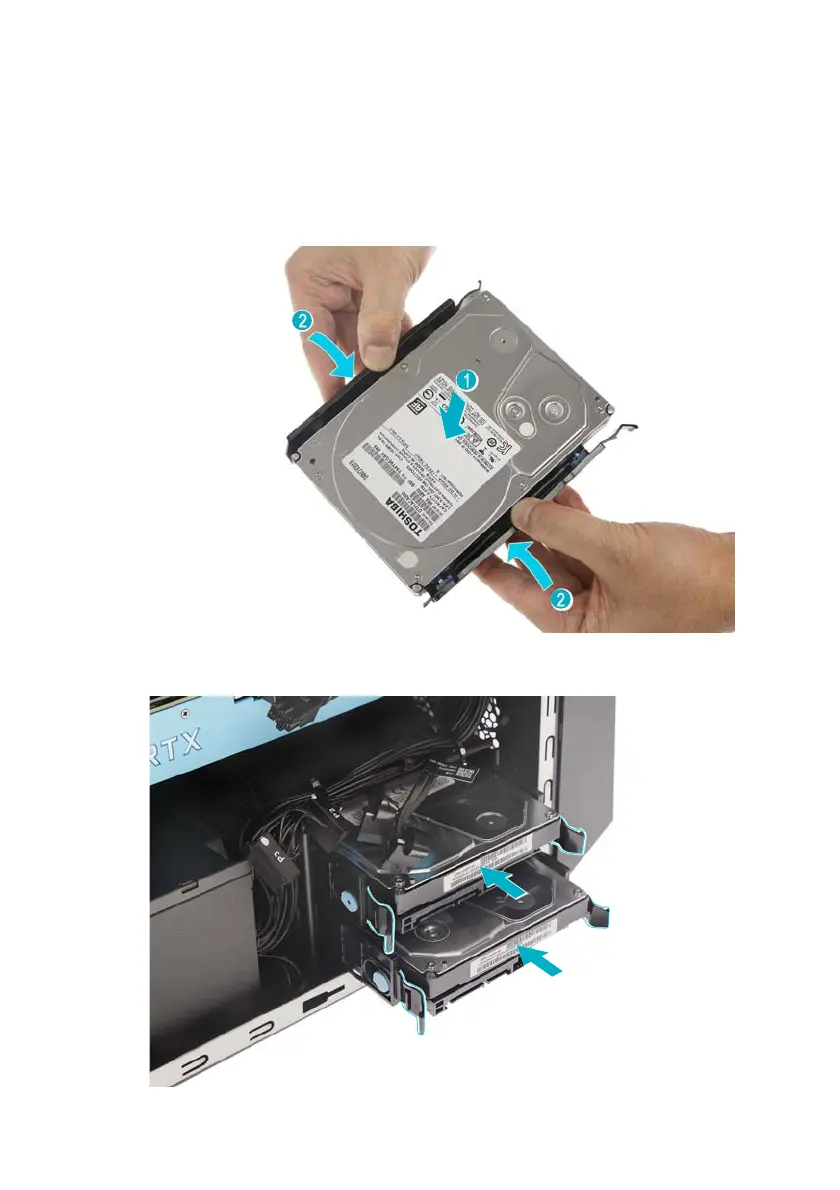
1. Remove the new hard drive from its packaging.
2. Place the hard drive into the carrier (1) and reinsert the
retaining screws into the hard drive (2).
3. Insert the hard drives into the chassis.



 To Next Page