26 - 2 PredatorSense
2 PREDATORS ENSE
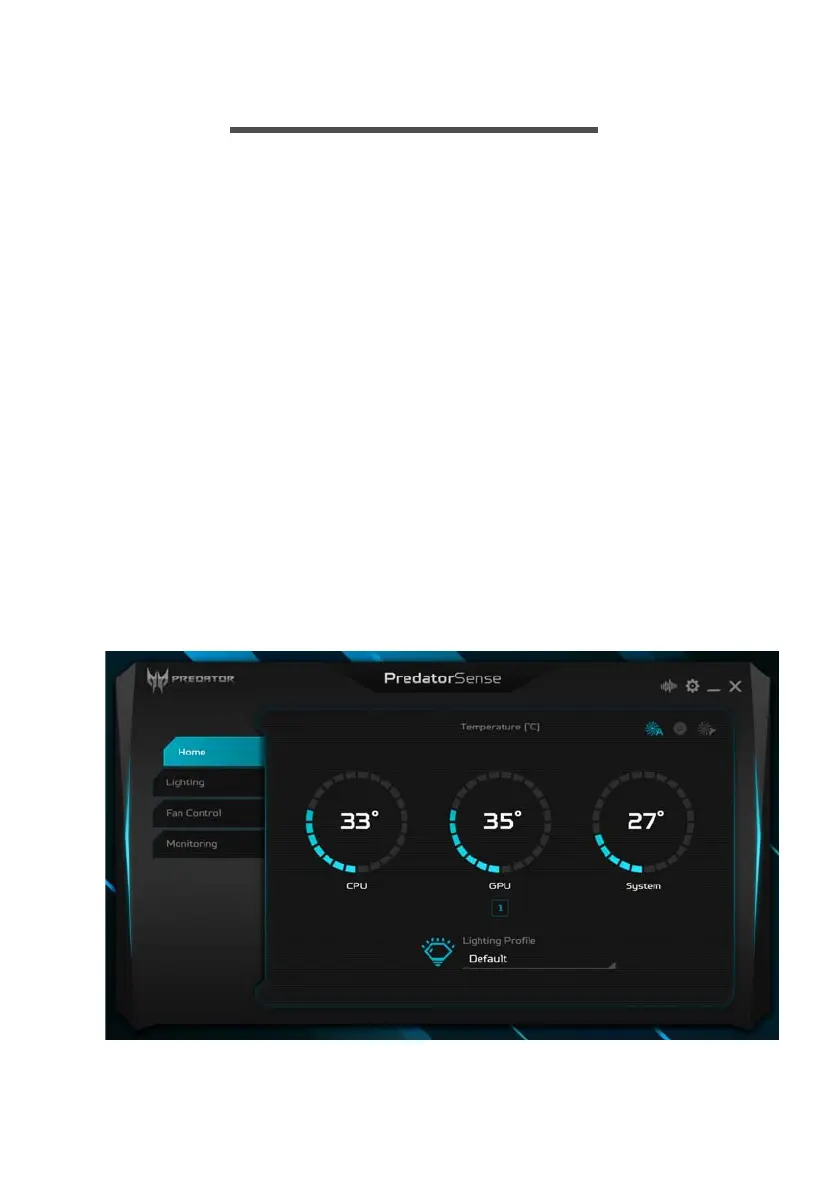
PredatorSense (DT) V3.0 is an Acer proprietary utility that
can be used to enhance the user experience of Gaming
products on Microsoft Windows 10.
The central idea of this utility is to provide a user interface
to easily control fan speed, RGB lighting effects and also
monitor processor, GPU and system performance.
PredatorSense features
• Lighting (RGB Lighting Effects)
•Fan Control
• Monitoring (System Information Dashboard)
To set up the PredatorSense application (Windows 10):
1. From the Start menu, select All apps.
2. Select Acer.
3. Select PredatorSense.
Alternatively, you can double-click the PredatorSense
desktop shortcut to run the application.



 To Next Page