8 - 1 Upgrading your computer
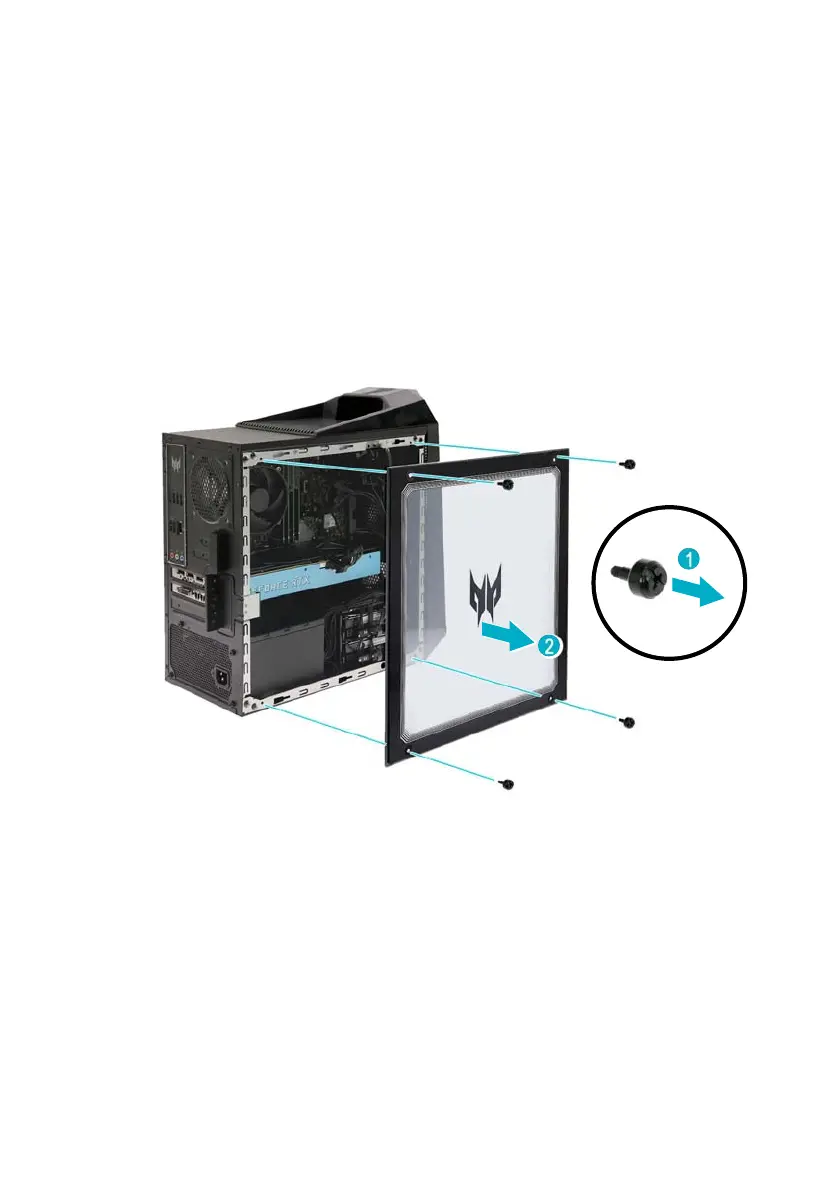
Removing the left side transparent cover
(For systems with transparent cover only)
1. Before you proceed, make sure that you have turned off
your computer and all peripherals connected to it. Read
the Pre-installation instructions on page 5.
2. Remove the four screws that secure the transparent cover
to the computer (1).
3. Gently detach the cover from the side of the computer (2).
4. Set the cover aside for re-installation later.



 To Next Page