20 - 1 Upgrading your computer
Installing the graphics board
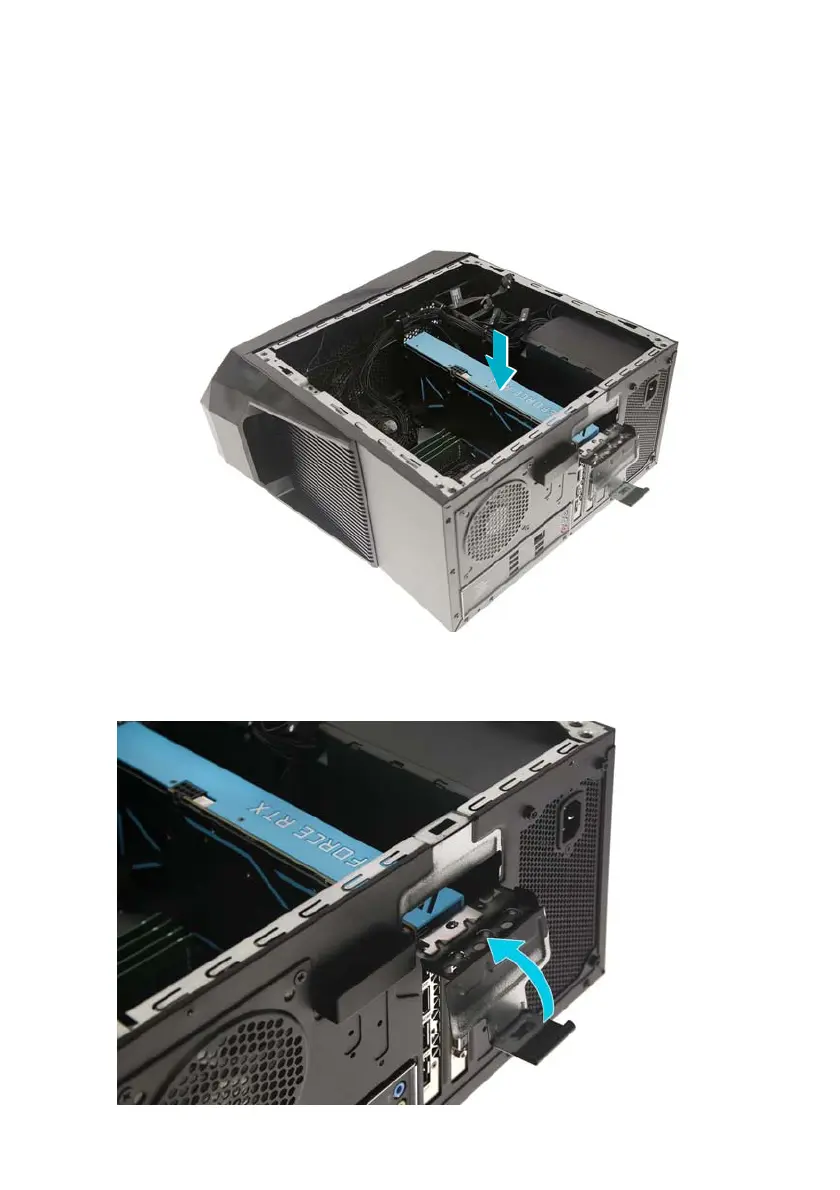
1. Remove the new graphics board from its packaging.
2. Insert the graphics board into the PCIe x16 slot and press
it down until it latches into place.
3. Press the metal clip to secure the expansion board
bracket.



 To Next Page