Automatic Stop after xx ft.
Used to manually select a length of film to run.
The machine will stop once the proximity sen-
sor detects the set film length has been run.
The quantity of cushions created for the select-
ed film length will vary with the cushion size.
See Figure 6.
Touch the screen in the area of the “**FT.”
The screen will change to the keyboard. Use the
keyboard to select the footage required then
touch the enter key (bent arrow). See Fig. 9
The Basket with xx ft.
Used to select a length of film to automatically
run once the collection basket/bin is low. A
sensor mounted above the bin detects when the
bin is low, after which the selected length of
film is then run. See Figure 8.
After the sensor initially detects the bin as low,
there is a four second delay before the cushion
machine is started. This prevents the cushion
machine from pulsing on and off.
Once the preset length of film has been run,
the Main screen “RUNNING” message
changes to “PAUSED”, and the machine stops.
Touch the screen in the area of the “**FT.” The
screen will change to the keyboard. Use the
keyboard to select the footage required then touch
the enter key (bent arrow). See Fig. 9
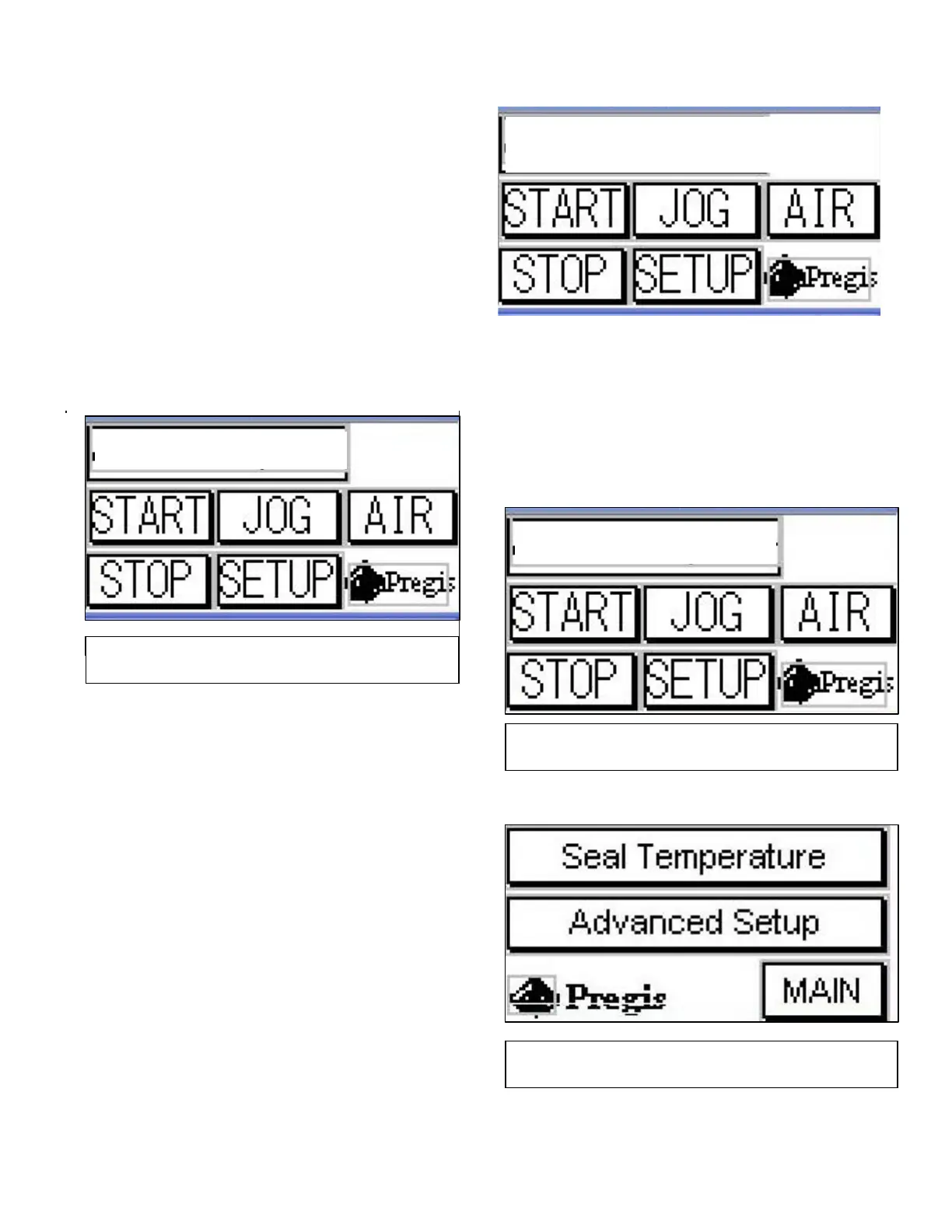
Fig. 7
Main screen - Fill the Basket
uto Sto
Afte
15 FT.
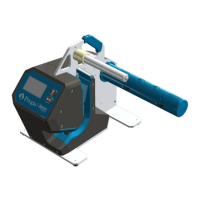
Fig. 6
Main Screen –Auto stop
PAUSED
15 FT.
Fill Basket With
Fig. 8
Setup Screen


 To Next Page