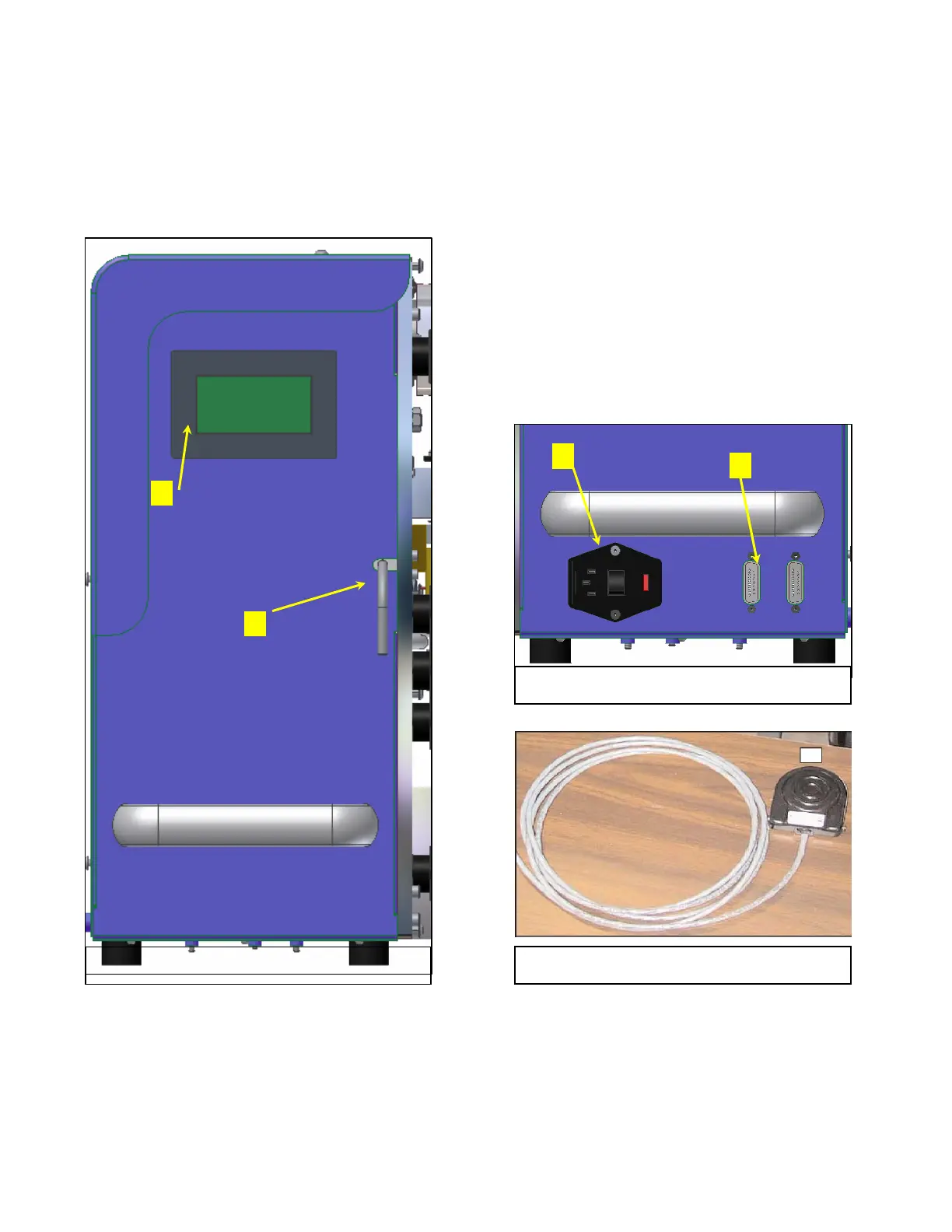
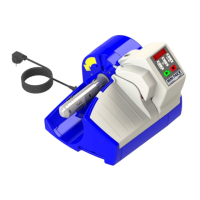
Fig. 2
Infeed End View
Fig. 3
Optional Footswitch
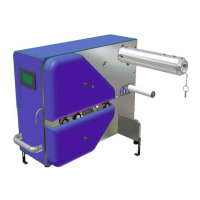
OPERATOR CONTROLS PREGIS AIRSPEED 5000 AIR CUSHION MACHINE
Controls
1. Operator Interface Screen
Used to monitor, select and adjust the air
cushion machine operating parameters.
2. Nip Open/Close Lever
Used to raise and lower nip drive rollers.
3. Power Switch
Used to turn electrical power on and off.
4. Input interface ports
Used to connect secondary equipment.
#1
#2
Fig. 1
Operator Control Panel
#3
#4


 To Next Page