Operator Interface Touch screen
Main (Ready to Run)
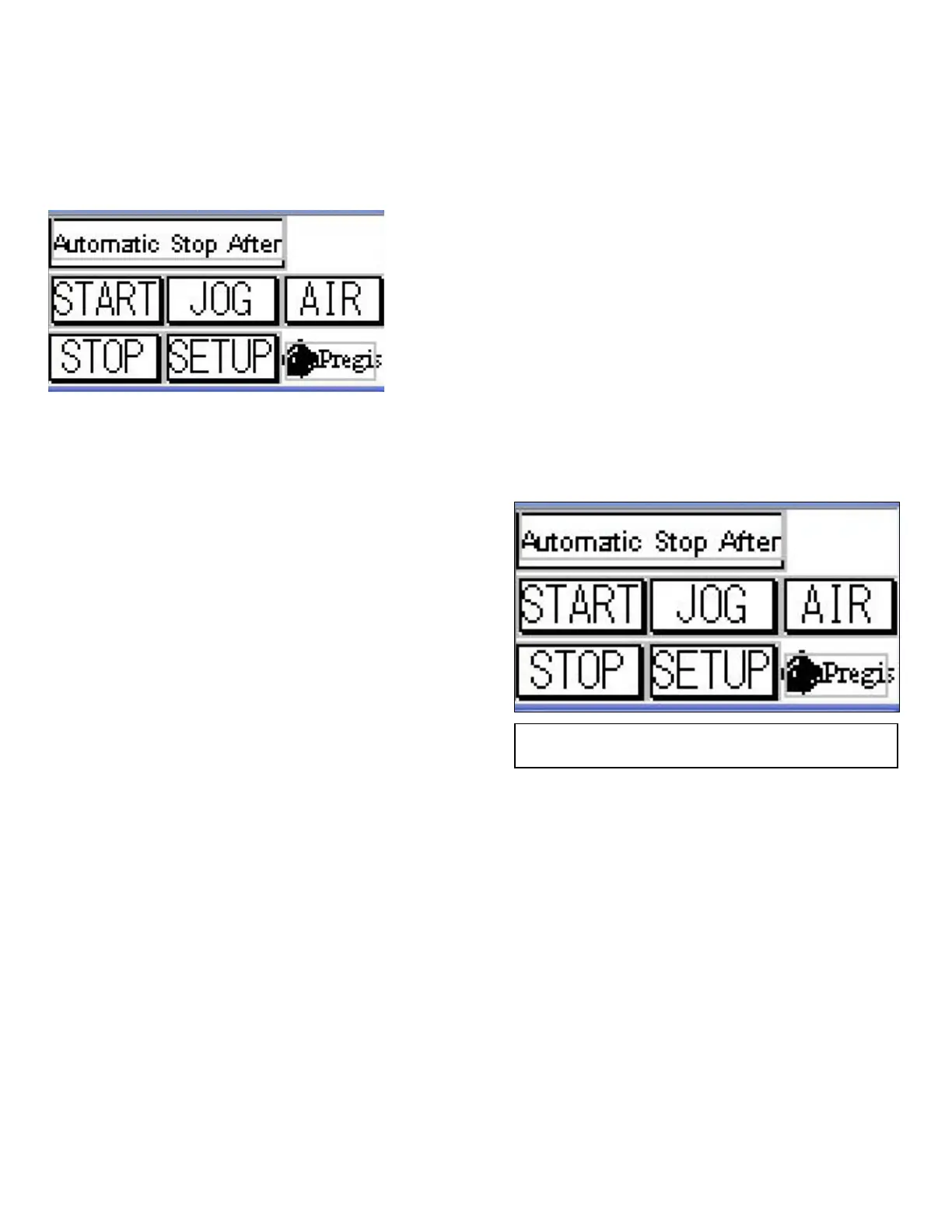
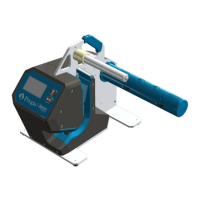
This screen allows the operator to select the
machine operating mode. See Figure 5.
The three (3) operating modes include:
Normal Operation
The machine is started and runs continuously
until manually stopped, or film supply is
depleted. Machine operation is controlled by
the control panel START and STOP buttons,
See Figure 5.
Fig. 5
Main Screen - Normal Operation


 To Next Page