Setup the Machine
Selecting this function brings up the Advanced
Setup and Seal Temperature (Figure 8),
Seal Temperature
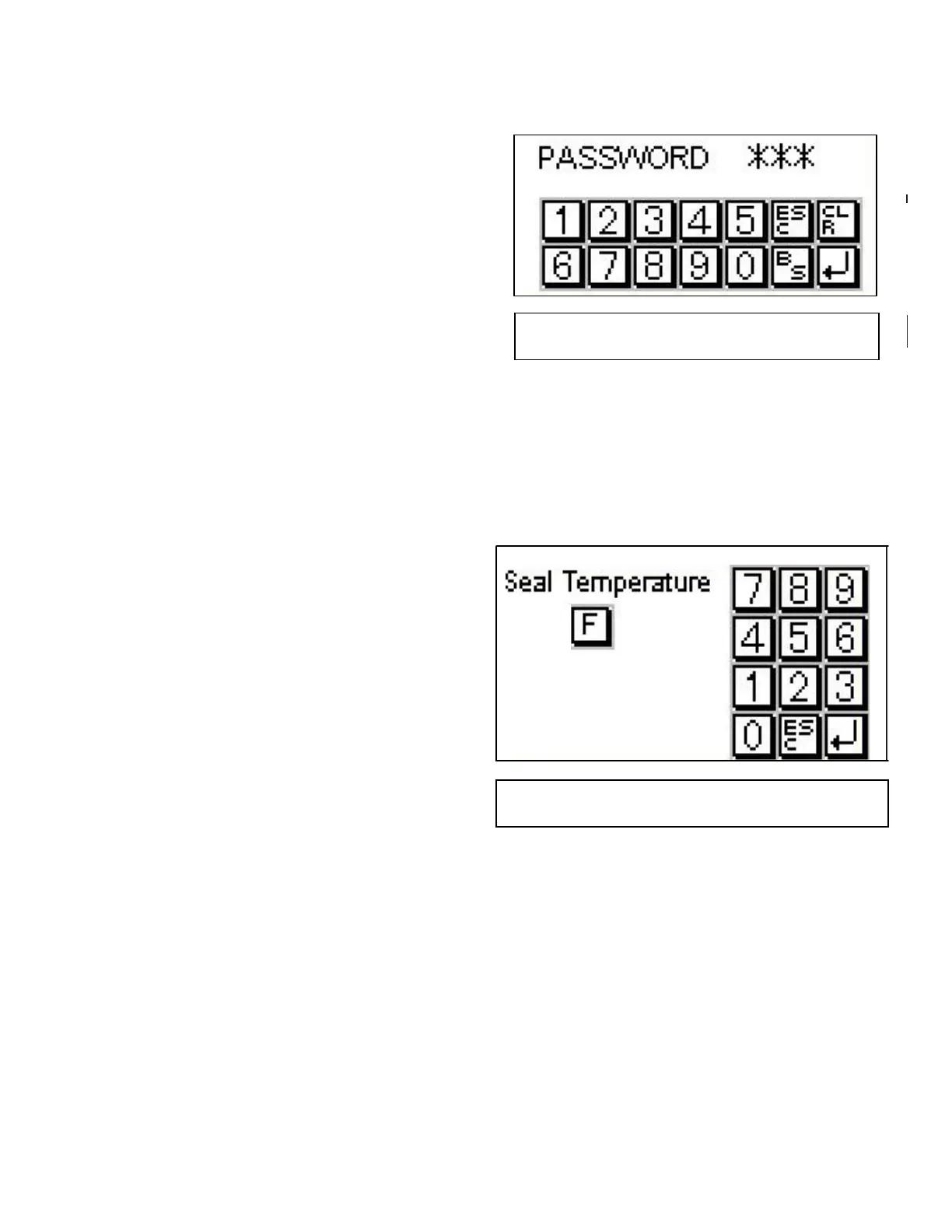
Selecting this function routes you directly to the
Seal Temperature screen. See Figure 10.
NOTE: Management may protect the seal tem-
perature setting by requiring a password
to be entered before allowing access to
the Seal Temperature screen. If so, the
Password screen (Figure 9) will appear.
ADVANCED SETUP Screens
All MACHINE SETUP screens list the current set-
ting, or selection for the specific parameter, as the
Actual value. If applicable, the unit of measure for
the values is listed at Units.
Seal Temperature
Used to set the sealing (wire) temperature. (Fig.10)
once a value has been entered and accepted, the
setup screen appears. Touch the “Main” button to
return to the main screen.
435
Fig 9
Password Screen
Fig.10
Seal Temperature


 To Next Page