13
www.pregis.com 38-OM225-1
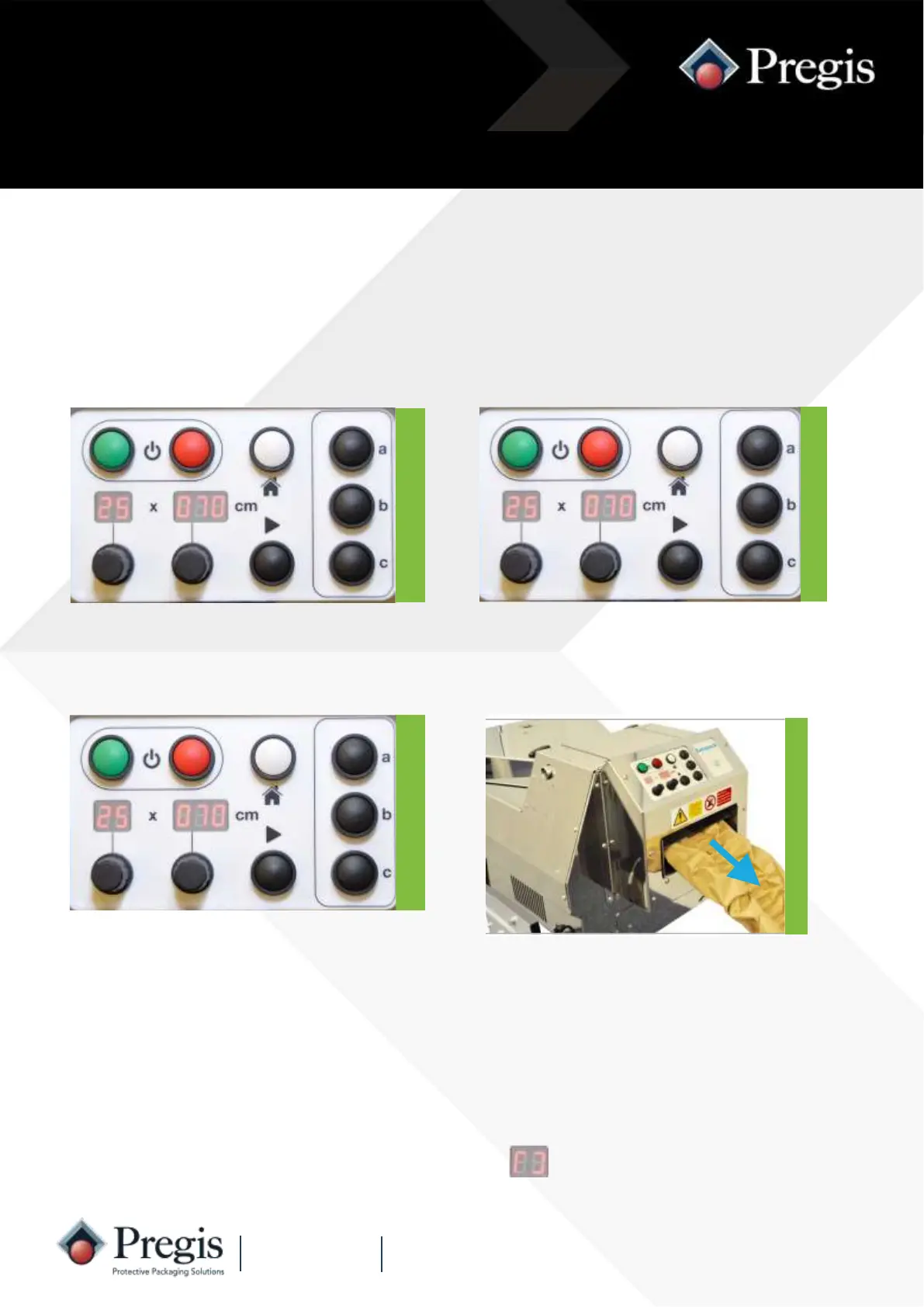
1. Rotate the quantity knob to the
number of packs required (02-99).
2. Rotate the length knob to the re-
quired pack length.
Instructions for Use
3. Remove any material from the
outfeed channel.
Check there is ample space for
the packs to discharge from
the outfeed channel.
Press the black ‘Start’ button to
initiate the cycle.
Packs are produced continuously to the set quantity and length.
To stop the machine whilst running a set quantity, press the white ‘Home’ button.
To restart press the black ‘Run’ button.
Automatic Operation
4. The machine will produce one
pack to the set length.
NOTE: If the quantity is set above 99, the display will
show paper runs out, or the machine is stopped.
and will run continuously until the



 To Next Page