10
www.pregis.com 38-OM225-1
Instructions for Use
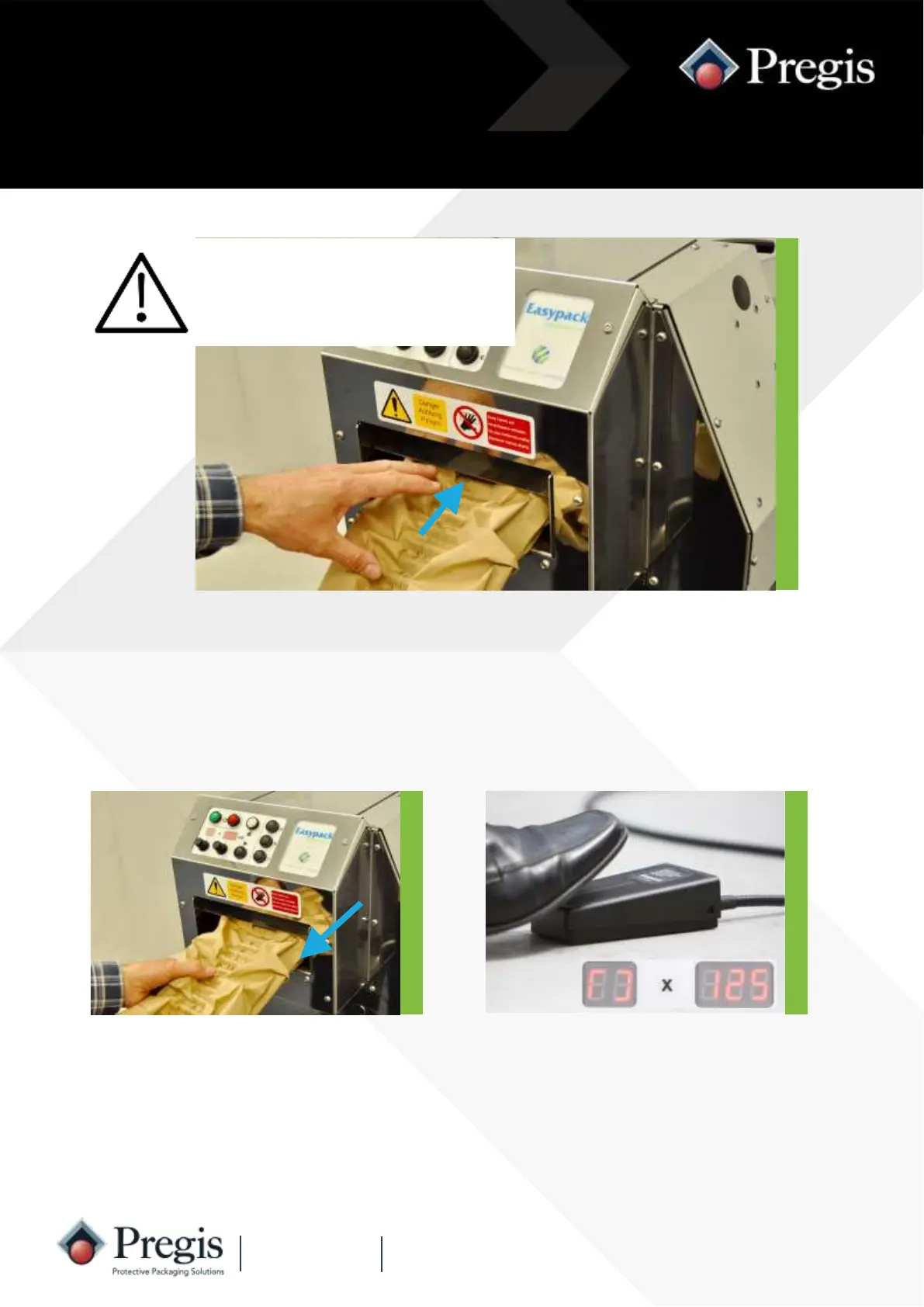
2. Depress and hold down the footswitch.
The length display will increment up as
the pack is produced and the quantity
display will change to a cycling symbol.
Release the footswitch when the re-
quired length of cushion is produced.
Remove the cushion from the machine.
1. Remove any material from the
outfeed channel and ensure the
outfeed flap is closed.
Do not insert hands through the
outfeed flap inside the outfeed
channel - risk of serious injury
from motor driven cut-off
blades.
A paper cushion is generated continuously by holding down the foot operated
switch. Releasing the footswitch stops the feed and causes the cushion to be
cut off. When using the footswitch the length setting is overridden.
Footswitch Operation



 To Next Page