19
www.pregis.com 38-OM225-1
Clearing Paper Jams
4. Locate the blade reset tool (supplied)
on the crank nut.
Rotate the crank clockwise to the
position shown; this releases the
paper jammed in the blades.
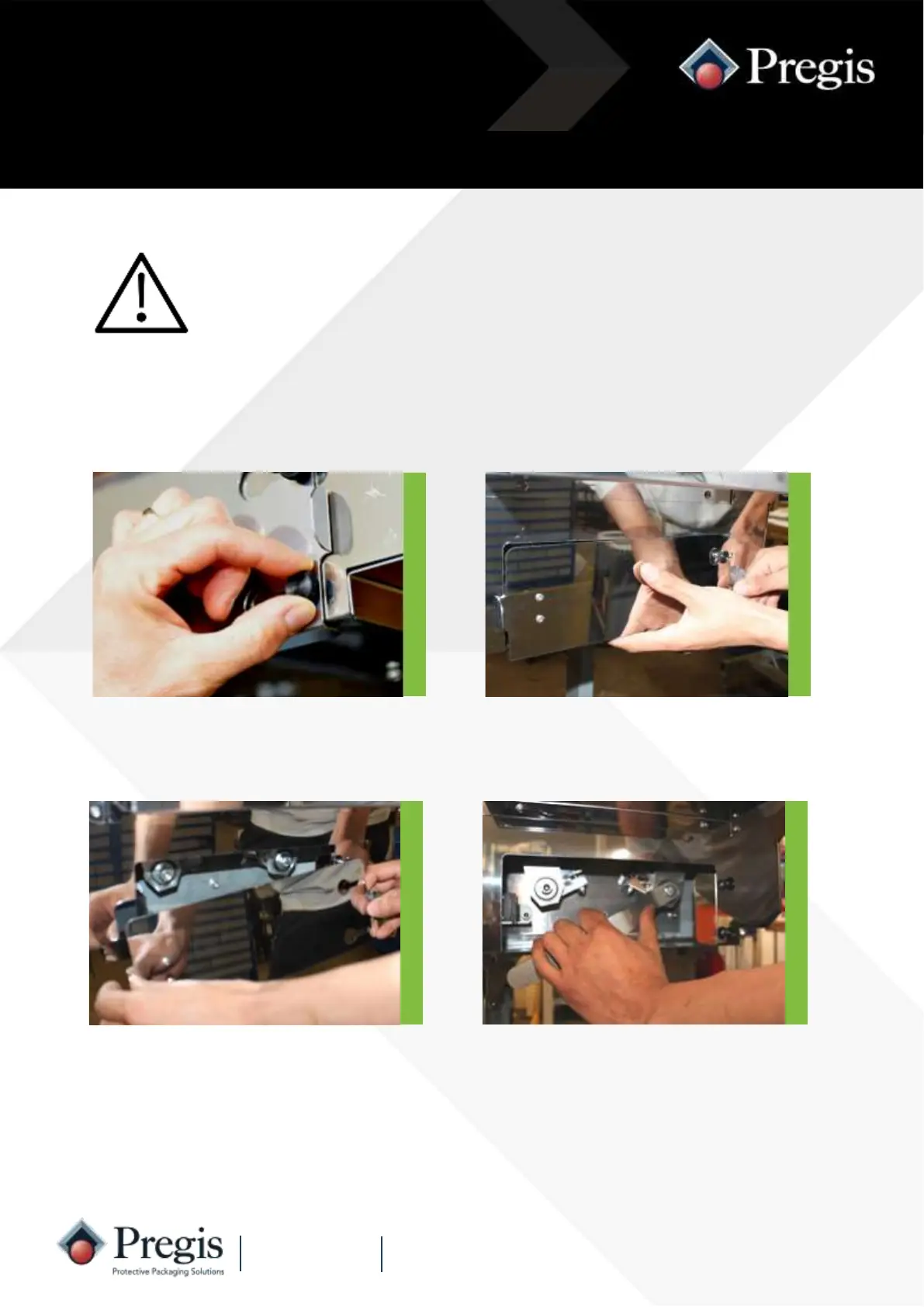
3. Lift the door forwards over the
knobs to remove.
Paper Feed Jam
Indicated by ‘F3’
For safety, switch off the mains supply to the machine
before clearing paper jams.
Keep fingers away from the edges of the cut-off blades.
2. Slide the door to the right to release
the key tongue from the safety switch.
1. Slacken the two black knobs securing
the paper off-cuts door under the
outfeed channel.



 To Next Page