20
www.pregis.com 38-OM225-1
Clearing Paper Jams
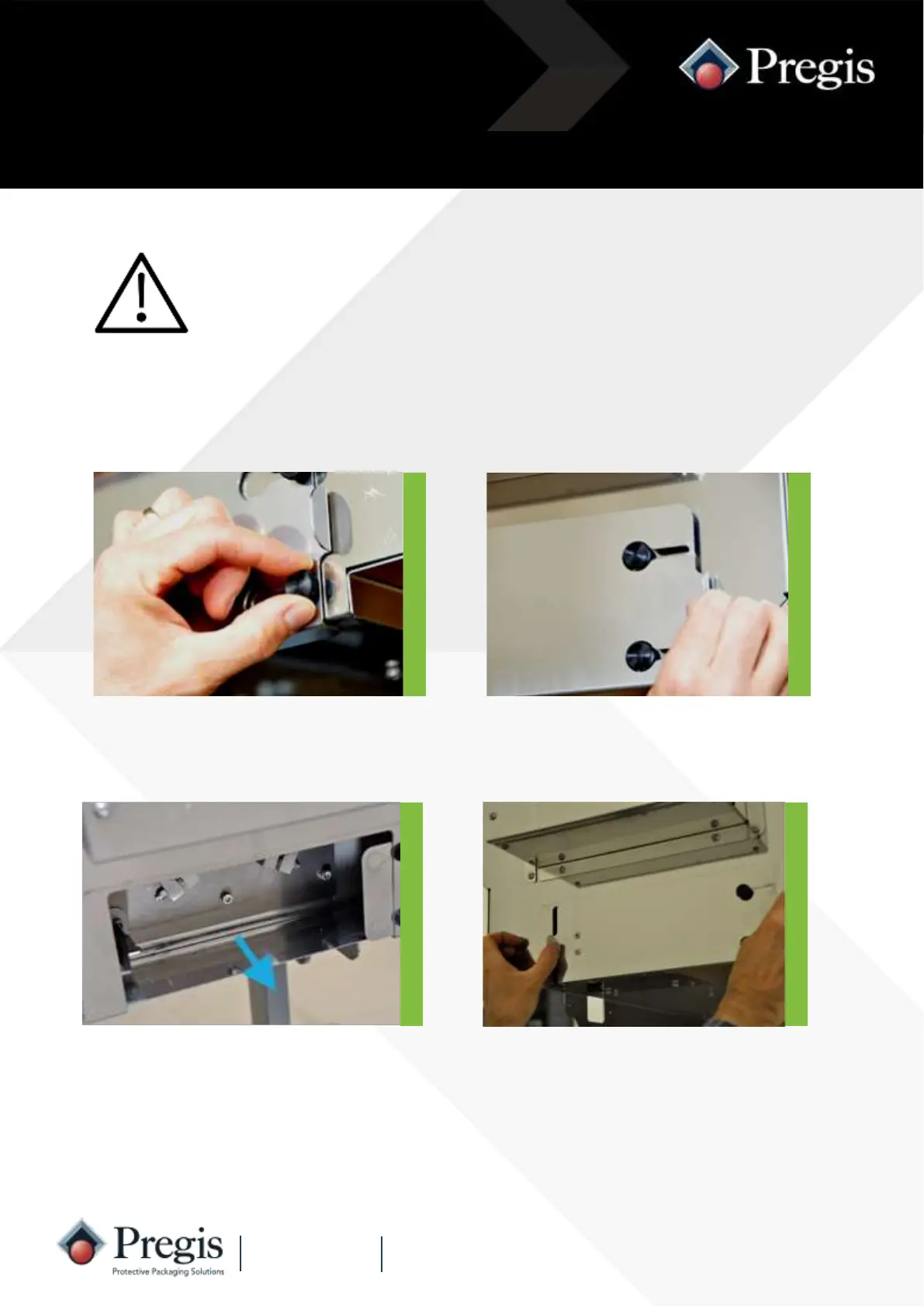
4. Replace the paper off-cuts door taking
care to align the safety switch key.
Tighten the two black knobs.
3. Remove any paper off-cuts from
around the blade mechanism.
Removing Paper Snippets
For safety, switch off the mains supply to the machine
before clearing paper jams.
Keep fingers away from the edges of the cut-off blades.
2. Slide the door to the right to release
the key tongue from the safety switch.
1. Slacken the two black knobs securing
the paper off-cuts door under the
outfeed channel.



 To Next Page