2 INSTALLATION AND SETUP
11
2.5 CUBASE LE – QUICK START UP
Once you have installed your FIREBOX drivers, if you plan on using the CUBASE LE
software included with your FIREBOX, insert the CUBASE LE installation CD and run
the installer. Make sure to keep your CD envelope sleeve handy to reference the serial
number during installation.
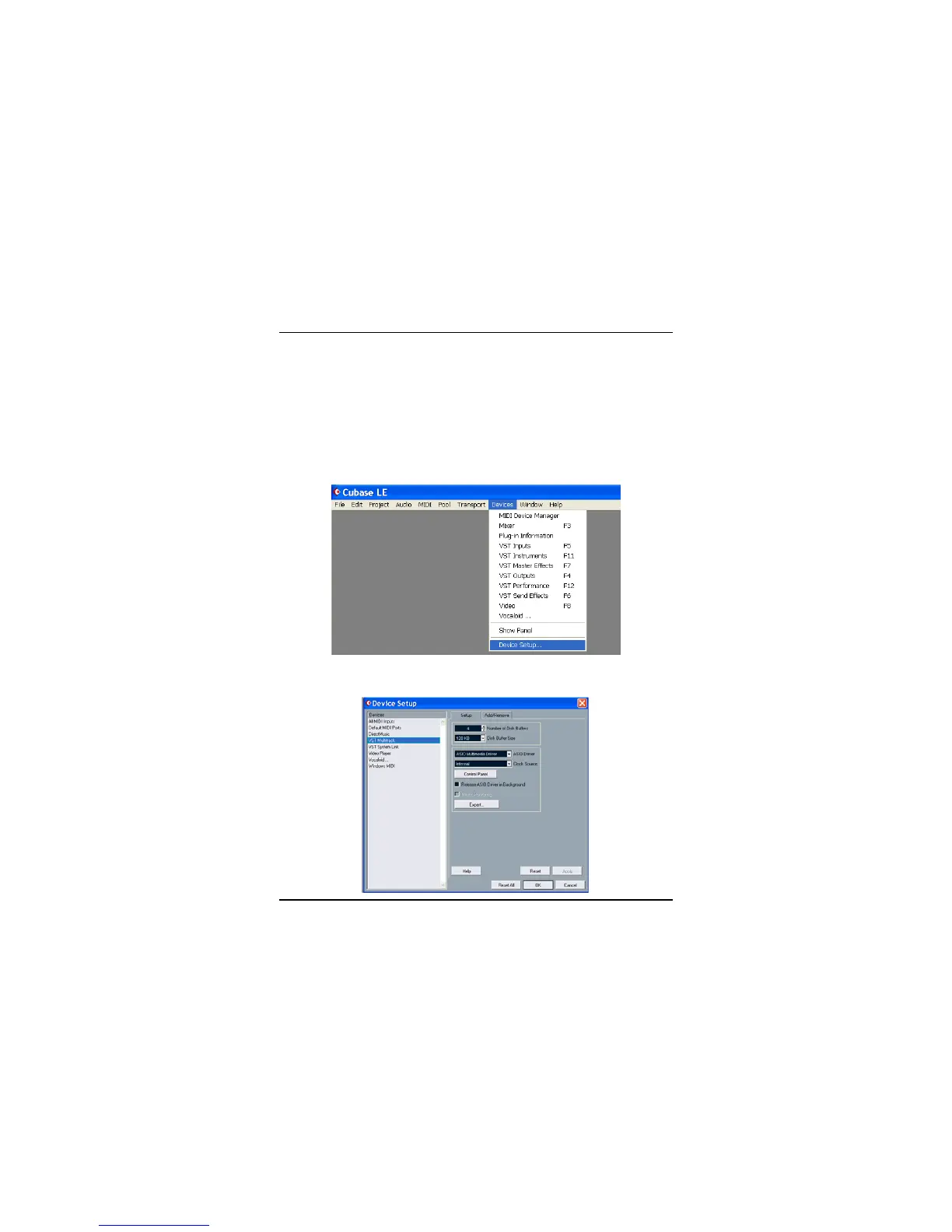
To select the FIREBOX in Cubase LE, go to Devices -> Device Setup
Select VST multi-track.















 To Next Page