4 MIXER
20
4.1 MIXER
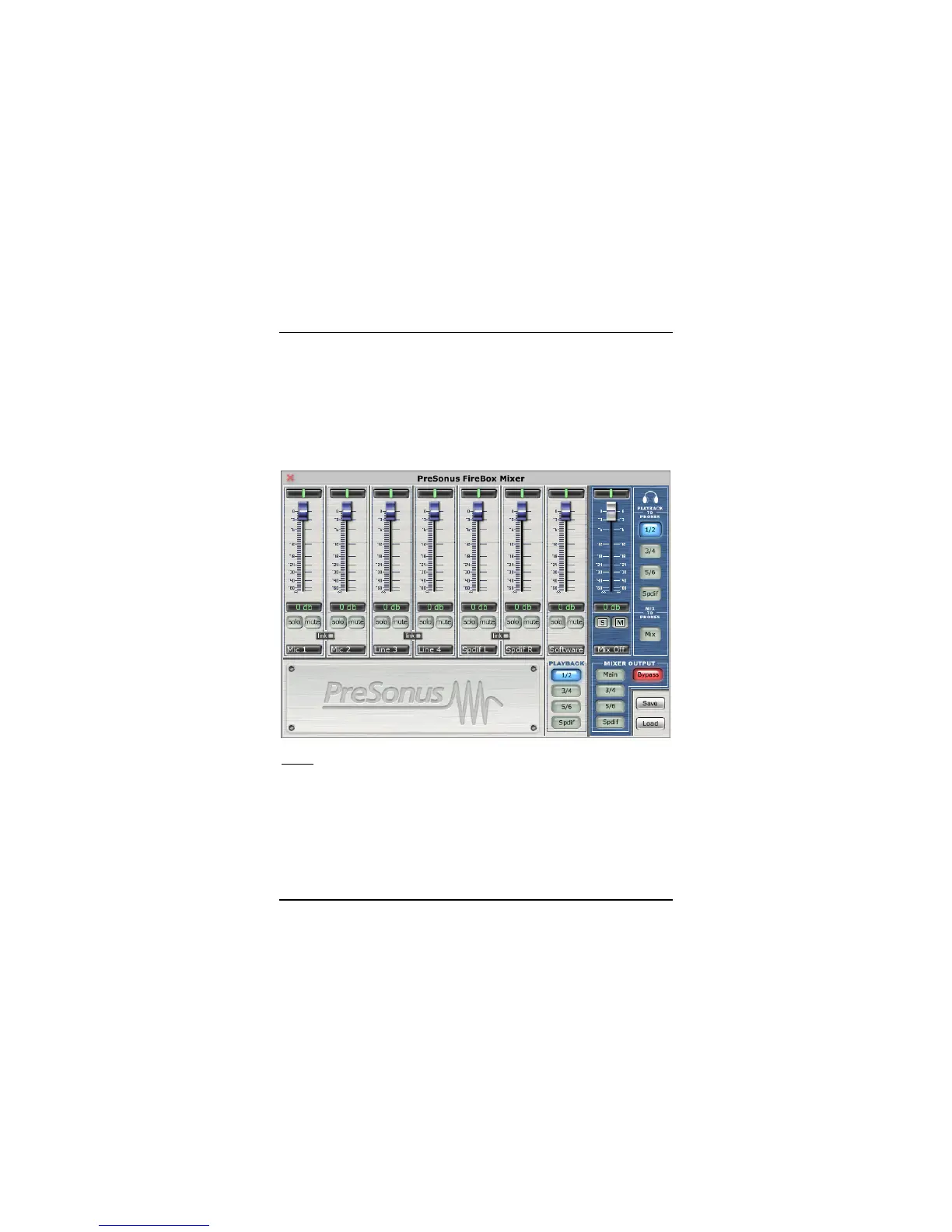
The FIREBOX includes a software MIXER/ROUTER for flexible monitoring and
routing of the audio signal before it hits your software program. This is helpful to avoid
the time it takes to process the audio you are recording – called latency. Therefore,
you can mix the input signal going into the FIREBOX with the playback from your
software for zero latency recording and monitoring.
NOTE: The default settings (pictured above) for the FIREBOX mixer has all faders set
to 0dB and all pans set to center, with the Software Playback set to channels 1/2, the
Mixer Output set to Bypass, and the Playback to Phones set to channels 1/2.















 To Next Page