4 MIXER
24
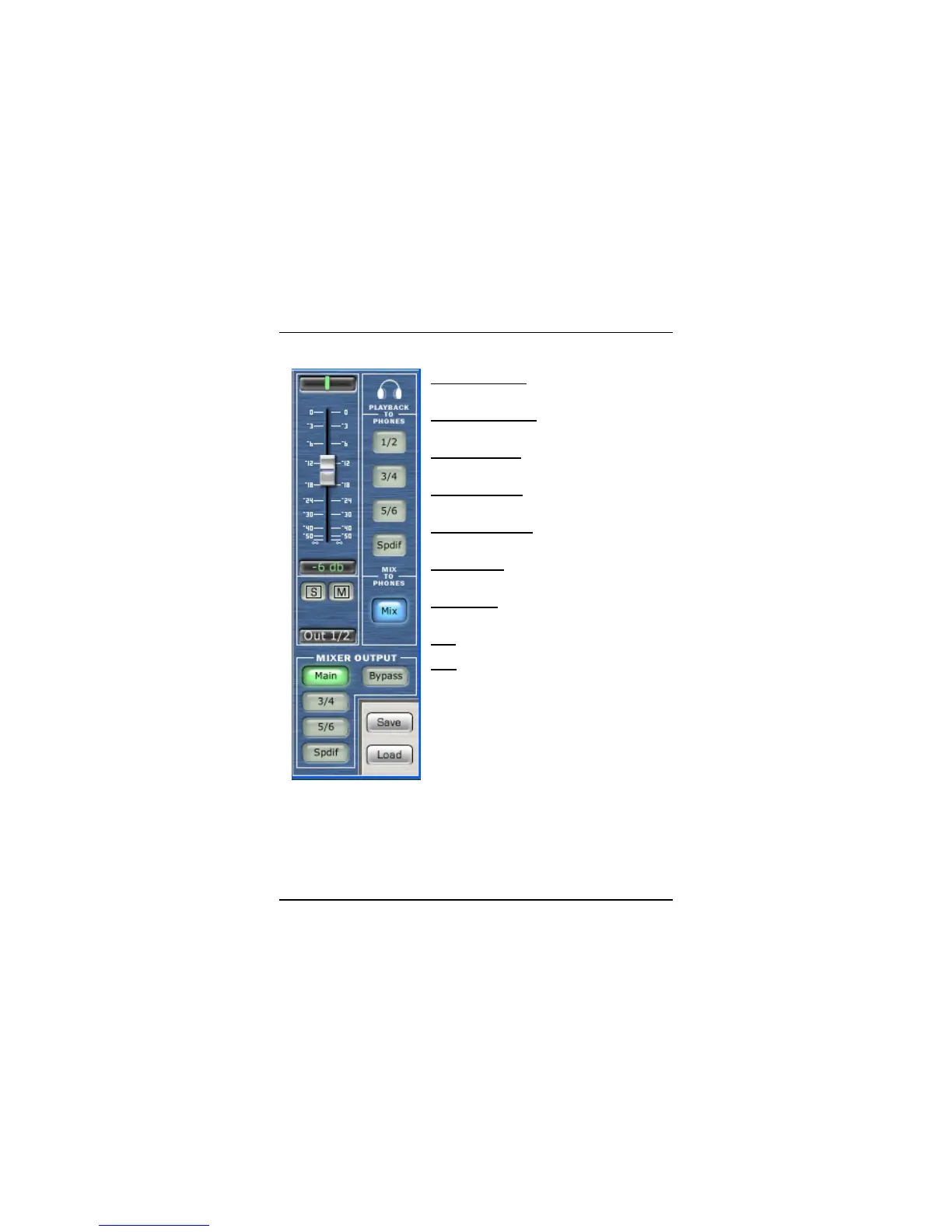
OUTPUT SECTION
Output Level (fader)
– Adjusts the output level
of the mixer.
Global Solo Clear
– Clears (ON) or restores (off)
solo’s that have been selected in input channels.
Global Mute Clear
– Clears (ON) or restores (off)
mute’s that have been selected in input channels.
Playback to Phones
– selects the audio stream
output coming from your software.
Mix to Phones
– Pressing this button sends the
Mixer’s zero latency output to the headphones.
Mixer Output
– sends the output of the mixer to
the selected pair of outputs on the FIREBOX.
Save
– enables you to save your mixer setups.
Load – loads your mixer setups. (note that you
must first save a mixer setup before you load one.















 To Next Page