6 TECHNICAL
27
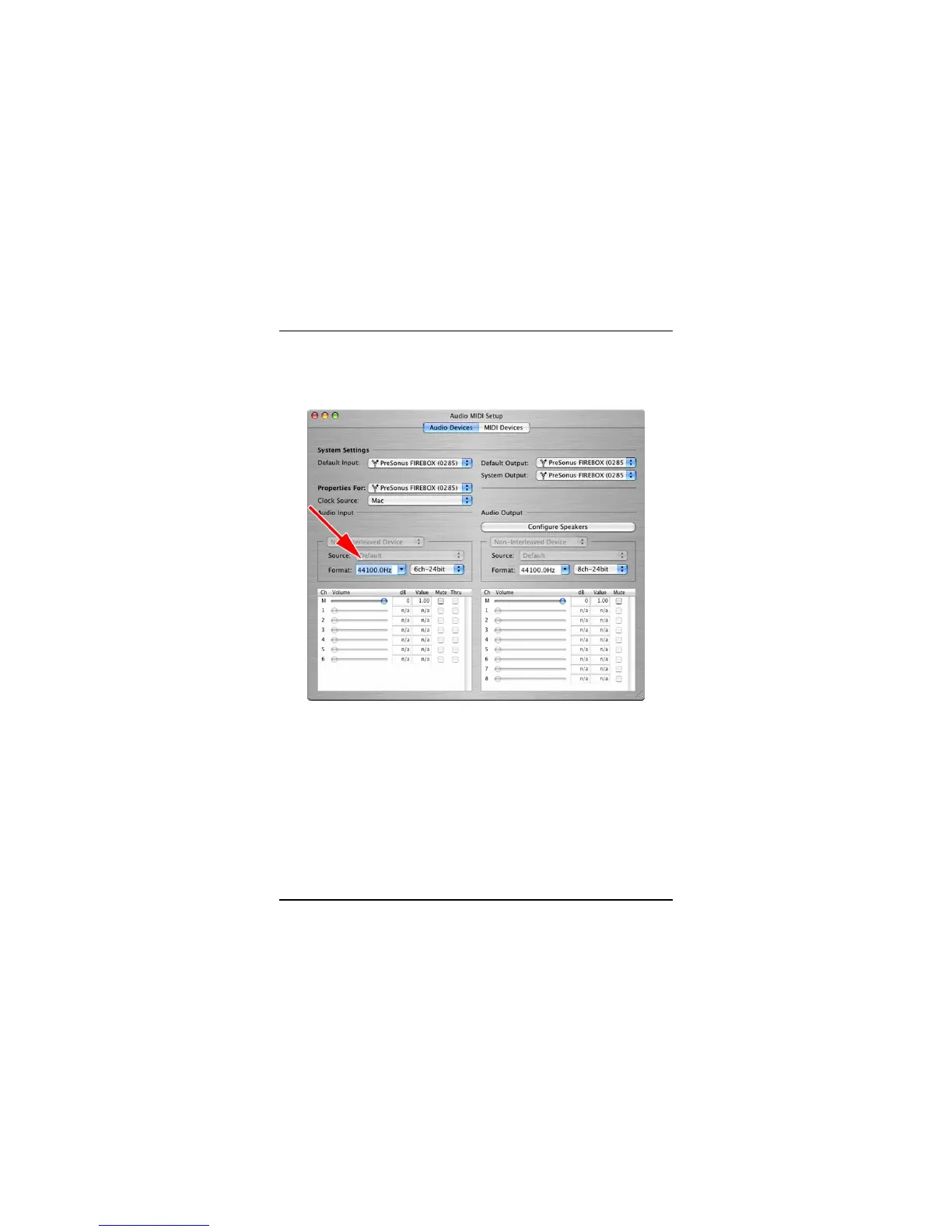
No Sync (Red) – Macintosh Users –Open Audio MIDI Setup and change the
Format sample rate speed to anything different. This will re-establish
synchronization and the Blue sync light will turn on. Once you have the blue sync
light you can then reset the Format sample rate to your desired setting.
Audio Drop Outs – Can occur when the speed of your processor cannot buffer
audio fast enough. Windows XP – Try lowering your FIREBOX’s CPU to a lower
setting, by right clicking on the FIREBOX control panel icon in your system tray.
Preamplifier
Q: I have a microphone plugged into channel one (or two) but I am not getting
any signal.
Possible Solutions
1. Check your mic cable.
2. Make sure the microphone does not require phantom power. If it does press
the 48v button.















 To Next Page