2 INSTALLATION AND SETUP
9
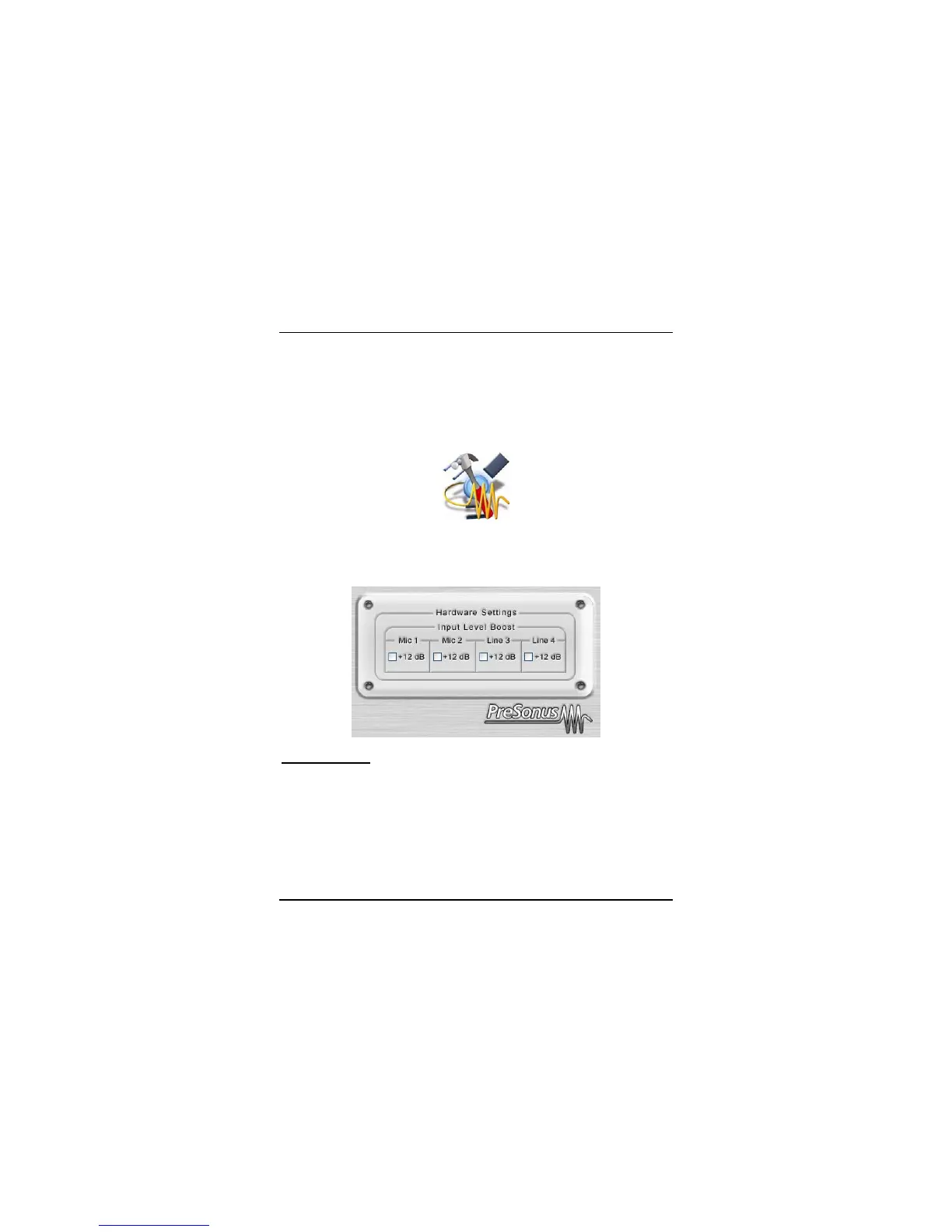
Macintosh - FIREBOX HARDWARE CONTROL PANEL
The included CD-ROM contains Macintosh software for the FIREBOX Control Panel
as well as the Mixer software.
To install the FIREBOX Control Panel, drag and drop the following file to your hard
drive:
FIREBOX Control
Once this file is saved to your hard drive, double click on it to launch the Control Panel.
Input Level Boost: clicking this button will boost the input level of each corresponding
analog input on the FIREBOX by +12dB. Use this feature for recording quiet
instruments or devices with low output.
FIREBOX CONTROL PANEL ADVANCED SETTINGS:
You can “Right Click” on the FIREBOX control panel icon to select between three
different computer optimization settings. These settings optimize the buffers and audio
streaming settings based on the speed of your processor. If you are experiencing
audio drop outs, it is recommended that you select a lower CPU setting.















 To Next Page